Closed (fixed)
Project:
FCKeditor - WYSIWYG HTML editor
Version:
6.x-2.0-alpha4
Component:
Code
Priority:
Normal
Category:
Bug report
Assigned:
Unassigned
Reporter:
Created:
15 Dec 2008 at 10:59 UTC
Updated:
29 Dec 2008 at 14:55 UTC


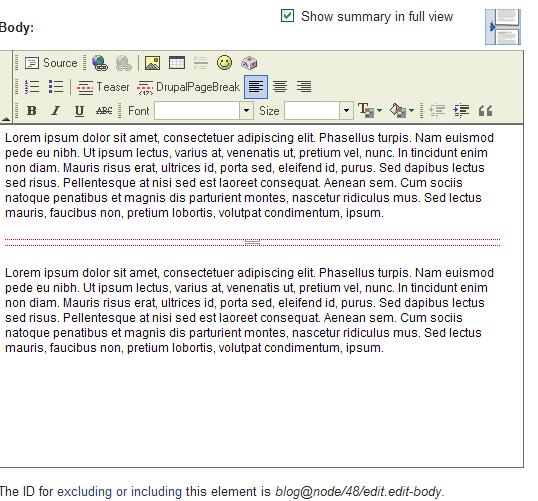
Please see the attached the files for the issue I am trying to raise here. In the view mode of the node the content looks fine but when I go to edit mode for some reason most of my content are not shown in the fckeditor. I am on the latest version of the module.
| Comment | File | Size | Author |
|---|---|---|---|
| fck2.JPG | 70.33 KB | chandrabhan | |
| fck1.JPG | 90.98 KB | chandrabhan |


Comments
Comment #1
wwalc commented1. Clear browser's cache and let me know if that solved this issue / also try other browser just in case.
2. If 1# didn't help, edit fckeditor.utils.js and search for:
change it into
and clear browser's cache. Let me know if that changed anything.
Comment #2
chandrabhan commentedI incorporated your second point also. Now, it seems to work fine for new nodes. But somehow the old nodes are still 'corrupted' (I would not worry about it). Thanks a lot.
Comment #3
wwalc commentedTry this:
Disable FCKeditor, make sure that in the old articles, the
<!--break-->tag is not duplicated.If not, please copy & paste here a sample article that is still not working (or send me a PM).
Comment #4
chandrabhan commentedThere was only 1 node like that and I sanitized it. Thanks for the tip.