

 Come together with the global Drupal community in Rotterdam, 28 Sept – 1 Oct 2026. Sessions, contribution, connection, and Early Bird savings until 8 June.
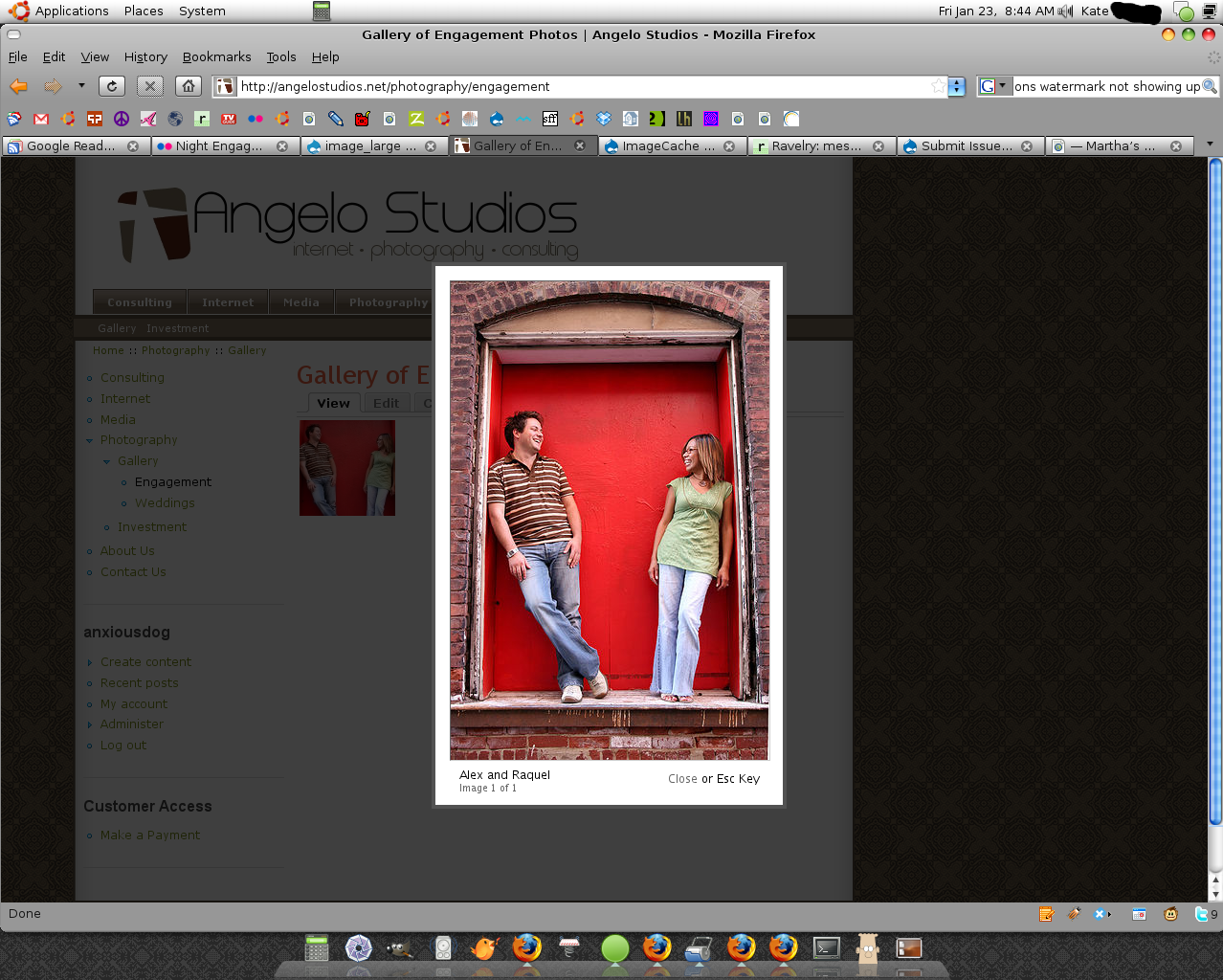
I have set up a content type called "Photo" and I use ImageCache 5.x-2.3 and ImageAPI GD2 5.x-1.2 to create two presets: photo_thumb and photo_large. I then use views and bonus views:Grid to create an image gallery that displays the thumbnails. When you click on a thumbnail, Thickbox opens and shows the larger image.
I created an Action under photo_large that is "Overlay: file image to canvas (watermark)" in addition to the scale action. When I go to my gallery, I do not see my watermark on the large image.
I'm not sure where to go from here since it could be a conflict with Thickbox, or it could be that I just don't have the watermark image in the correct place (I put it at /watermark.png)
This is the page I'm working on: http://angelostudios.net/photography/engagement
I'm using Firefox 3 and two machines: Ubuntu and Windows. It's not working on either machine or even in IE
Any help would be appreciated!
| Comment | File | Size | Author |
|---|---|---|---|
| Screenshot.png | 983.13 KB | angelostudios |

Comments
Comment #1
angelostudios commentedI think that it's an issue with Thickbox because when I changed the content type to link the thumbnail to the image_large (not thickbox:image_large) it works great. Is there a fix to TB?
[EDIT] Ok I see my problem. When Imagecache creates the new watermarked image, it places it in the /files/imagecache/image_large folder. Thickbox displays the image from where my new image field saved it which is /files/photos/
Looks like this is going to be a Thickbox fix. Sorry to post this in the wrong spot...
Comment #2
dman commentedare you using imagecache_image.module (in the imagecache package)
Views and thickbox do not know anything about imagecache, but they do know about image.module presets, and usually use them.
imagecache_image is glue that means you can use imagecache profiles in place of the image.module presets, so it all links together.
thickbox is configured to use a custom preset from image.module. That custom preset is generated by using imagecache_image.module to run imagecache.module presets. Which may include imagecache_actions processes. :-)
Unfortunately, imageache.image (as it was a third-party contrib to imagecache (from me)) has got a little lost in the CVS branches for the imagecache project.
This may work.
http://drupal.org/node/231622#comment-1099594
Comment #3
angelostudios commentedComment #4
angelostudios commentedI tried the imagecache_image module but I can't enable it because it depends on Array. Had to change the info file to:
And now I get the following error:
warning: Missing argument 3 for imagecache_form_alter(), called in /includes/form.inc on line 365 and defined in /modules/imagecache_image/imagecache_image.module on line 25.Comment #5
fietserwinThis must be one of the oldest open issues in this queue. I guess this one is not relevant anymore.