

Closed (won't fix)
Project:
FCKeditor - WYSIWYG HTML editor
Version:
6.x-2.0-alpha4
Component:
Code
Priority:
Normal
Category:
Bug report
Assigned:
Unassigned
Reporter:
Created:
22 Feb 2009 at 15:28 UTC
Updated:
22 Aug 2009 at 10:23 UTC
Jump to comment: Most recent file

Comments
Comment #1
agrigor1 commentedIE reports error in line 2780
and error is 'insetToEditor' is undefined
just in case this means something to you
Comment #2
JohnnyHa commentedI have the exact same error, tried with every dev release and stable release and same thing.
Comment #3
JohnnyHa commentedGot it to work somewhat by adding the entire content of textarea.js into the fckeditor.js. But it doesnt insert the image, gives javascript error.
Comment #4
agrigor1 commentedIt will not be fixed this way.
People at FCKEditor must make corrections in img_assist_fckeditor.js
This must be copied to image assist module directory, according to documentation.
And since this is not working, there is a problem
Comment #5
wwalc commentedPlease download the latest dev release of FCKeditor module (should be available after midnight) and let me know if it works as expected.
Remember to copy img_assist_fckeditor.js to img_assist folder and to clear browser's cache.
Marking as duplicate of #365121: Img Assist button pops up blank window with JS errors.
Comment #6
rondev commentedNot working for me:
img_assist_fckeditor.js OK
cache cleared
Image Assist 6.x-2.0-alpha3
FCKeditor - WYSIWYG HTML editor 6.x-2.x-dev (2009-mars-25)
Comment #7
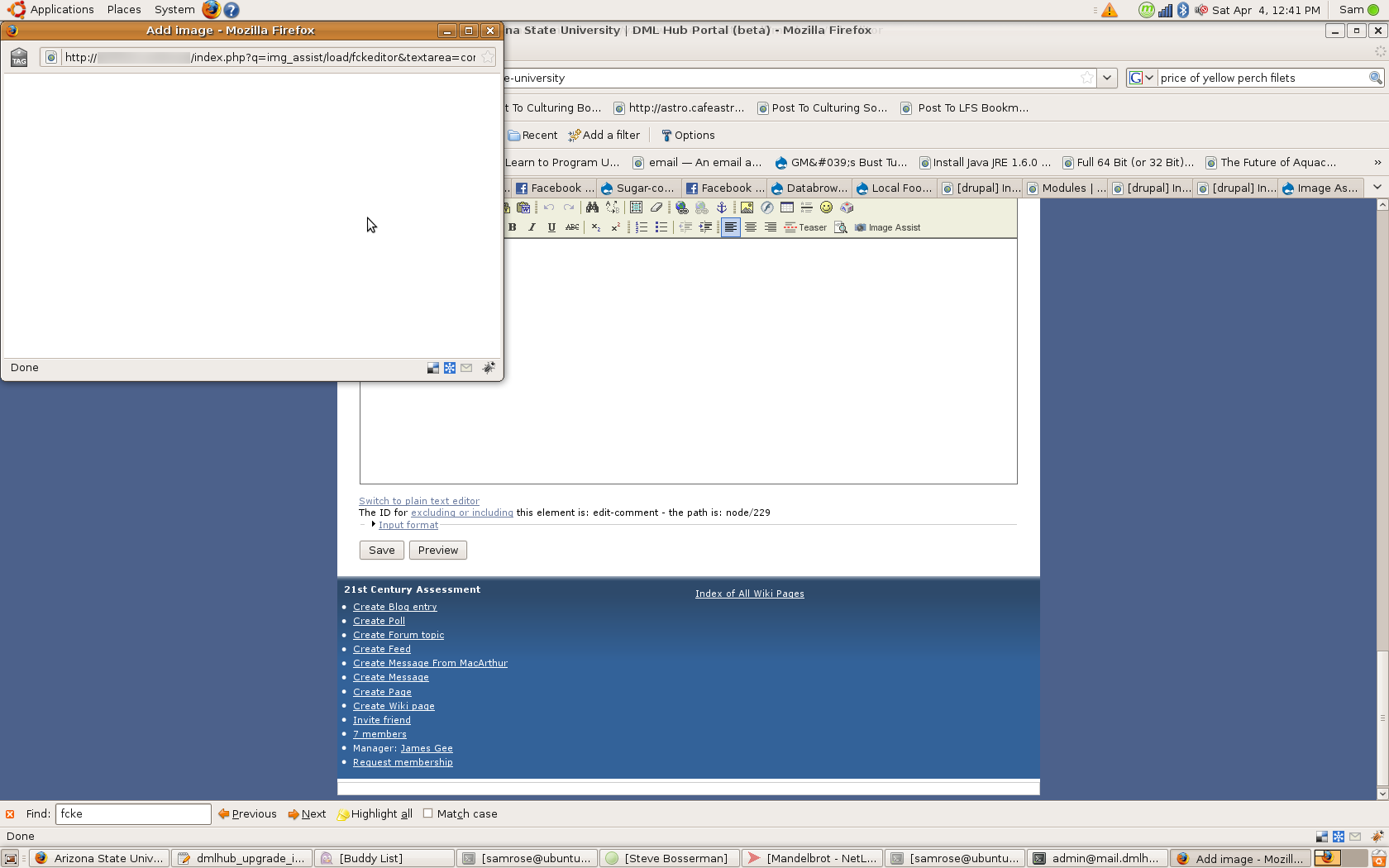
SamRose commentedProblem of image assist window not fully loading is also present in 6.x-1.3
Comment #8
Jorrit commentedFCKeditor 6.x-1.3 does not work with image assist 2.0 and up. Please use 1.1.
I've made a feature request for the enhancement at #538194: Support Image Assist 2.0, which will only be fixed in the 2.x branch. I will add a notice to the README.txt.
Comment #9
Jorrit commentedComment #10
fixus971 commentedHi, I have others problems but get Img Ass working by disable modules that make use JS heavily
try to disable "Administration menu" & "Administration Dashboard"