

 Come together with the global Drupal community in Rotterdam, 28 Sept – 1 Oct 2026. Sessions, contribution, connection, and Early Bird savings until 8 June.
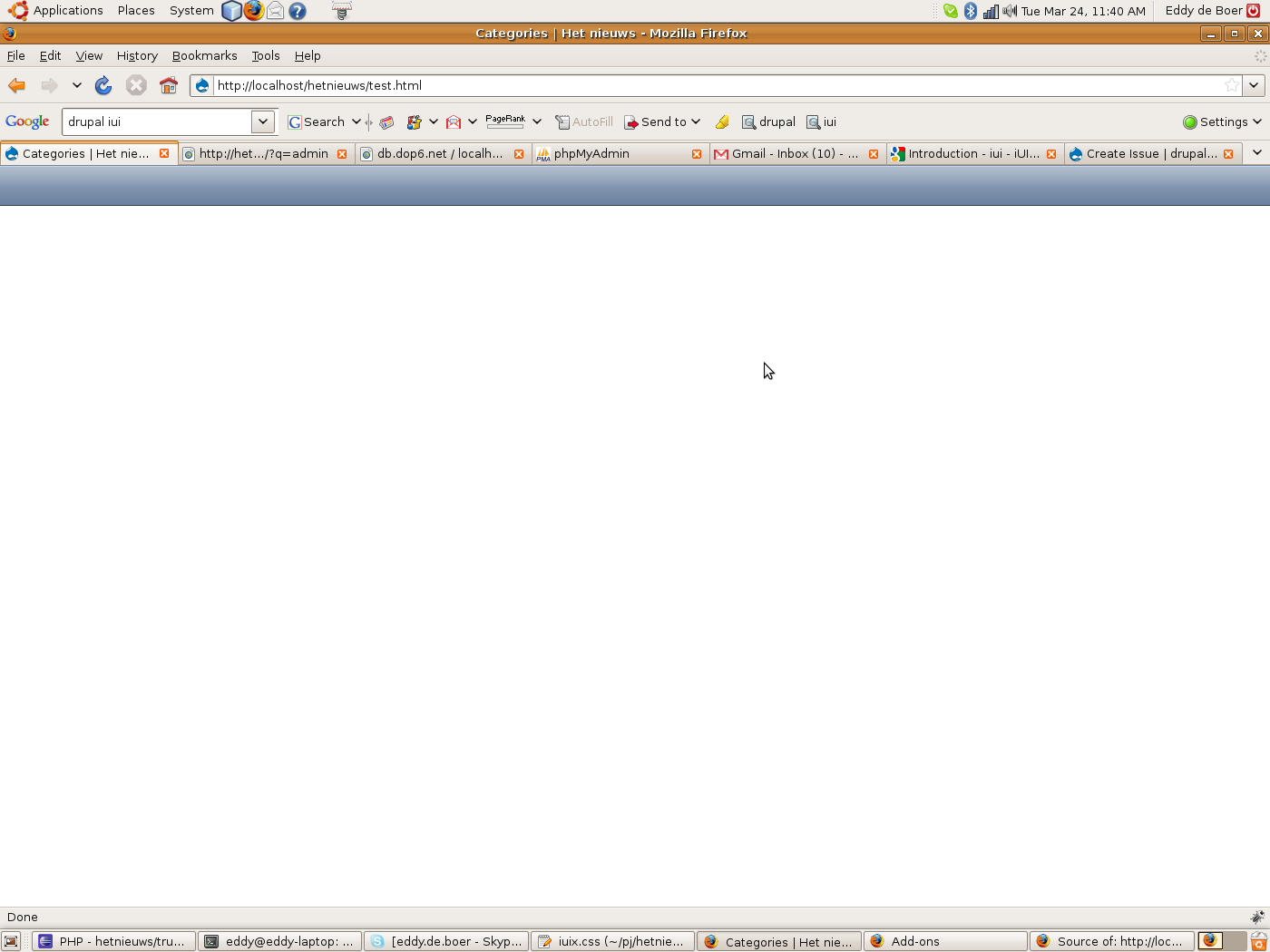
When using this theme, I only get blank pages (see screenshot). This is a screenshot from my laptop, the same applies on the Iphone.
The html source looks ok, and when I remove the include of iuix.css in the html source then I can see my content (see attachment)
| Comment | File | Size | Author |
|---|---|---|---|
| source.txt | 3.51 KB | eddy147 | |
| iui.png | 79.82 KB | eddy147 |

Comments
Comment #1
eddy147 commentedComment #2
florin commentedSame issue here, but I only tested on the iPhone - I'm afraid to enable it for all browsers because then it might be difficult to fix it if the pages are blank. :-)
I just installed the iui theme in sites/all/themes, enabled it in the config, then enabled it for mobile phones using the Browscap and Mobile Theme modules.
With the same modules, if I use the .mobi theme for the iPhone, all is well. So the modules seem to work just fine.
Comment #3
bogdog400 commentedI've had the same trouble. I was able to get some success by commenting out a display:none part of the .css file:
body > *:not(.toolbar) {
// display: none;
position: absolute;
margin: 0;
padding: 0;
left: 0;
top: 45px;
width: 100%;
min-height: 372px;
}
I'm not sure why that's there.
But I also had multiple problems with the search_form section. I had to delete this from the page.tpl.php file. Then I could see the links underneath.
I can't say that these hacks really fix things, but they're pointing out the problems.
Comment #4
Anthony Gettig commentedI get the same results as the original poster. I tried the hacks but to no avail. This looks like a decent theme but it is not quite ready for release. I am using the dev version btw.
Comment #5
Anonymous (not verified) commentedBlank pages, *no* output at all, and a logged PHP error: "PHP Parse error: syntax error, unexpected $end in ../themes/iui/page.tpl.php on line 94"
I had to revert my theme in MySQL (using http://drupal.org/node/200774 ). Fun.
Comment #6
Yoran commentedThe reason is that this theme is using short tags (
<? ... ?>) instead of long tags (<?php ... ?>). Just replace the short tags with long version and the page is not blank anymore.Comment #7
micklweiss commentedthis is a duplicate (and it has been fixed in cvs)