

Closed (fixed)
Project:
Documentation
Component:
Other documentation issues
Priority:
Normal
Category:
Task
Assigned:
Unassigned
Issue tags:
Reporter:
Created:
20 Apr 2009 at 16:31 UTC
Updated:
3 Jan 2014 at 00:07 UTC
Jump to comment: Most recent, Most recent file








Comments
Comment #1
jon pughCan someone set my Doc Page to Full HTML so the screenshots show up?
Thanks!!!
http://drupal.org/node/439272
Comment #2
jon pughComment #3
MGParisi commentedCant you accomplish this through the Document Filter? If you cant, then we need to put this as a priority. You have gone the extra mile, and we definitely want your images in the document.
Comment #4
add1sun commentedSet the page to doc format so the images appear. In order to edit the page, you'll need to create an issue to have the format downgraded to give you access again, then reset it.
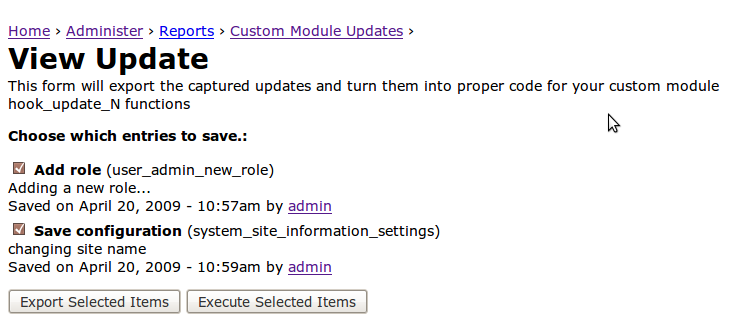
@careernerd, could you scale the images down some? They are too big on the page at the moment. Just upload the smaller scaled images here and we can update the page.
Comment #5
add1sun commentedThis should be a relatively easy task for someone to grab the images, resize them and them upload them back up. Then we can swap the format to edit the image links in the page itself.
Comment #6
arianek commentedas an aside to these images needing resizing - there is a link at the bottom of the page "Jonathan Pugh, the developer of this module, is for HIRE! Contact him here" - this doesn't seem kosher to me... can it be removed?
Comment #7
traviscarden commentedIf someone will specify the target dimensions (or at least the width) I'll resize the images.
Comment #8
arianek commentedi think roughly 560px width looks safe
Comment #9
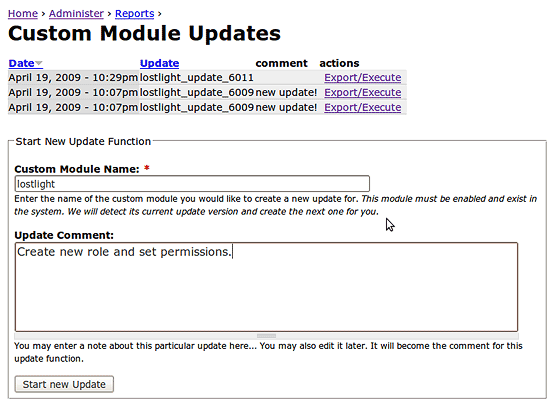
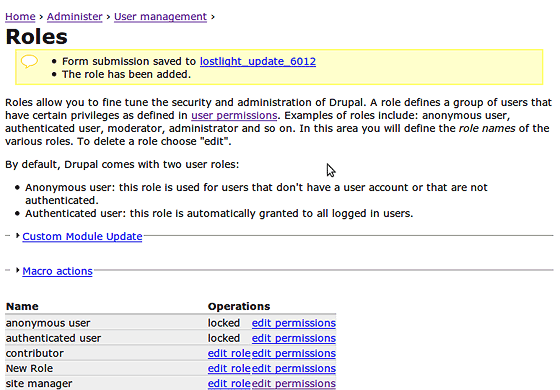
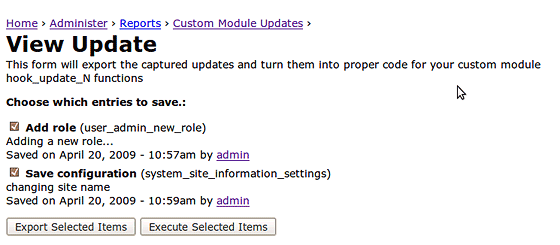
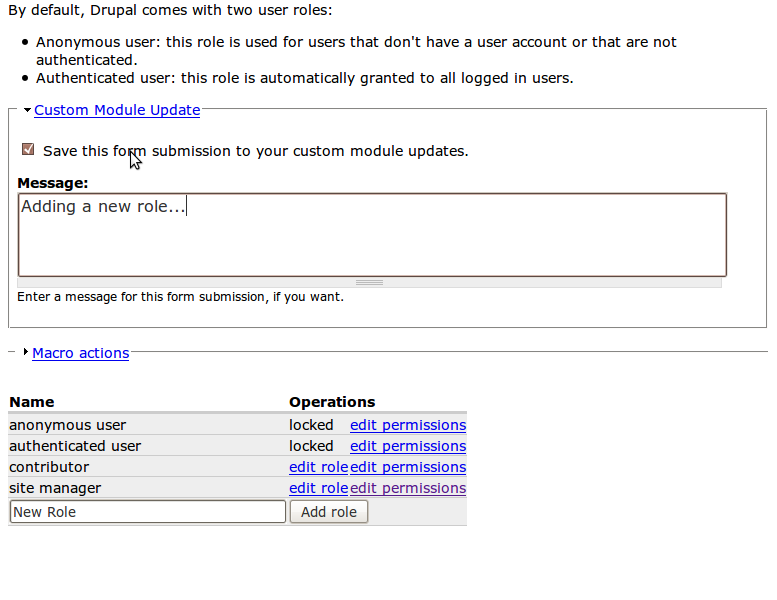
traviscarden commentedThank you, @arianek. Here are the images sized to 560px width:
Comment #10
arianek commentedk, updated those. i notice the module author has put a "i'm looking for work" statement at the bottom of that and the project page http://drupal.org/project/custom_module_tools which isn't kosher..... need to check on that before we actually close
Comment #11
arianek commentedk, verdict: promo is fine on the project page, but needed to be removed from handbook page. have updated it accordingly. marking the issue fixed.