

 The 2026 Drupal Business Survey is open. Your response will help shape the future of the Drupal business ecosystem.
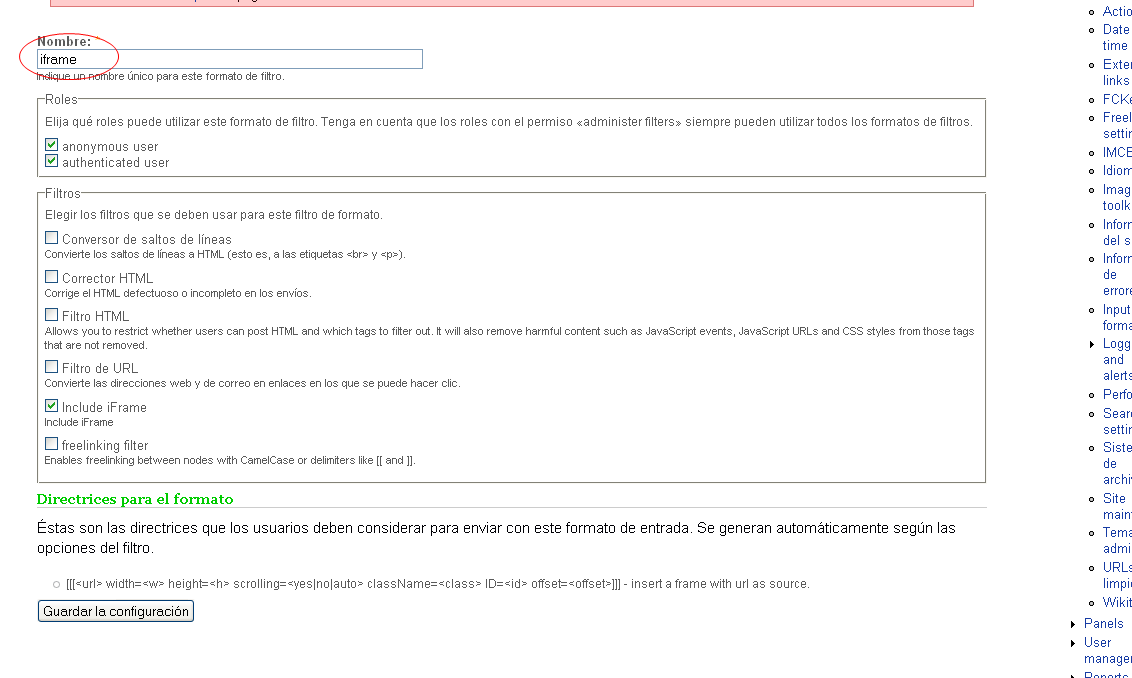
Hello! I've installed insertFrame, then created a filter called iframe available to all users which has ticked "Include iFrame" and the rest of filters (HTML corrector, URL Filter, freelinking filter).
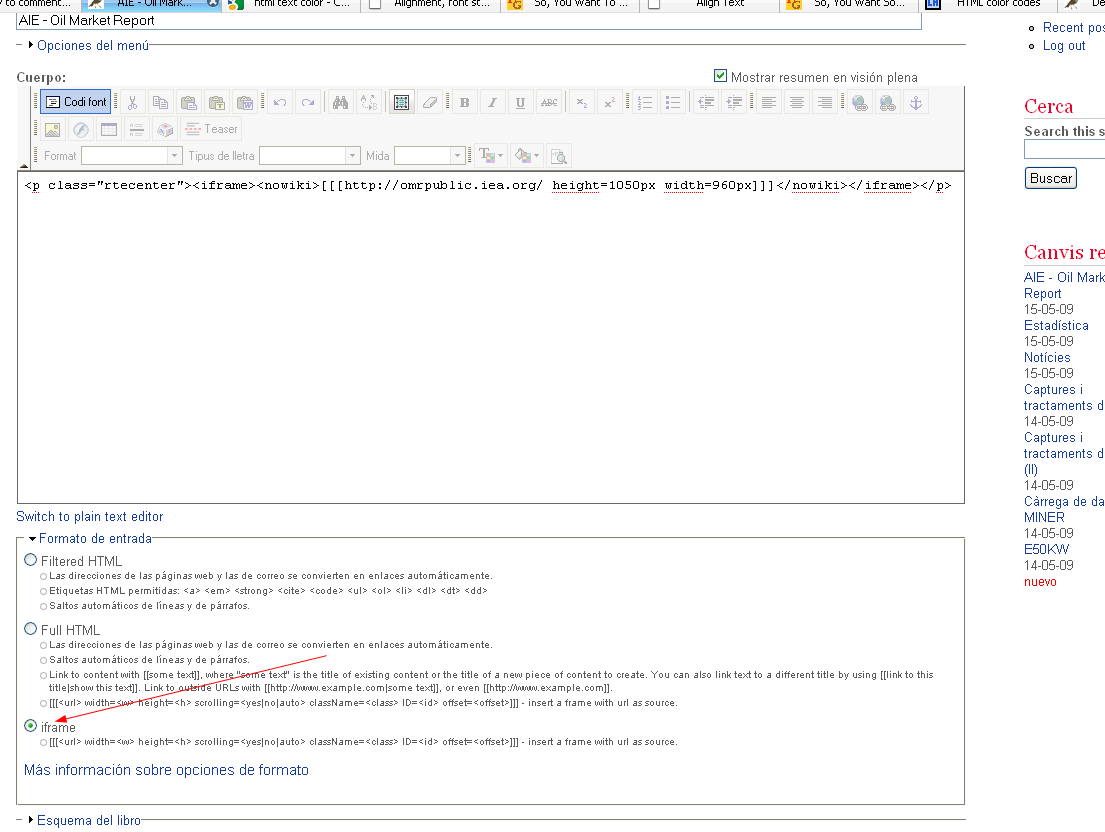
Then I've made a new history with this content
[[[http://omrpublic.iea.org/ height=100% width=100%]]]
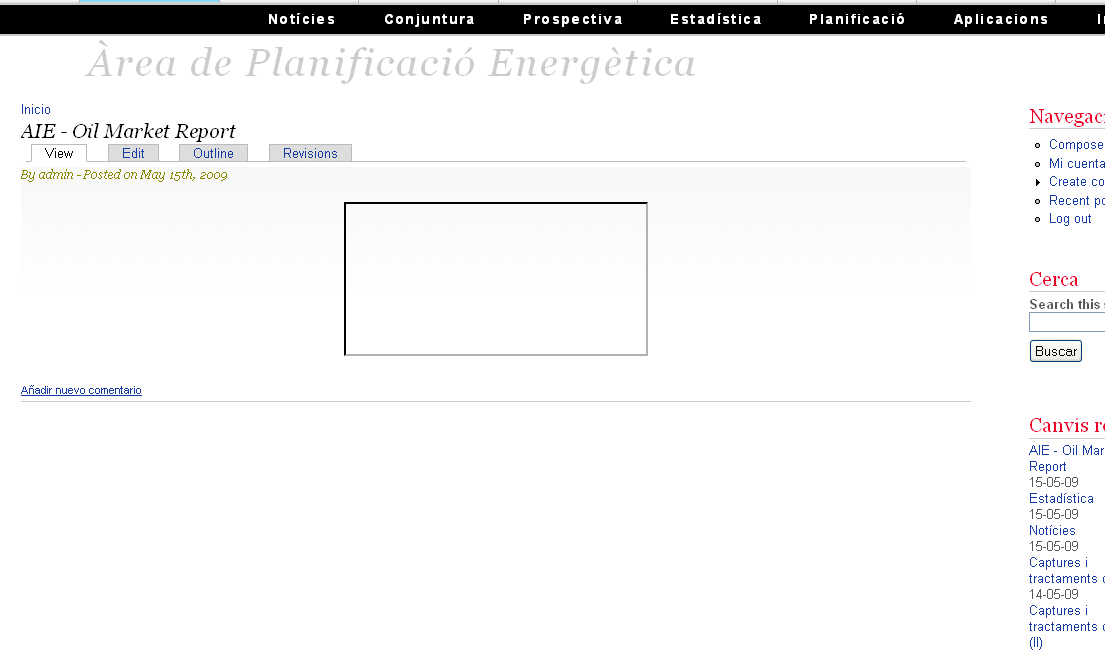
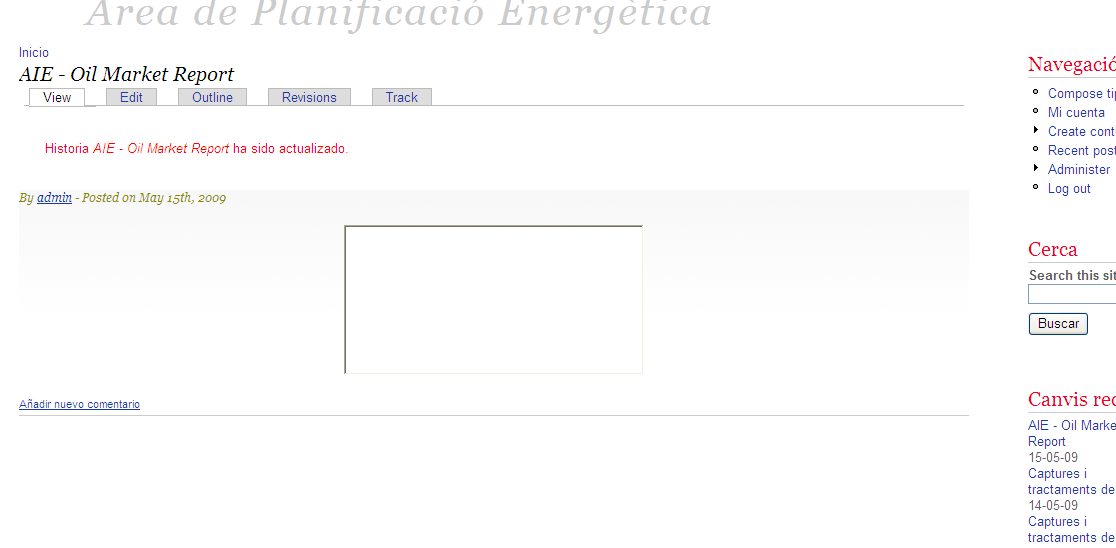
and all I get is an empty rectangle in the form, the size of this rectangle is indendent of the values I put in height and width (I've tried % and px).
After trying all combinations of filters I'm not finding any way to make this work could anyone help me?
| Comment | File | Size | Author |
|---|---|---|---|
| #6 | PageEdition.png | 59.53 KB | manolooo |
| #5 | IframeFirefoxCode.txt | 10.74 KB | manolooo |
| #5 | IframeIEcode.txt | 10.83 KB | manolooo |
| #5 | FirefoxResult.png | 42.89 KB | manolooo |
| #5 | IEresult.png | 288.58 KB | manolooo |


Comments
Comment #1
MarcElbichon commentedIs http://omrpublic.iea.org the same as drupal site ?
Can you edit the source of generated page, seach iframe tag and post the result ?
Comment #2
manolooo commentedThe code:
I'd like to ask a begginer question: what is the difference between using insertFrame and just putting the tag
without the module handling the frame?Comment #3
manolooo commentedProblem partially solved: I need to deactivate the freelinking filter in the input format, the empty rectangle keeps on appearing.
This works with Internet Explorer but not with firefox nor opera. Here the Forefox code:
(As you can see now I've put iframe with 3 brackets and then iframe as html code, the second option works always.
Comment #4
MarcElbichon commentedStrange.There is 2 iframe tags and a nowiki tag.
More, with the HTLM code you have body and html ending tag before
Can you post me (or email me) the code you type in the drupal's form, the input format (with input filters) used and the complete generated source page.
Comment #5
manolooo commentedSorry, perhaps I was not clear enough: the code in the first post is the code of two different pages: one with percent height and width an another with pixels. The second is one only page with two iframe tags: one with brackets so that it addresses to the filter, and the second one with html standard iframe that works fine.
Thank you very much for your interest!
Comment #6
manolooo commentedI forgot the most important!
Comment #7
manolooo commentedProblem solved!!!
Being an ignorant beginner I misunderstood remark #2 and enclosed the iframe in {iframe} {/iframe}, removing these tags everything works smooth. I hope this issue helps others.
Marc: my highest recognition for your interest and help
With purpose of improving the module instructions I'd suggest you modify remark #2 and explain more clearly where this allowed tag should be set.
...
Remarks
1 You can use the filter with wiki modules but you must enclose the lines with {nowiki} tag.
2 if HTML filter is active, add {iframe} in the Allowed HTML tags input box in the configure tab of your input format
...
Comment #8
MarcElbichon commented