

Closed (fixed)
Project:
MERCI (Manage Equipment Reservations, Checkout and Inventory)
Version:
6.x-1.x-dev
Component:
Code
Priority:
Normal
Category:
Feature request
Assigned:
Unassigned
Issue tags:
Reporter:
Created:
15 May 2009 at 18:07 UTC
Updated:
3 Jan 2014 at 00:29 UTC
Jump to comment: Most recent, Most recent file


Comments
Comment #1
kreynen commentedWhen discussing this we decided that this would be best as a sub-module that created a new content type that is associated to both the Reservation record and/or the item with the problem. Notes on a specific Reservation would show up any time that Reservation is viewed, but older notes from previous reservation can also be pulled up for all equipment as well.
The usecase for notes on the reservation is that someone making a Reservation for another member who has permission to view and edit notes could put a note on the Reservation saying something like "give hti suser HDV cam #4 or #5 if available". The intern in the checkout would see that when they went to process the checkout.
The usecase for notes on the equipment is someone brings back a boom pole, but the lock joint doesn't work. The intern working the checkout can query notes on the item and see that there was a similar problem 3 weeks ago and that it need to be replaced.
Notes can also include a checkbox to include on printable contracts. That a note about the locking join would have already been on the contract and the person getting the equipment would be aware. This is similar to the walk around you do when you rent a car or UHaul.
Comment #2
johnthatcherjr commentedAttached are my wire frames for the new notes interface in MERCI. Please let me know if anything about the is unclear.
MERCI Reservation
Add note: Generates a new note node for related to only the reservation.
Query notes: Finds all notes related to this reservation, equipment and/or user.
Notes: When node opens, show all notes marked as print. If user presses "Query Notes", show all notes associated to reservation, equipment and/or user.
Operations (Notes): Button to generate a new note on a piece of equipment. Add operation always available on resources. Add operation becomes available when an item in inventory is selected from a bucket item. Edit operation becomes available if a note is already associated to a piece of equipment.
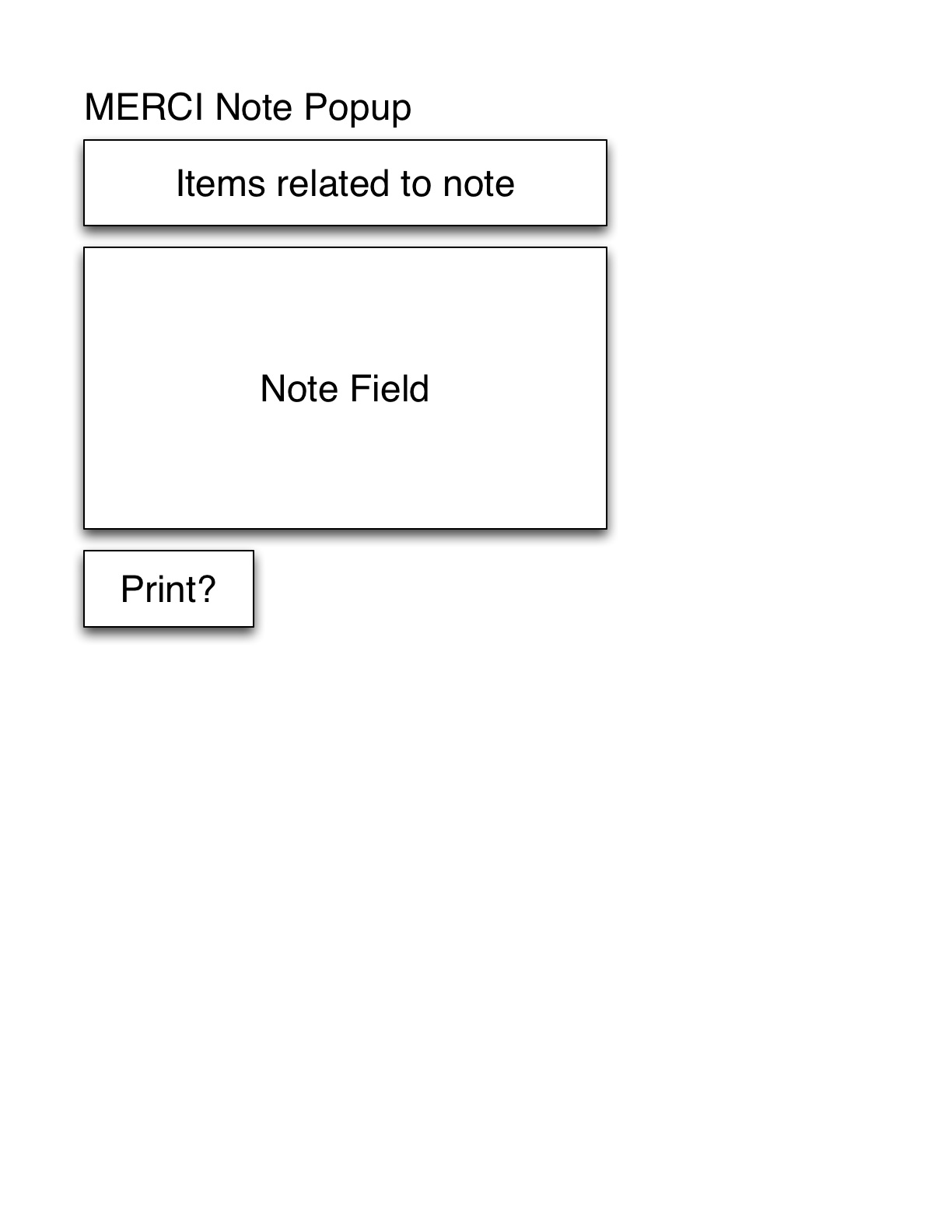
MERCI Note
Note field: User note field.
Print?: Option that shows notes on contract and node view by default.
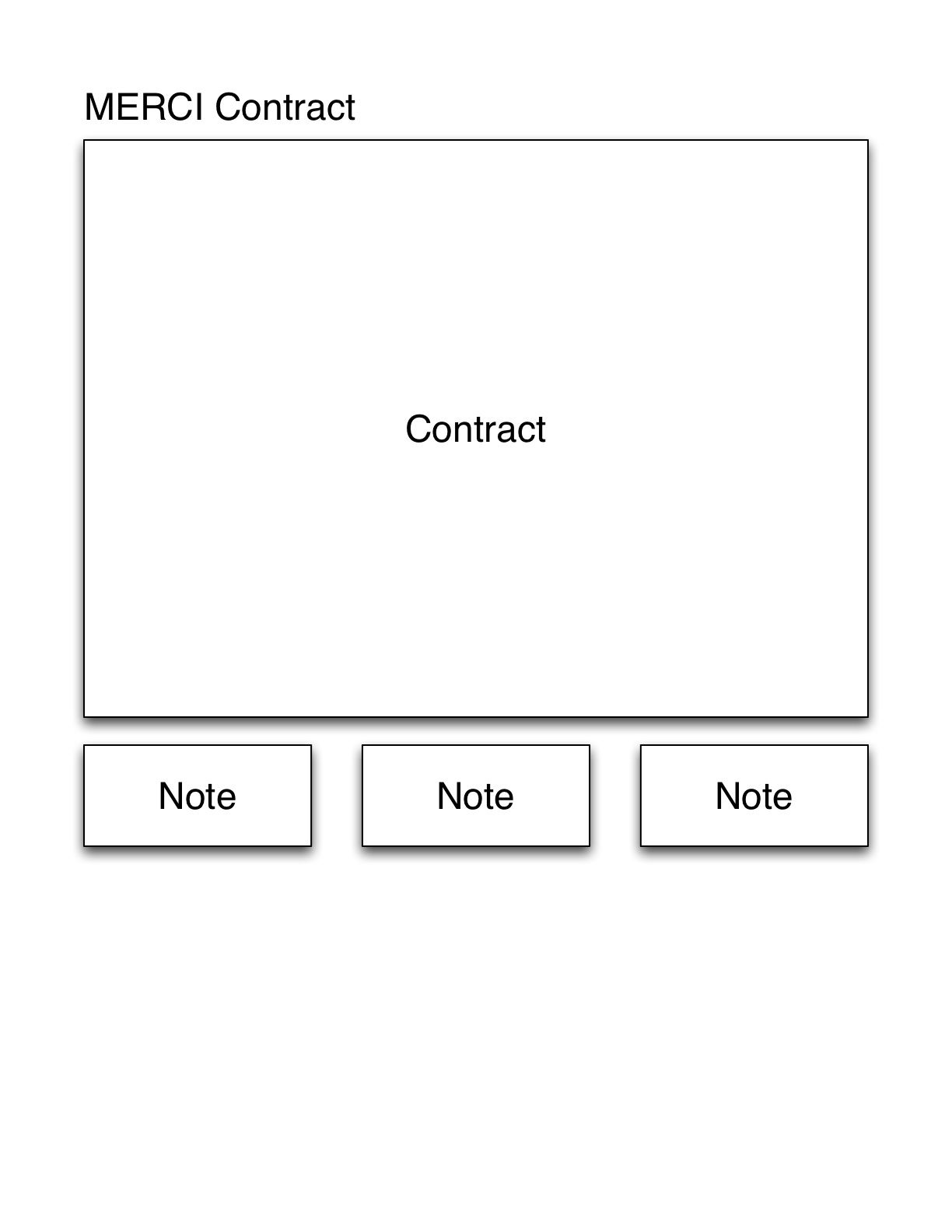
MERCI Contract
Notes: A list view of notes associated to this reservation, equipment and user marked as print.
Comment #3
johnthatcherjr commentedComment #4
johnthatcherjr commentedhere are images. woot!
Comment #5
danepowell commentedI haven't read this issue thoroughly, but FWIW I have implemented Notes using simple Node Reference/User Reference fields. I have a Note content type with Node Reference fields that reference Inventory items, Reservations, or Users. Then I have Views blocks that show up on nodes with Notes referencing them. There are also some other fields on the notes like "Status (active/resolved)", etc...
Comment #6
kreynen commented@Dane A year ago with that knowledge you could have pocketed $500 for that bounty!
The Notes functionality wasn't supposed to be hard. It was supposed to test the concept of a kata. Obviously tagging easier tasks as kata and even offering $500 isn't a good way to get development done :(
Comment #7
danepowell commentedDang- I'm not sure what to say to that, other than I don't think I could possibly accept $500 for a three-sentence answer.
Okay, maybe if you twisted my arm... :)
PS- what's a kata? (if this is getting off-topic feel free to contact me)
Comment #8
danepowell commentedI assume this doesn't need any more work, unless someone wants to package and distribute that Note content type... it's really not that hard to make though...