Closed (works as designed)
Project:
Administration menu
Version:
6.x-1.4
Component:
User interface
Priority:
Normal
Category:
Bug report
Assigned:
Unassigned
Reporter:
Created:
19 May 2009 at 06:11 UTC
Updated:
19 May 2009 at 12:12 UTC


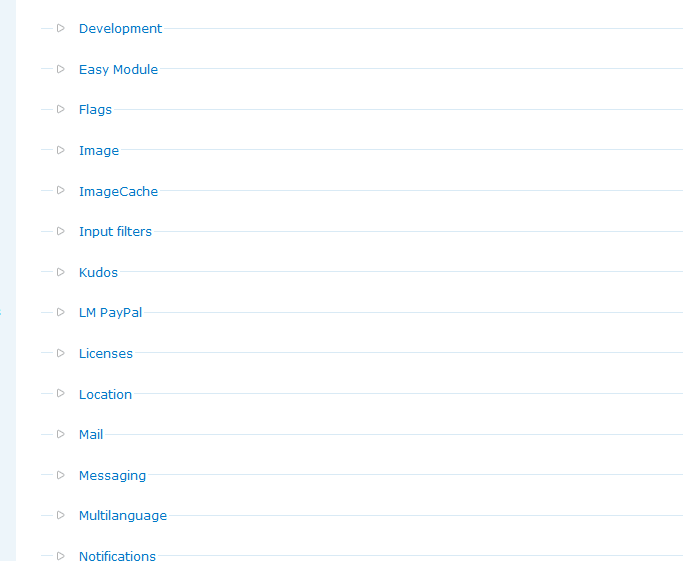
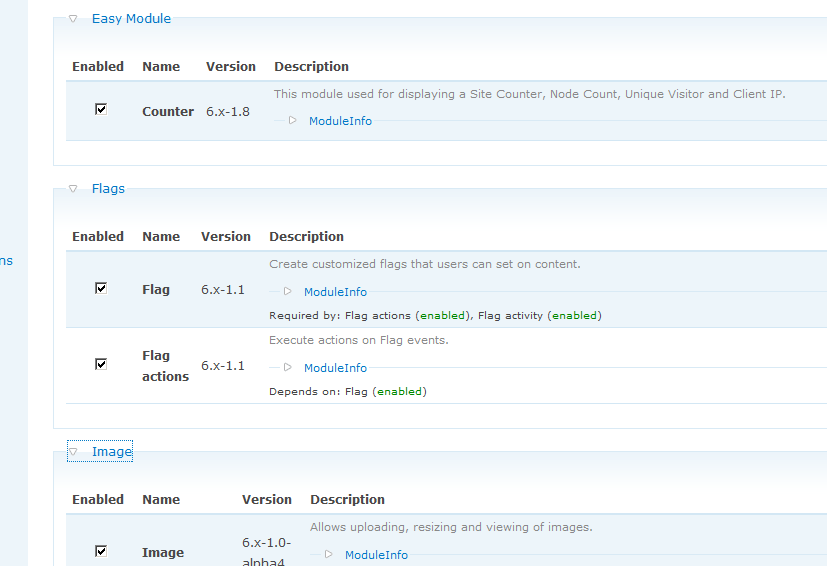
As you know, module page (admin/build/modules) under administration settings, show modules in groups and these groups are open by default. However, after enabling admin_menu all the module groups are collapsed when I enter the module page. It takes a very long time to open them and search for the menu that I am looking for. Please do not collapse the module groups.
Attached two captures.
First photo shows the default behavior of Drupal on modules page. All groups are open when you visit the page.
Second photo shows the modules page after enabling Admin_menu module. all groups are closed (collapsed) when you visit the modules page. If you are searching for a module, you should open them one by one!

Comments
Comment #1
mcload commentedProblem solved. I saw that there is a setting for this at /admin/settings/admin_menu.