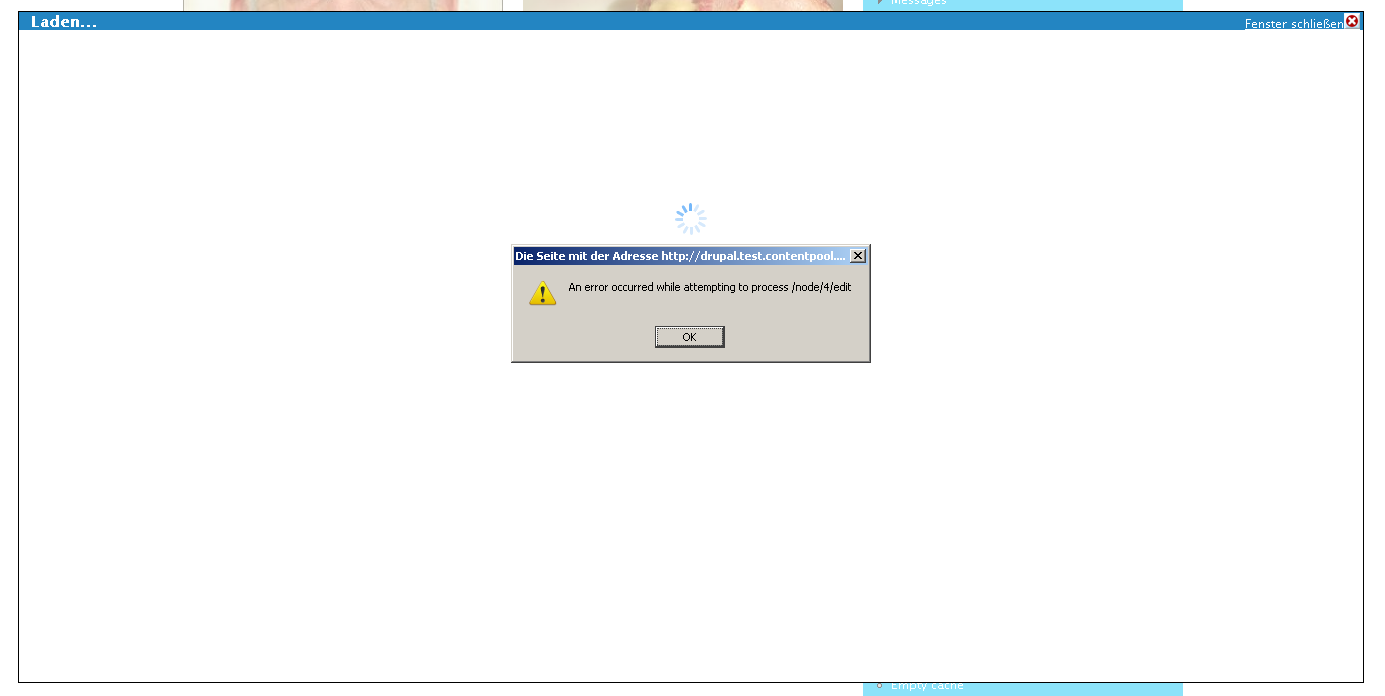
Hi there
I really like this AJAX kinda pop up that shows up, when I edit for example the content of a pane. Since this module is some kind of API... I would like to use this popup aswell, for editing my nodes. How would I have to integrate it?

-> Is there any kind of API documentation?

CommentFileSizeAuthor
#2 error_ctools.png22.16 KBrapsli

Comments

merlinofchaos’s picture

Status: Active » Fixed

Right now all the documentation for the modal is in the include file, modal.inc -- depending on what you want to do with it, usage can be simple or complex.

 * The modal form is implemented primarily from mc.js; this contains the
 * Drupal specific stuff to use it. The modal is fairly generic and can
 * be activated mostly by setting up the right classes, but if you are
 * using the modal you must include links to the images in settings,
 * because the javascript does not inherently know where the images are
 * at.
 *
 * You can accomplish this with this PHP code:
 * @code {
 *   ctools_include('modal');
 *   ctools_modal_add_js();
 * }
 *
 * You can have links and buttons bound to use the modal by adding the
 * class ctools-use-modal.
 *
 * For links, the href of the link will be the destination, with any
 * appearance of /nojs/ converted to /ajax/.
 *
 * For submit buttons, however, the URL is found a different, slightly
 * more complex way. The ID of the item is taken and -url is appended to
 * it to derive a class name. Then, all form elements that contain that
 * class name are founded and their values put together to form a
 * URL.
 *
 * For example, let's say you have an 'add' button, and it has a select
 * form item that tells your system what widget it is adding. If the id
 * of the add button is edit-add, you would place a hidden input with
 * the base of your URL in the form and give it a class of 'edit-add-url'.
 * You would then add 'edit-add-url' as a class to the select widget
 * allowing you to convert this value to the form without posting.
 *
 * If no URL is found, the action of the form will be used and the entire
 * form posted to it.
rapsli’s picture

StatusFileSize
new22.16 KB

It's indeed not as simple ;)

$edit = ctools_modal_image_button(ctools_image_path('icon-configure.png'), 'node/'.$vars['node']->nid.'/edit', 'alt');

What this should do is pretty obvious -> open the node edit form, which though doesn't work (see also screenshot). It would be really awesome to have a handbook page with some examples of how to use the API¨(this could be the first one).

rapsli’s picture

Status: Fixed » Active
rapsli’s picture

BTW: I had to add the following code:

ctools_include('modal');
ctools_include('ajax');
ctools_modal_add_js();

Only adding the modal.inc file wasn't enough.

rapsli’s picture

anybody got an example on how to use this?

merlinofchaos’s picture

This is adapted from something Gordon was working on:

<?php
// $id$

/**
 * @file
 * Demo of how to create a modal form
 */

/**
 * Implementation of hook_menu().
 */
function modal_test_menu() {
  $items = array();
  
  $items['modal_test'] = array(
    'title' => 'Modal Test',
    'access callback' => 1,
    'page callback' => 'modal_test_page',
  );
  
  $items['modal_test/form'] = array(
    'title' => 'AJAX modal dialog',
    'access callback' => 1,
    'page callback' => 'modal_test_popup',
    'type' => MENU_CALLBACK,
  );
  
  return $items;
}

function modal_test_page() {
  ctools_include('ajax'); // Module  include the dependence it needs for ajax.
  ctools_include('modal');
  ctools_modal_add_js();
  
  $output = ctools_modal_text_button(t('Click Here'), 'modal_test/form', t('Pop me up'));
  $output .= '<div id="modal-message">&nbsp</div>';
  ctools_include('plugins');
  dsm(ctools_get_plugins('modal_test', 'test'));
  return $output;
}

function modal_test_popup() {
  ctools_include('ajax');
  ctools_include('modal');
  
  $form_state = array('ajax' => TRUE);
  $output = ctools_modal_form_wrapper('module_test_form', $form_state);
  if (!$output) {  
    $output = array();
    $output[] = ctools_ajax_command_replace('#modal-message', '<div id="modal-message">' . $form_state['message'] . '</div>');
    $output[] = ctools_modal_command_dismiss();
  }
  ctools_ajax_render($output);
}

function module_test_form(&$form_state) {
  $form['text'] = array(
    '#type' => 'textfield',
    '#title' => t('Text'),
  );
  
  $form['submit'] = array(
    '#type' => 'submit',
    '#value' => t('Submit'),
  );
  
  return $form;
}

function module_test_form_submit(&$form, &$form_state) {
  $form_state['message'] = t('Message: %message', array('%message' => $form_state['values']['text']));
}

merlinofchaos’s picture

Status: Active » Fixed

Status: Fixed » Closed (fixed)

Automatically closed -- issue fixed for 2 weeks with no activity.