

 The 2026 Drupal Business Survey is open. Your response will help shape the future of the Drupal business ecosystem.
Adding screenshot as part of: Twin Cities Documentation Spring 2009.
| Comment | File | Size | Author |
|---|---|---|---|
| #14 | menu-documentation-draft3.txt | 5.19 KB | samirnassar |
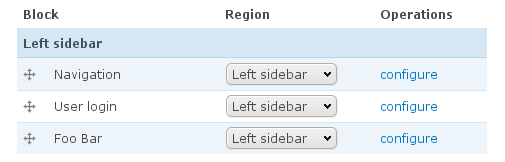
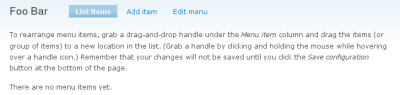
| #13 | foo-bar-menu-left-sidebar-tcdocsprint09.png | 7.03 KB | samirnassar |
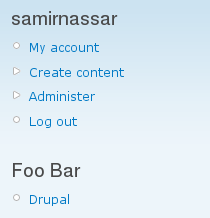
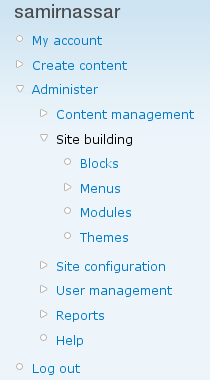
| #12 | display-foo-bar-menu-tcdocsprint09.png | 12.46 KB | samirnassar |
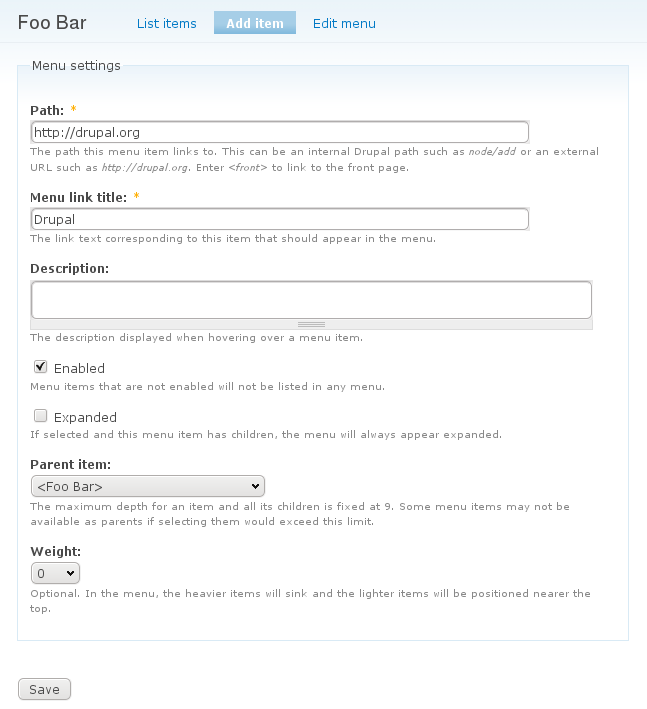
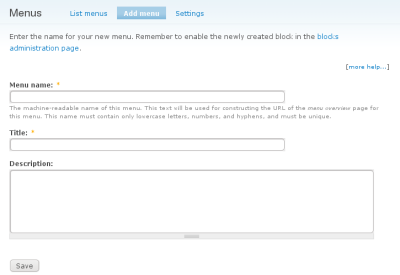
| #11 | menus-administration-admin-foo-bar-add-item-tcdocsprint10.png | 34.47 KB | samirnassar |
| #10 | menu-documentation-draft2.txt | 3.28 KB | jasonsamuels |


Comments
Comment #1
molly_n commentedIn the Creating Content item, we mentioned this for menu settings when "Creating Content"
Menu settings are used only if you are making this piece of content an item in one of your menus. It's the most efficient way to create menus.
Comment #2
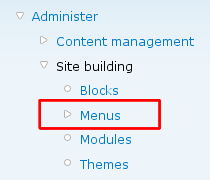
samirnassar commentedAdd screenshot with menu highlighted
Comment #3
samirnassar commentedTypo in title
Comment #4
samirnassar commentedWorking with the Menu: [#120632]
Comment #5
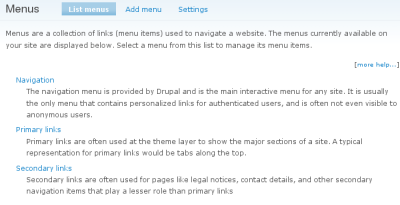
samirnassar commentedUpload Menu Administration screen screenshot
Comment #6
samirnassar commentedAdd menu screenshot
Comment #7
samirnassar commentedAdd Menu add edit form
Comment #8
samirnassar commentedAdd draft of documentation. Work in Progress
Comment #9
samirnassar commentedComment #10
jasonsamuels commentedI tweaked a couple of small things in this version
Comment #11
samirnassar commentedComment #12
samirnassar commentedComment #13
samirnassar commentedComment #14
samirnassar commentedComment #15
arianek commentedFrom what I can tell, this was all posted here: http://drupal.org/node/120632 Can someone confirm so this issue can be closed? (Obviously comments need rolling in, etc. but that is beside the point of the original issue.)
Comment #16
leehunter commentedlooks done