 The 2026 Drupal Business Survey is open. Your response will help shape the future of the Drupal business ecosystem.
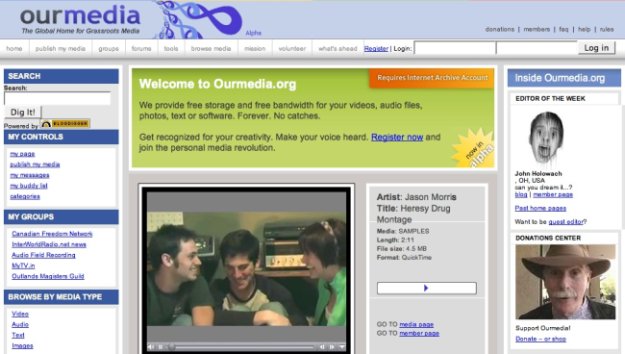
Picture of layout
| Comment | File | Size | Author |
|---|---|---|---|
| ourmediasmall.jpeg | 45.45 KB | Amazon |

 The 2026 Drupal Business Survey is open. Your response will help shape the future of the Drupal business ecosystem.
Picture of layout
| Comment | File | Size | Author |
|---|---|---|---|
| ourmediasmall.jpeg | 45.45 KB | Amazon |

Comments
Comment #1
Bèr Kessels commentedCan you not add and call them from here: http://drupal.org/image/tid/41 ?
Comment #2
Amazon commentedI don't have the permission to add them there. Also those image sizes are not what I need for hte handbook.
Kieran
Comment #3
webchickI think you should, because I do...
But if these pictures are intended for the handbook, here is what I would do:
1. Go to http://drupal.org/admin/image/add and create a new gallery called 'Handbook images' or what have you.
2. Create new screenshots by going to http://drupal.org/node/add/image
3. Under the "Screenshots" drop-down, select the "Handbook images" gallery to show them in
4. Upload the image and fill in a title/description as appropriate
5. (the tedious part) Copy down the address of the image and then link to it from whatever book page (and make sure you select Full HTML as the input format or else it will strip out the img tag).
That way these are all contained together in one group and they also have the properties of nodes, where people can comment on them or whatever.
If I've totally misunderstood the intention of these issues, then please disregard. :)
Comment #4
Amazon commentedOk, got it.
Thanks,
Kieran
Comment #5
sepeck commentedclean up