

Closed (works as designed)
Project:
Acquia Marina
Version:
6.x-1.9
Component:
User interface
Priority:
Normal
Category:
Bug report
Assigned:
Unassigned
Reporter:
Created:
8 Jul 2009 at 12:17 UTC
Updated:
13 Jul 2009 at 01:24 UTC
Jump to comment: Most recent file


Comments
Comment #1
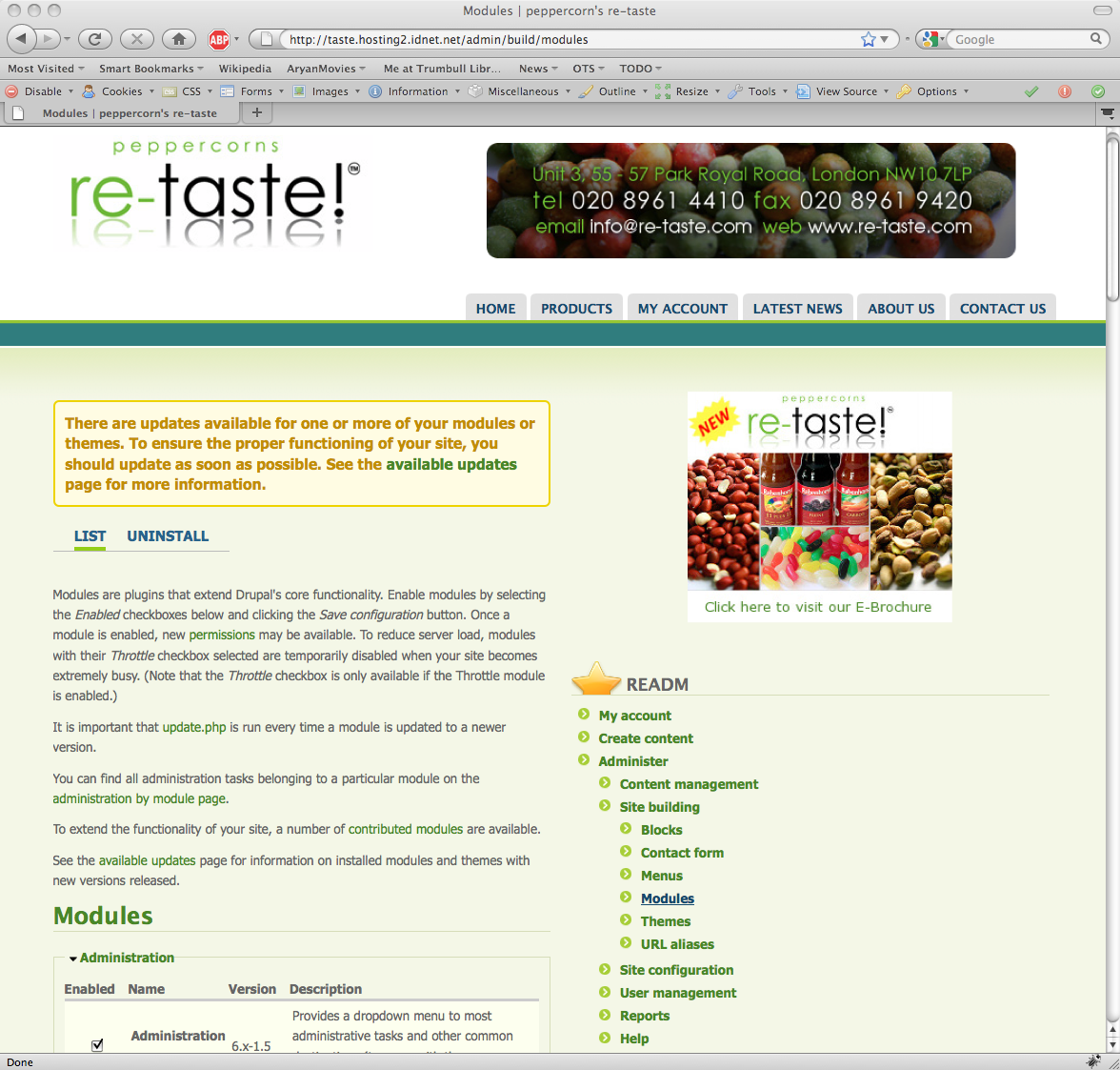
ajaygautam commentedI have attached the screen shots to this bug report.
Comment #2
jwolf commentedAcquia Marina has different layouts depending on block placement.
Please review the Acquia Marina Handbook. Specifically, please see the Layouts section.
Comment #3
ajaygautam commentedjwolf: Thanks for the doc link. Much appreciated.
I think my setup is falling in the "Layout main-last" category. Not entirely what I want. The documentation does explain why its doing what its doing, but does not offer any tips on modifying the layout behavior.
I want the "Layout first-main-last" setup, but without the "first" part.
I am going through the Using Drupal book, and looking at how to modify the theme to do what I want.
Any tips / information / pointers on getting this done quickly would be VERY much appreciated.
Thanks.
Comment #4
jwolf commentedYou can use the 6.x-2.x-dev version of Marina which has the rounded block style available as a Panels style.
Use Panels 3 to create the layout that you want and choose the Acquia Marina rounded block style for the regions or panes.
http://www.scribd.com/doc/16183076/Styling-Theming-Panels-3-for-Drupal
Comment #5
ajaygautam commentedOk, will try that.
For now, I changed the pixel distribution from 50-50 to 70-30 in the css file. The client is happy with that.
Perhaps in the next iteration.
Thanks :)