

 Come together with the global Drupal community in Rotterdam, 28 Sept – 1 Oct 2026. Sessions, contribution, connection, and Early Bird savings until 8 June.
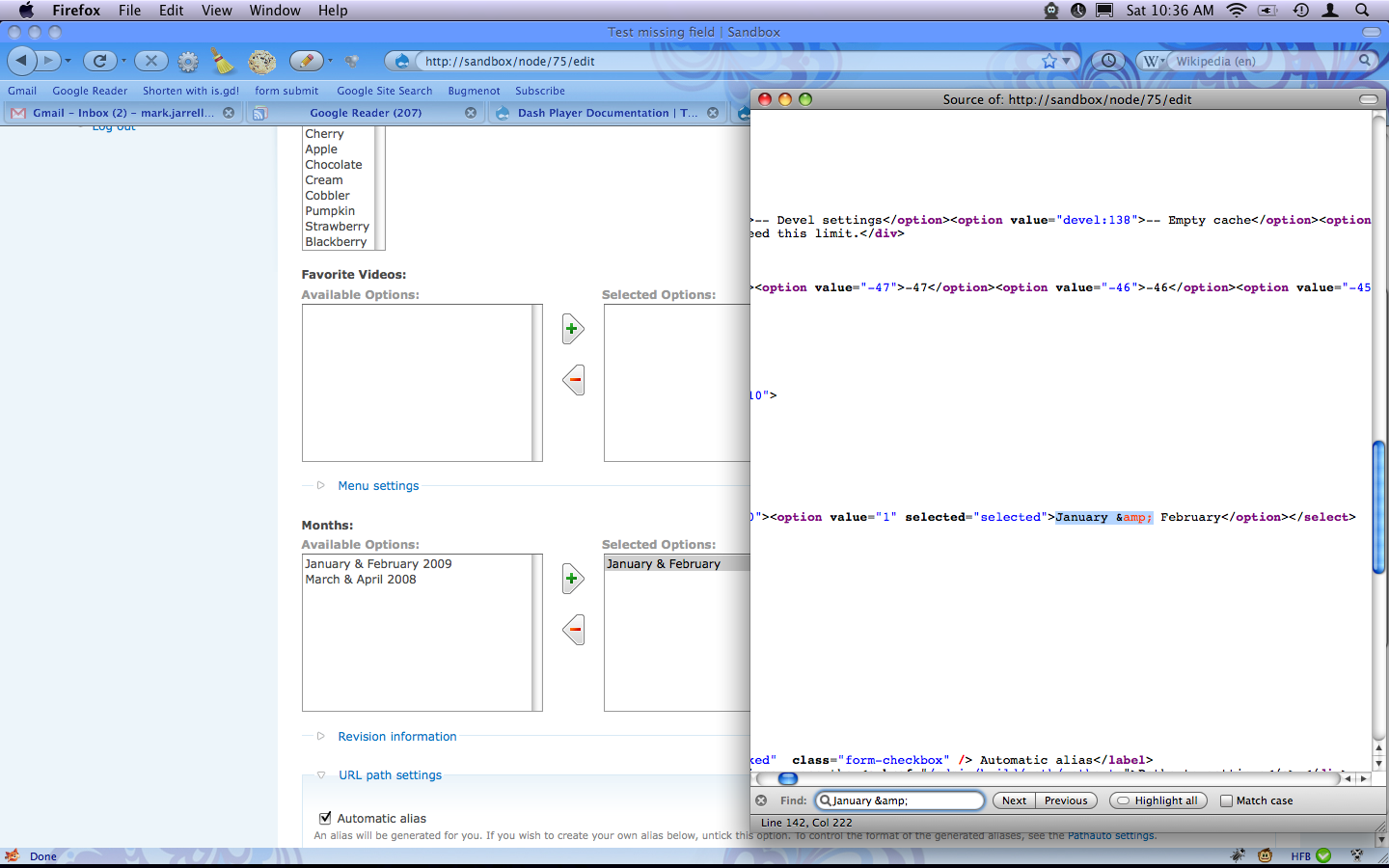
The box under selected options does not show up for me (on FF 3.5 or on Safari). When I select something and click the button to add, the selected item disappears but does not appear under "selected options". In fact, when looking at the HTML, it seems that the div for the selected items does not get rendered at all. I don't get any .js errors when I turn on Firebug.
Any idea what could be causing this?
| Comment | File | Size | Author |
|---|---|---|---|
| #2 | Picture 3.png | 255.77 KB | robynover |
| #1 | selected_options.png | 308.61 KB | attheshow |


Comments
Comment #1
attheshow commentedDear robynover,
I just tried this with 1.5 and wasn't able to duplicate the issue (see attached screenshot).
Comment #2
robynover commentedThanks for the reply. I'm attaching a screenshot of what it looks like on my end. There doesn't appear to be a div for the selected options container. There is one for the available options, called "multiselect_available", then nothing for the selected.
Comment #3
attheshow commentedMaybe it's related to the theme you're using? (I'm kind of reaching at this point.) Is this a contributed theme that I could test out on my local site? If so, could you tell me which one it is?
Comment #4
robynover commentedYup, it's the admin theme from the admin module: http://drupal.org/project/admin
Thanks for your help.
Comment #5
robynover commentedAha! I think I found the culprit. It seems to be the "Better Select" module (http://drupal.org/project/betterselect) which turns multiple select boxes into checkboxes. I think betterselect must be trying to convert the area that multiselect is also trying to convert. Now to find the place to turn it off for the Multiselect fields . . .
Comment #6
attheshow commentedNo further discussion here in recent weeks. Closing issue.
Comment #7
firnas commentedThx robynover.. I had the very exact same problem of 'selected options' box not showing up.. It showed up as soon as I disabled "better select" module