

Active
Project:
Aurigma Mass Uploader for CCK
Version:
6.x-2.x-dev
Component:
Documentation
Priority:
Normal
Category:
Support request
Assigned:
Unassigned
Reporter:
Created:
26 Aug 2009 at 23:10 UTC
Updated:
11 Nov 2009 at 12:58 UTC
Jump to comment: Most recent file


Comments
Comment #1
asimontsev commentedThe problem is that this Drupal module is written for Image Uploader 5. That's why if you put version 6, it does not work properly. But it is easy to modify module to get it working with version 6. You should do the following:
After that it should work.
Hope this helps.
P.S. Btw, if you have problems related to Image Uploader itself, I would recommend to post questions to Aurigma forums.
Comment #2
salateenoo commentedasimontsev thank you for you quick reply,
unfortunatly, i did all you said but the problem remains unsolved. i don't know what to do , should i use the older version of the uploader?
Comment #3
asimontsev commentedWhat exactly happens? Does it fails both for ActiveX (in IE) and Java (all other browsers)? Also, I recommend to check the result HTML (i.e. what you see when select View Source in the browser) and see whether codebase is correct (i.e. .cab and .jar files are downloadable through these URLs).
Comment #4
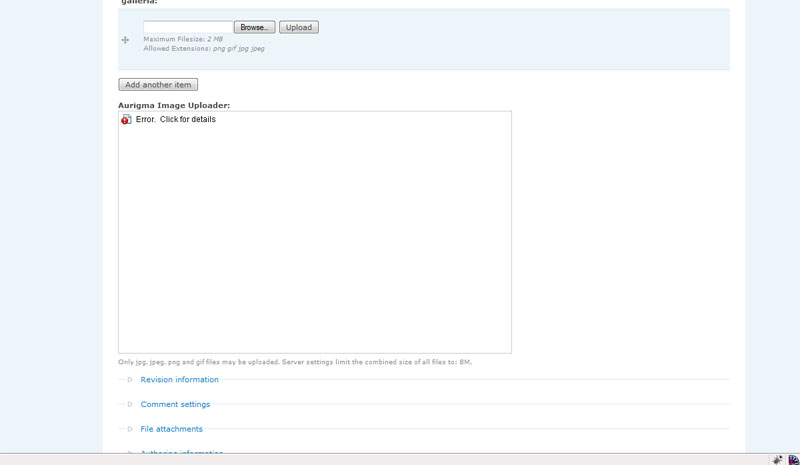
salateenoo commentedwhat happens is the uploader does not even load in the page , for IE and for FF and all other browsers. i checked everything paths and urls everything in its place , but no result, i attached a screenshot for the html code in my page.
i appreciate your help.
Comment #5
awolfey commentedSorry, I just saw this now for some reason. I will take a look a try to help soon. However, it was working for me last time I tested.
Comment #7
awolfey commentedPlease try the 6.x-2.dev when it is packaged with today's date, or grab the changed files from cvs. Let me know if this works.
Note that you will now need to set the uploader version number in the admin settings.
Thanks.
Comment #8
andreymir commentedI think cause of the problem is in the aurigma_appconfig function. It use drupal_get_path function to determine the path to the applet. But it returns the path relative to the directory that drupal installed. So if drupal installed not in the root directory (e.g. not http://example.com/ but http://example.com/drupal6/) the path will be incorrect. The url function should be used to convert this path into the proper url.
Comment #9
awolfey commentedGood catch. Fixed and committed.