Closed (fixed)
Project:
FCKeditor - WYSIWYG HTML editor
Version:
6.x-2.x-dev
Component:
User interface
Priority:
Normal
Category:
Bug report
Assigned:
Unassigned
Reporter:
Created:
8 Sep 2009 at 19:42 UTC
Updated:
15 Mar 2010 at 10:46 UTC


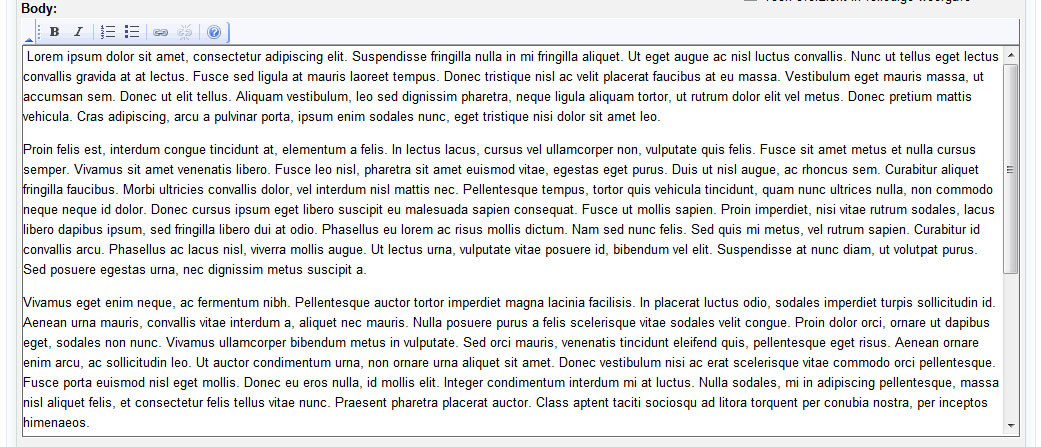
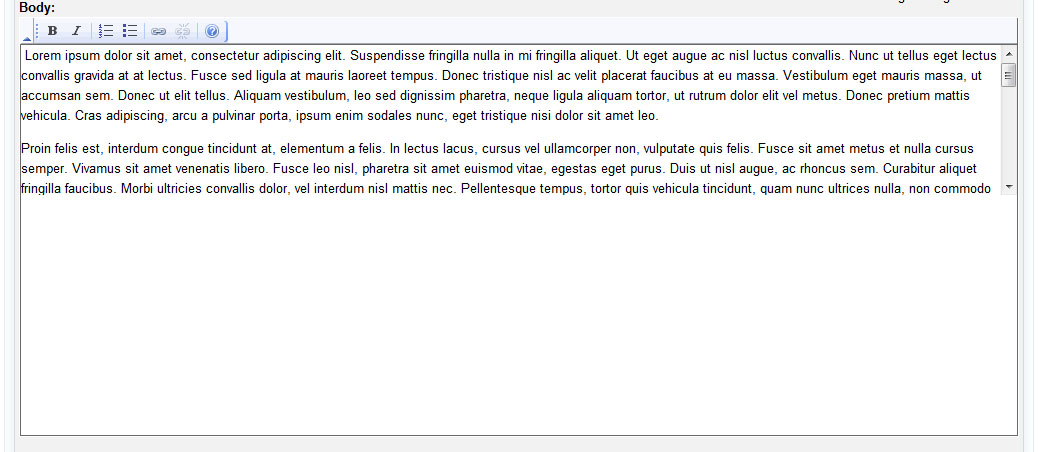
My textareas appear only half their size, within the full sized textarea frame. When I hover over the buttons of the toolbar, it goes back to normal again.
fckerror.jpg = before
fckerror2.jpg = after I hover any of the toolbar buttons
| Comment | File | Size | Author |
|---|---|---|---|
| fckerror2.jpg | 320.49 KB | danny_joris | |
| fckerror.jpg | 151.44 KB | danny_joris |

Comments
Comment #1
danny_joris commentedI just noticed this happens only with my Safari for vista.
Comment #2
Jorrit commentedThis is similar to #537296: safari issues. I've just uploaded a fix for FCkeditor.module version 2.x-dev. Download that version tomorrow to see if it helped.
Comment #4
danny_joris commentedI confirm that this problem is solved after upgrading to 6.x-2.x-dev of 2009-Sep-15.
Thanks!
Danny
Comment #5
rsvelko commentedFYI - happens on chrome too. If it is still in 2.0-dev or the latest 2.1. I might write here... Thanks for the fix!