

Closed (won't fix)
Project:
Drupal core
Version:
8.0.x-dev
Component:
color.module
Priority:
Normal
Category:
Feature request
Assigned:
Reporter:
Created:
21 Sep 2009 at 18:09 UTC
Updated:
29 Jul 2014 at 18:28 UTC
Jump to comment: Most recent file


Comments
Comment #1
R.Muilwijk commentedAdd patch.
Comment #2
cburschkaThe test may pass, but it doesn't seem to be actually working.
Comment #3
Tor Arne Thune commentedStill a valid issue.
Comment #4
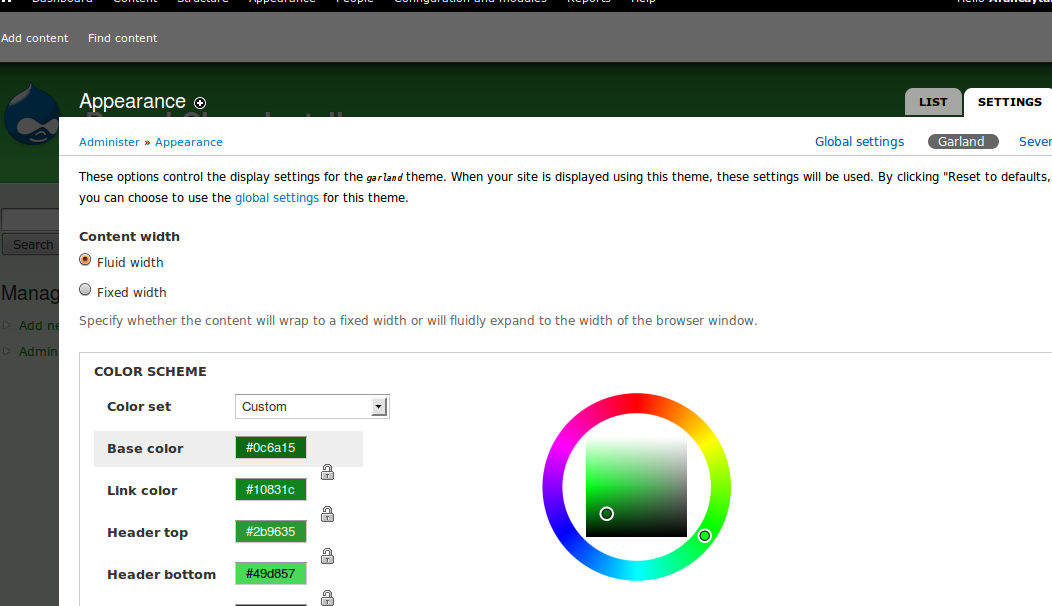
devin carlson commentedClosing as a theme's screenshot is used for universally identifying a particular theme and providing a reference as to what it might look like with content already added.
A theme screenshot is not meant to represent what a theme might look like with whatever settings are currently applied. If this were the case, any text in the screenshot that was colorable should also updated, settings that enable/disable logos/banners/menus etc should also be reflected in the image etc.