Closed (fixed)
Project:
NewsFlash
Version:
5.x-1.6
Component:
Code
Priority:
Normal
Category:
Support request
Assigned:
Unassigned
Reporter:
Created:
30 Sep 2009 at 11:39 UTC
Updated:
1 Oct 2009 at 11:19 UTC


All
Apologies if this is more a CSS than a newsflash question, but I cannot stop all node text from appearing in bold (strong).
I'm using FCKEditor with a custom input format, but changing back to a standard input format (HTML) has no effect.
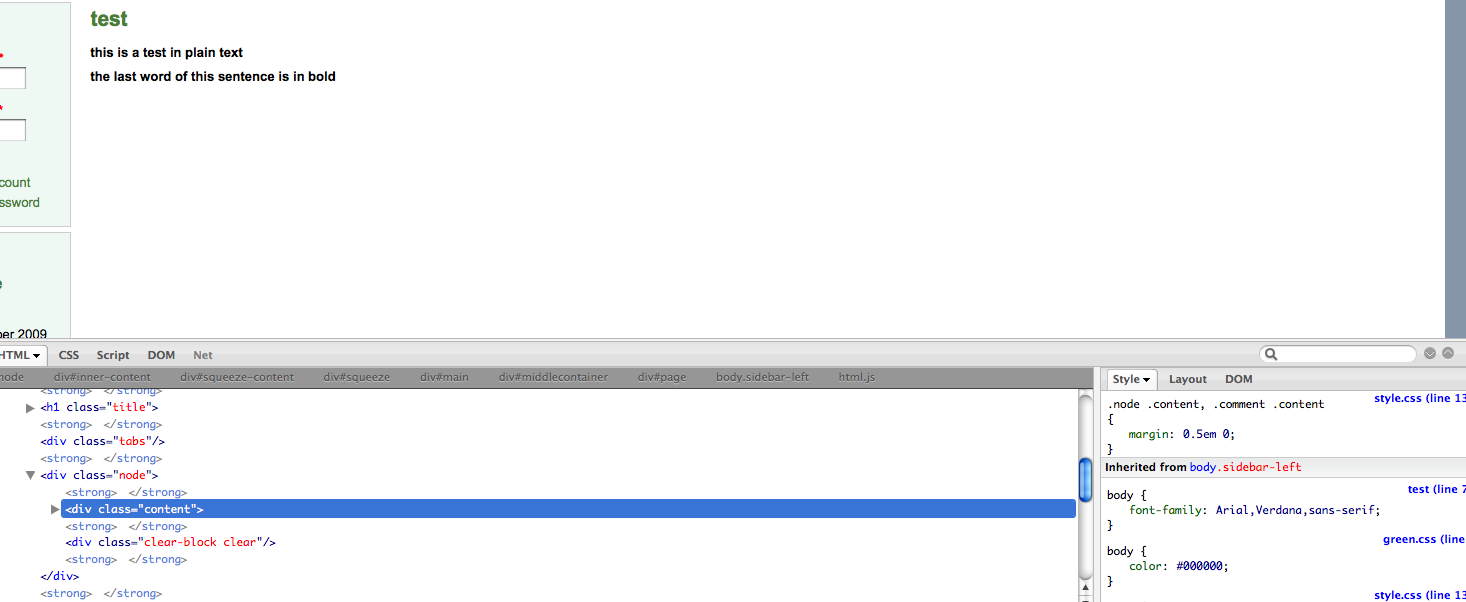
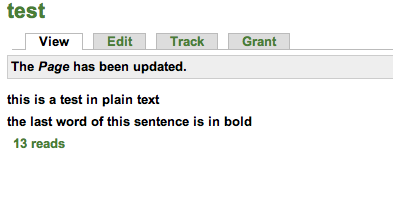
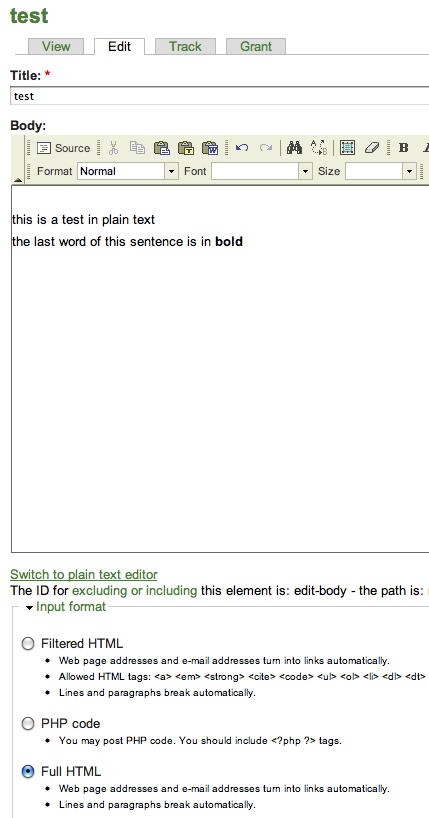
I havent been able to track down where this setting is coming from, attached are screenshots from Safari and Firefox showing the node being edited, viewed, and in safari's developer tools and with firebug in firefox
I've checked the page and node templates, the style.css and green.css (which I'm using) and can't see where the extra strong tags are coming from.
Thanks for any help on this one!
| Comment | File | Size | Author |
|---|---|---|---|
| firebug.png | 87.91 KB | frost | |
| safari.png | 135.79 KB | frost | |
| viewnode.png | 15.72 KB | frost | |
| editingnode.png | 50.24 KB | frost |


Comments
Comment #1
frost commentedi should have pointed out that safari.png shows at the right side of the screenshot that font-weight: bold is inherited. Not sure how to find out where it is inherited from.
And the firebug shows opening and closing strong tags throughout the page, possibly related to this, although they are closed before it gets to the text in question.
Comment #2
frost commentedMy bad.
This was caused by a block that appeared in the sidebar of every page, this block showed a view of some nodes, and one of those nodes was improperly formatted. I.e. nothing to do with newsflash at all!