

Closed (fixed)
Project:
Views Custom Field
Version:
6.x-1.x-dev
Component:
Code
Priority:
Normal
Category:
Bug report
Assigned:
Unassigned
Issue tags:
Reporter:
Created:
29 Oct 2009 at 10:36 UTC
Updated:
11 Jun 2011 at 19:05 UTC
Jump to comment: Most recent file

Comments
Comment #1
laxmankasula commentedviews_customfield now works only when the style is table format. So make sure the display format is table and under the setting, u can configure the sort criteria.
Comment #2
ArunB commentedI tried it, and it is working. Previously also, I used Table. I am not sure why it didn't worked. May be because of caching problem???
Thank you,
ArunB
Comment #3
infojunkieUnless you can provide a reproducible scenario, I'll mark this as closed.
Comment #4
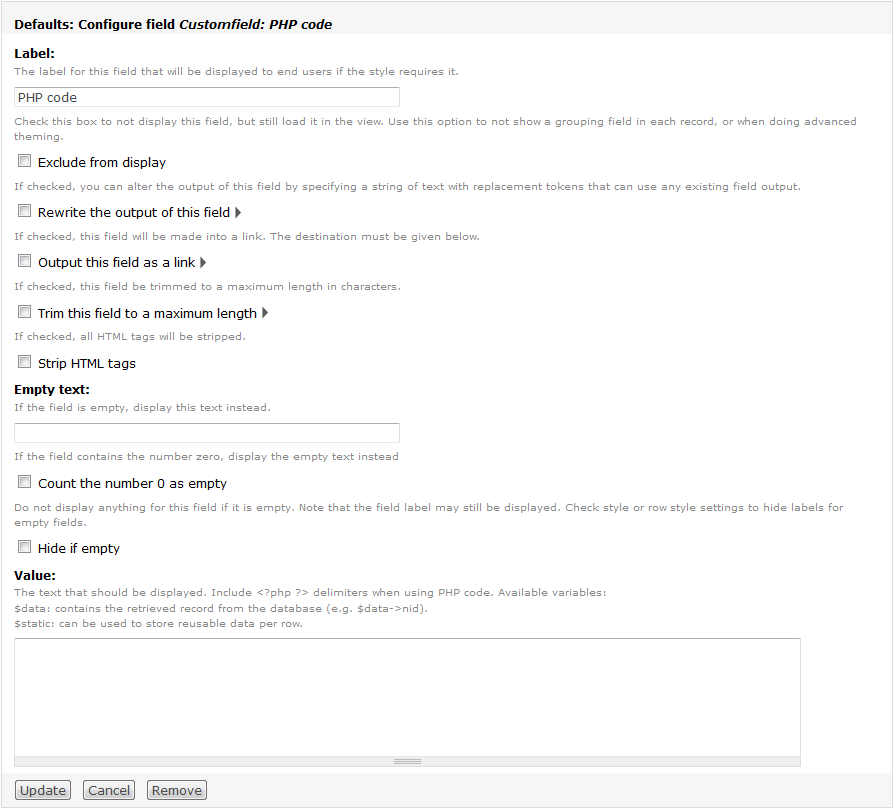
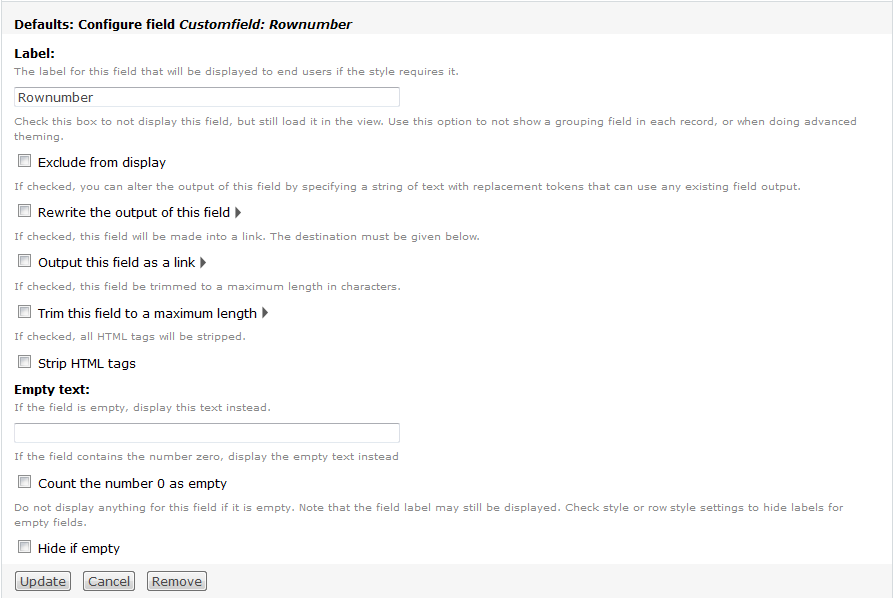
jeff.k commentedI am experiencing this. In the attached example I have Row number and PHP custom fields in a table and neither will offer Sort. Am I missing something or is this a know bug now.
Sorry Please disregard. The update I thought I made to the dev version was infact not updated. This works and thanks.
Comment #5
infojunkie@jeff.k: I assume it's OK to close again.
Comment #6
jeff.k commentedyes thanks
Comment #7
endiku commentedUsing Table and sorting for PHPCode if you utilize the pager you will not see the paging buttons. The sorting will sort the initial items found and that is all.
So if you have 100 results and do pager (10 items per page) then you end up with only a view of 10 items, no paging.
Comment #8
icanko commentedI can't figure out why my custom field isn't sortable.
It uses a php snippet that displays decimal values properly, but in the "Style: Table" settings it doesn't have a checkbox next to it to make it sortable. All other fields have such.
If it matters how I fill the field with data - I use a static array that is set in the first row.
I have updated and saved the view. It displays everything I want it to display and nothing more, but when I edit I still can't make the field sortable.
What am I missing?
Comment #9
Sujee commentedHi,
I am having the same problem. How did u rectify this problem?
Comment #10
Elhu commentedHi,
I'm also having the same issue, and I don't understand why ... any help?
Comment #11
asak commentedComment #12
krysgeek commentedYou need to indicate that the field is sortable. Edit the custom field and check the sorting method (default is not sortable). Then you will see your checkbox appear in the table.
Comment #13
infojunkiePlease repoen this if krystee's comment #12 does not apply to you.
Comment #14
Sujee commentedHi,
Sorting is working fine. But paging is not working.
Thanks & Regards,
Sujee
Comment #15
infojunkie@Sujee: please describe your scenario in more detail to help us reproduce the problem.
Comment #16
alanpeart commentedI am experiencing the sorting problem described above by Endiku (using 6.x.1.x.dev, latest (2010-Jul-11)). I have a view displaying 300+ results. Some fields are "normal" and some are Custom Fields where the value is retrieved by a module function. The pager displays 20 results per page. The display is "Table". All fields (normal and custom) and set to be sortable in the Table settings. Sorting on the normal fields works normally, with the entire paged set of results being reordered. However, sorting on the Custom Fields (any of them) only returns 20 records, with no paging. I have tried every imaginable combination of configurations in Views to overcome the problem with no luck and the only conclusion I can come to is that this is a bug...
EDIT: I also tried replacing the use of my module function with a simple PHP operation (no DB query) and the problem was the same. Sorting by the field only displayed 20 results and no pager.
Comment #17
mechler commentedI don't see any such option when editing custom fields created with this module. As such, I've been unable to make the columns sortable at all.
Comment #18
infojunkie@mechler: The sorting only works for PHP custom fields, not row numbers.
Comment #19
mechler commentedLet me try again. Relevant version numbers:
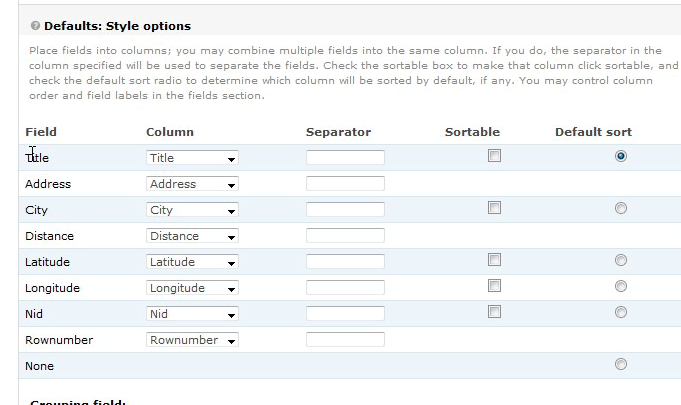
I don't see where the Make-This-Field-Sortable option is.
I'm not trying to be snarky. I really don't see it and I can't find it anywhere else. I'm posting a clipping of the screen from where the suggested solution seemed to point me. Other people seem to have solved this problem, so I'm assuming that I'm looking in the wrong place.
Comment #20
infojunkie@mechler: The sorting feature is not available in 6.x-1.0. It's available in dev only.
Comment #21
Sujee commented@infojunkie , For updated version views, view alpha module, paging is not displaying. Custom field is not working. For example, Row no is displaying in first page as 1,2,3.. 10 and for second page as same 1,2,3,...10 and not the continuity from 10th as 11,12,13 and so on.
Comment #22
1kenthomas commentedI'm running -dev, I've enabled sorting in my custom field, and don't get a field to sort by in my view. (Driving me crazy). /me continues to...
Comment #23
ndevelder commented@1kenthomas, what type of view style are you using? sorting is only available for the 'table' style, and needs to be selected within the table settings in addition to being enabled in the field.
i have a separate issue...sorting is working, but i'm using 'group by' to group rows by the first letter of the node title (for which I'm using customfield to remove punctuation, 'the' etc) I'd love to be able to sort the node titles inside the groupings (which are sorted correctly), but there doesn't seem to be a way to do this yet. Anyone have any thoughts on how to implement this? Thanks!
Comment #24
jolava commentedWorking fine now. Just install the dev version of CustomFields. Thanks infojunkie. You'll see in the CustomField the options to sort this field.
Comment #25
infojunkieI also urge you to consider migrating to Views PHP which was started by the author of Views Custom Field as a newer, more mature version of the code here. Views Custom Field will be marked as obsolete soon. I will not be maintaining it anymore.