

Closed (fixed)
Project:
Drupal core
Version:
7.x-dev
Component:
overlay.module
Priority:
Critical
Category:
Bug report
Assigned:
Unassigned
Reporter:
Created:
27 Dec 2009 at 03:52 UTC
Updated:
28 Jan 2010 at 03:30 UTC
Jump to comment: Most recent, Most recent file



Comments
Comment #1
jensimmons commentedComment #2
kiphaas7 commentedCould you also please list which browser (version) and/or operating system you're using? Sometimes these bugs are browserspecific. Also, did you encounter this message in other situations?
If you could describe a situation where we can easily reproduce this bug, it would be very helpful.
Comment #3
jensimmons commentedThis was in Safari 4.0.4 on a Mac running OSX.6.2.
I don't know how to reproduce this. I expect anything you do to cause your Drupal installation to display an error message would do this. In my case, I could see this again if I go crash the mySQL database container serving this site.
I don't think this error message is showing up in the $message slot. I think it's one of those errors that shows up at the top of the page, before everything. But also, I'm not sure.
Comment #4
mcrittenden commentedSub.
Comment #5
aspilicious commentedI am working in google chrome (dev 4)
When I tried to install a module this afternoon I had the same thing.
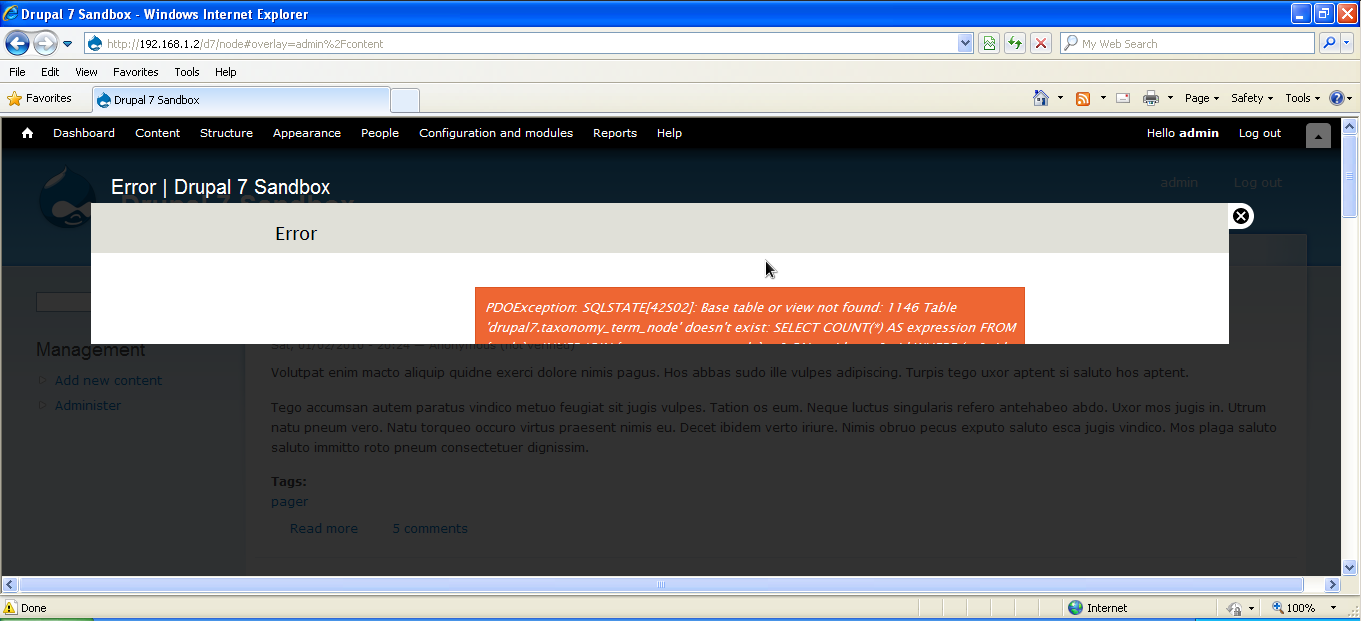
There was an error while installing the module and I couldn't read the error message, I only saw the top of the orange box.
As I am not a drupal pro, I don't wonna interupt this discussion but i found it worth mentioning.
Comment #6
jensimmons commentedSince this is a confirmed bug, I'm going to bump it to critical. D7 can't ship with the inability to show error messages when the overlay is on.
Comment #7
aspilicious commentedThis can be a webkit problem like the scrollbar problem i had...
Maybe the webkit wizzes know more...
Comment #8
casey commentedNot a webkit issue. I think this only happens with fatal errors where execution doesn't reach overlay.
Comment #9
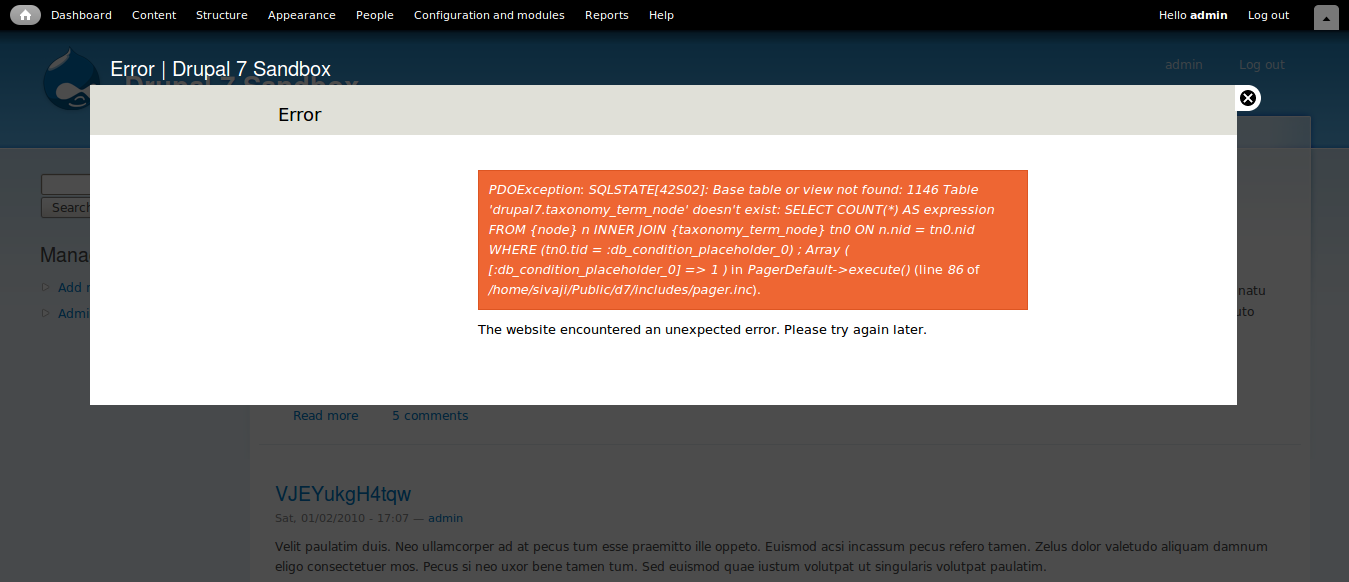
kiphaas7 commentedOverlay obviously defaults to the min-height of 100px in these screenshots, so something is going wrong with the height calculation.
A wild guess, since my dev pc is still in pieces:
Is the body tag even set on pages with these errors? Probably not, hence the default 100px.
Comment #10
casey commentedThis was actually happening when overlay was displaying a maintenance page for theme seven.
overlay_preprocess_maintenance_page() isn't actually necessary to fix this issue, but I think it should be there anyway.
Comment #11
casey commentedWe can reuse overlay_preprocess_html()
Comment #12
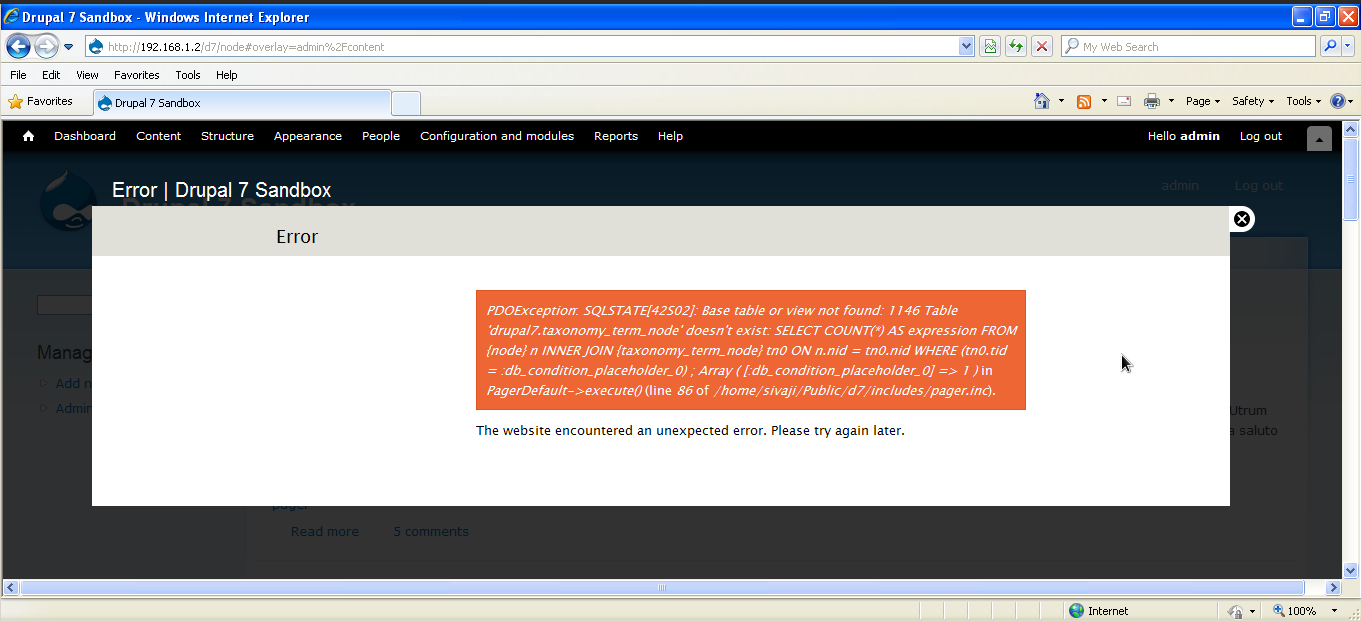
sivaji_ganesh_jojodae commented#11 works good on various browsers. Tested with Firefox 3*, Chrome 4 and Opera 10 in ubuntu 9.10 and IE8* in windows xp over Virtualbox.
Comment #13
aspilicious commentedRTBC?
Comment #14
jensimmons commentedComment #15
webchickOh! Nice one. I've run across this too, but obviously forgot to look for an issue about it.
The fix looks fairly straight-forward to me. Committed to HEAD.