

Closed (fixed)
Project:
Drupal core
Version:
7.x-dev
Component:
Seven theme
Priority:
Normal
Category:
Bug report
Assigned:
Unassigned
Reporter:
Created:
26 Feb 2010 at 02:56 UTC
Updated:
29 Oct 2010 at 04:40 UTC
Jump to comment: Most recent file

Comments
Comment #1
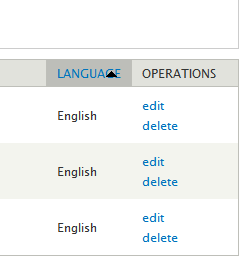
droplet commentedscreenshot
Comment #2
aspilicious commentedI don't have the language option.
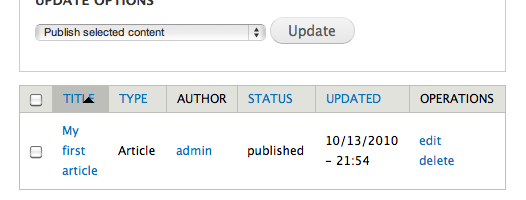
But I can tell you that the sort button isn't the problem. The problem lays in the width of the column.
If you make it wider then the issue will be fixed. But I guess your resolution is to small to get everything on one line.
Comment #3
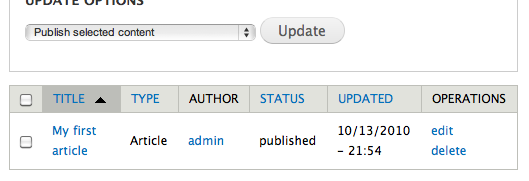
Jeff Burnz commentedThe issues is caused primarily because position absolute is used to position the image (which keeps it locked in its horizontal space). Perhaps a reasonable solution is to add some padding to the active anchor? This works by giving some space for the image to move into/forces the active column a little bit wider.
Should keep an eye on this one, could become a more prevalent issue with languages other than English that might have long column headings.
Comment #4
markabur commentedTested, works great. In a lot of cases the content of the table will push those columns wide enough anyway; this mainly happens when it's empty. But the extra padding is good insurance.
Comment #5
webchickCommitted to HEAD. Thanks!