

 Come together with the global Drupal community in Rotterdam, 28 Sept – 1 Oct 2026. Sessions, contribution, connection, and Early Bird savings until 8 June.
Hello,
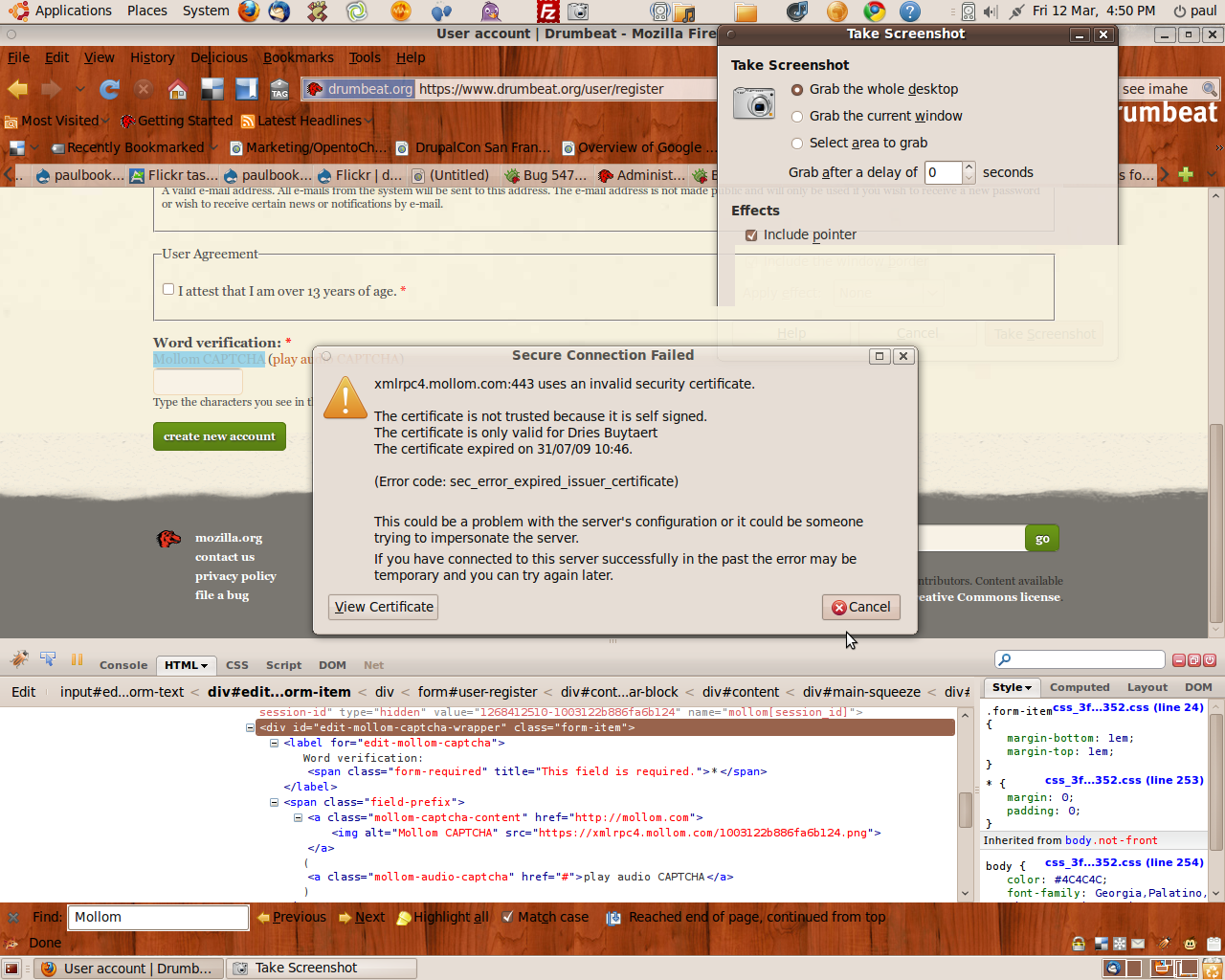
I have purchased a Mollom Plus account for drumbeat.org (a mozilla foundation project) and have enabled / configured the module as i have many times before. However when i go to register a new account @ https://drumbeat.org/user/register the captcha image does not render on the page. After a little investigation i can see that the reason the image is missing is because although being pulled correctly over SSL the certificate for the domain behind that link has expired and is not installed in my browser.
Interestingly on a stage site with similar configuration the captcha image is not served over SSL and is visible on the page
Would you please help me to correct this problem.
| Comment | File | Size | Author |
|---|---|---|---|
| #1 | mollom.png | 459.6 KB | Anonymous (not verified) |

Comments
Comment #1
Anonymous (not verified) commentedPlease see attached image ..
Comment #2
Anonymous (not verified) commentedComment #3
dave reidWe're aware of the expired SSL certificates in our internal support system as well. I'll keep this open just for tracking although there's nothing that can be fixed in the module.
Comment #4
Anonymous (not verified) commentedThanks Dave,
I have a made a post on the Mollom contact page . I'll update this thread as soon i get a
response.
Best,
Paul Booker
Comment #5
Anonymous (not verified) commentedKeith Smith from Mollom replied on the contact form and said ,
"Yep, I see that Dave has responded on the d.o. queue, so I'm going to close this ticket so that we can track the status there. "
Comment #6
dave reidCoordinated with Ben & Dries and tested all the xmlrpc servers successfully with SSL.
Comment #7
Anonymous (not verified) commentedWorks perfectly, thanks gentleman.
Best,
Paul Booker
Comment #8
sun