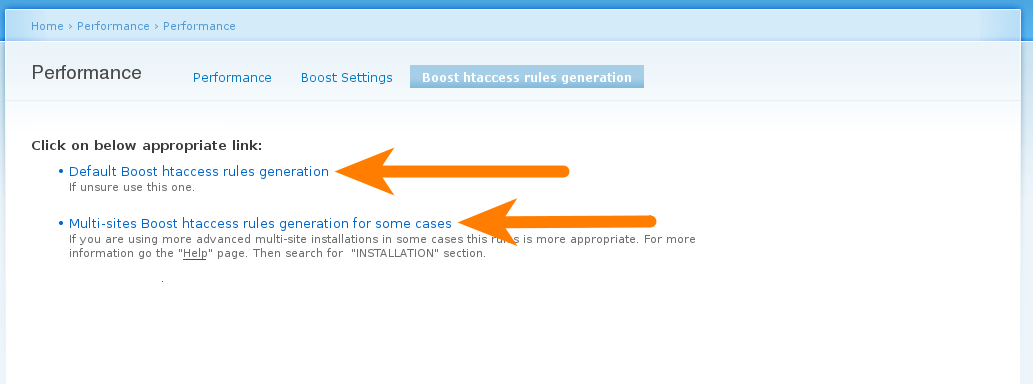
To improve usability I suggest adding a new rules generation: 'Multi-sites Boost htaccess rules generation'.
User would click on Boost htaccess rules generation tab. Then would be presented with two options.
1. 'Default Boost htaccess rules generation'.
2. 'Multi-sites Boost htaccess rules generation for some cases'.
Find below mockup to clarify. What do you think?
rel="nofollow"> width="100%">
In above mockup the grey 'Help' link would go to the Advanced Help page at admin/help/boost
If user click on 'Default Boost htaccess rules generation' link the next page would be as follow. This is the already existing page.
rel="nofollow"> width="100%">
If user click on 'Multi-sites Boost htaccess rules generation for some cases' link the next page would be a new rules generation page for multi-sites based on 'boosted2.txt' file located under the Boost's module directory at boost/htaccess/boosted2.txt.
I have attached the text only version below.
Feel free to reformat presentation or re-wrote text.


Comments
Comment #1
mikeytown2 commentedBoost's rules are multi-site ready out of the box; the only difference between the 2 is boosted1.txt uses
%{SERVER_NAME}and boosted2.txt uses%{HTTP_HOST}. I should break tradition and follow core in this regard (default settings).Code from conf_init()
Comment #2
francewhoaMulti-site ready out of the box sounds great. But it didn't work for me. boosted2.txt worked though.
I searched for a long time to figure out that there was other rules into a sub-folder of the module. In other words what I'm suggesting is adding the two rules at
/admin/settings/performance/boost-rules. The two rules would be based on boosted1.txt, boosted2.txt. It would improve usability to add those two rules into this rule generator page rather than a module's sub-folder. What do you think?Attaching missing files for my first post. That should clarify what I meant. The attachments didn't work the first time.
rel="nofollow">
Comment #3
francewhoaComment #4
francewhoaBase on your comment in #1 here are a new mockup. I tried to use non-technical terms for beginners. What do you think?
rel="nofollow">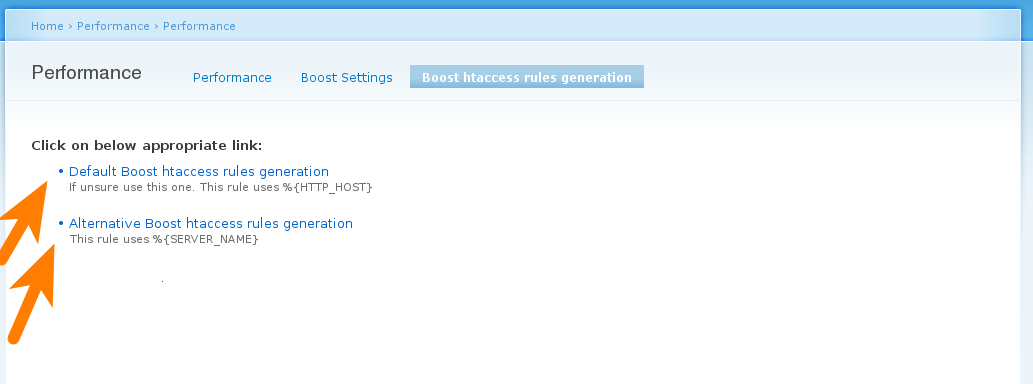
Comment #5
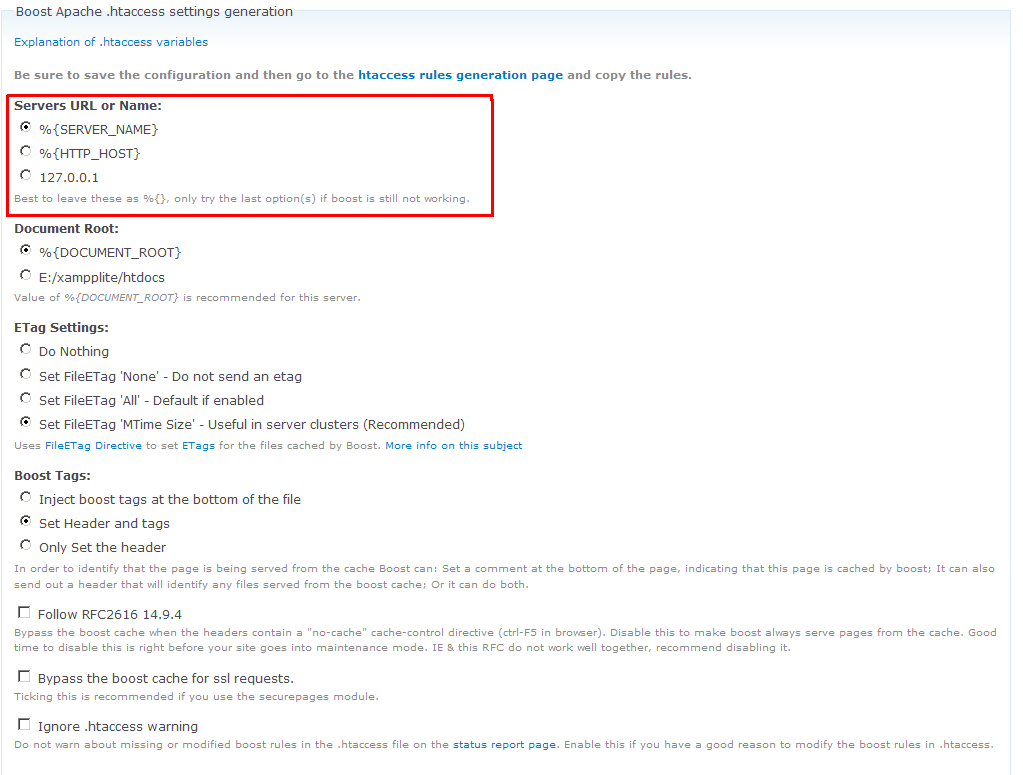
mikeytown2 commentedI don't think you realize this but I already have this feature built in. It's near the bottom of the admin/settings/performance/boost page.
Comment #6
francewhoaThanks mikeytown2 I learned something new.
Base on your comment in #5 here is a new mockup that would improve usability for beginner users. Those instructions would be added at
/admin/settings/performance/boost-rulesWhat do you think?rel="nofollow">
Comment #7
mikeytown2 commentedcommitted and added a link.