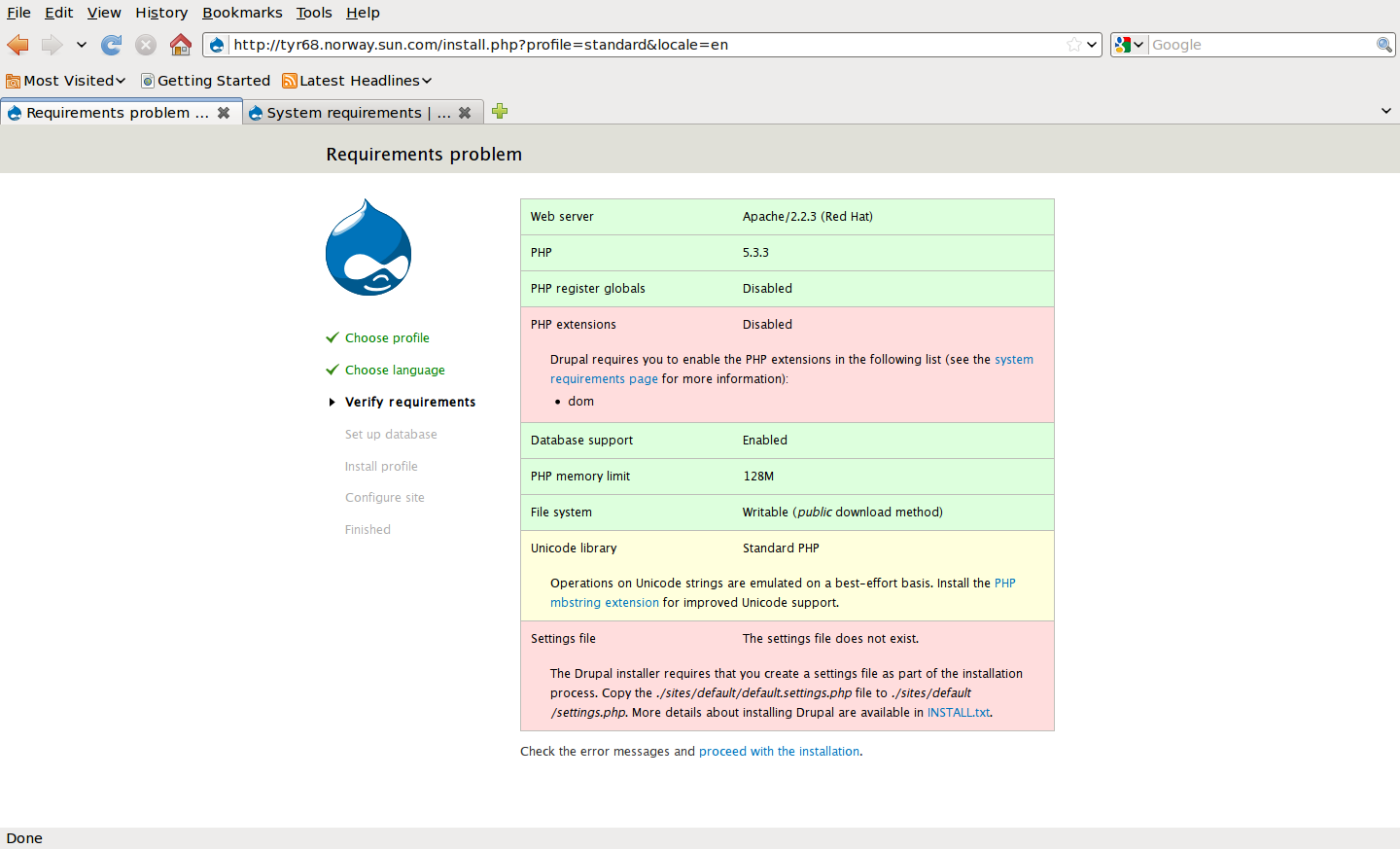
While testing the installation of Drupal on a RHEL5 box using the 7.0-alpha6 tarball, the installer complained about the following missing requirement:
PHP extensions Disabled
Drupal requires you to enable the PHP extensions in the following list (see the system requirements page for more information):
* dom
(See Screenshot attached)
However, checking http://drupal.org/requirements does not mention "dom" in any way. Either the installer message needs to be improved, or the system requirements page needs to be updated to mention this requirement more explicitly.


Comments
Comment #1
lenz grimmer commentedAs it turns out, this is part of the PHP XML extension, which despite the comment on the System requirements page was not enabled by default (I needed to install an additional package "php-xml" to fix this).
Comment #2
lenz grimmer commentedThis error message is the result of http://drupal.org/node/641408 - my suggestion is to update the System requirements page in such a way that it mentions that DOM is part of the XML extension.
Comment #3
jlpicard2 commentedI agree that this needs fixed, and I saw the same message in Drupal 7 Beta 2.
Comment #4
bekasu commentedAdded a DOM reference under the PHP XML info.
Comment #6
ewnme commentedI am installing drupal 7 on a Fedora Core 14 box with LAMP available. I got this same message stated above which says nothing about the XML extesion. Would not have known what the problem actually was if this issue was not mentioned and "closed" as fixed. Just an FYI.
Comment #7
mstobbs commentedThere are some Linux OS-specific tips at PHP.net that I found handy for installing the php-xml package.
http://php.net/manual/en/dom.setup.php
Comment #8
lombao commentedhope it helps tip for drupal 7.2 and fedora 14
you have to install php-xml: yum install php-xml
then, just restart the httpd server : service httpd restart
you can go on with you drupal installation now...
Comment #9
fivestarstravel commented+1 thanks for this tip on fedora core 14!
it also works to update this module on already installed drupal 7 instances. if you get notice to enable dom PHP extension, then just do the two commands above, and all is well!
Comment #10
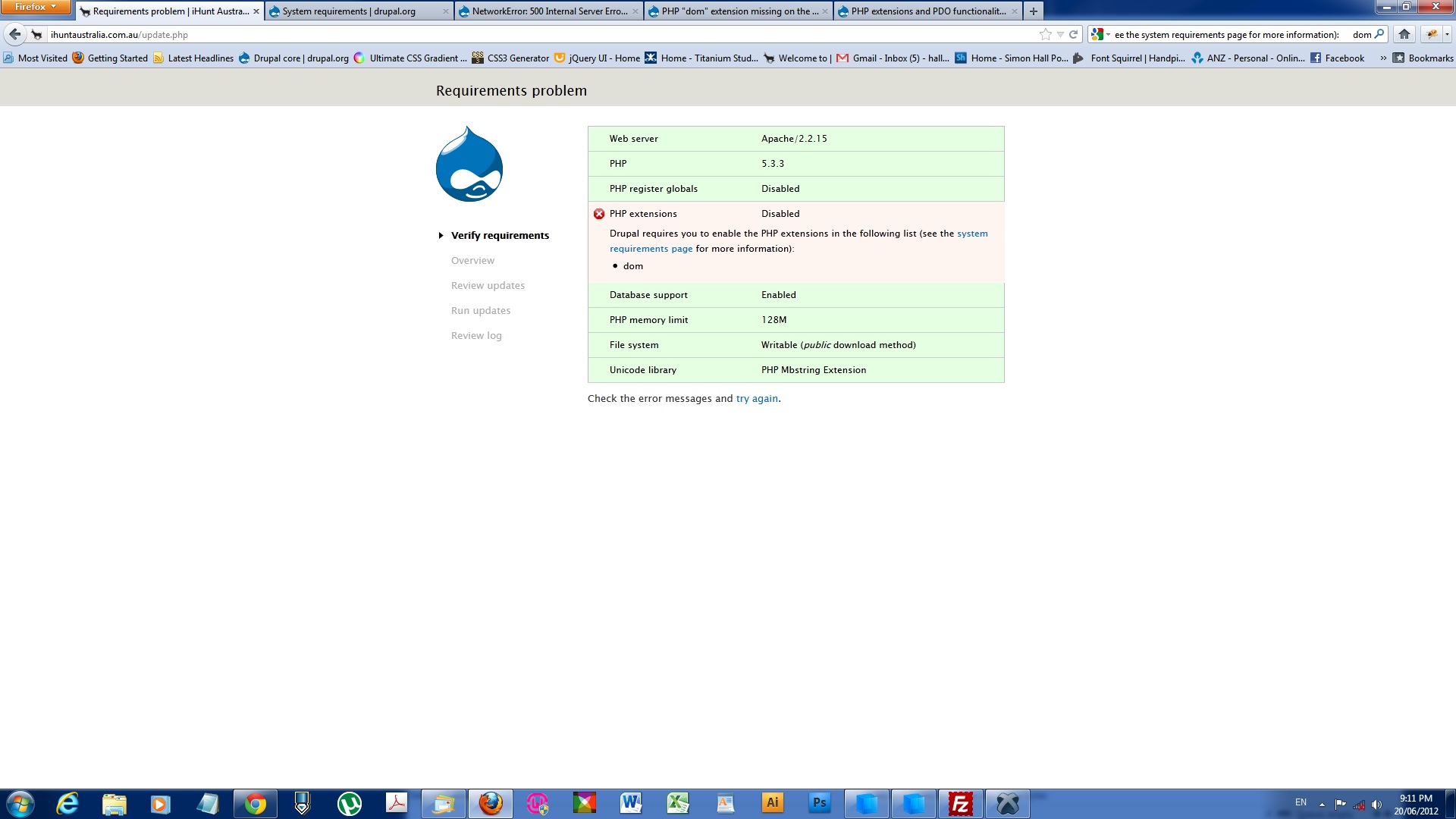
hallswah commentedHi Guys,
Sorry about this but I have the same problem (see attached screenshot).
I had my site on a webserver and had to upgrade to their private server plan and thats when the trouble started - I wasnt able to see anything.
Its taken me 2 weeks to get to this point to actually find what i hope is the problem.
I'm fairly new to Drupal and was wondering if some one could give me clearly defined steps to fix this issue or direct me to somewhere where I can find that information.
...having a little trouble following the above comments :)
Thank you in advance.
Comment #11
jhodgdonhallswah: This is a closed (fixed) Documentation issue, and you are looking for support. Instead of posting here, please click on Support at the top of Drupal.org to get connected to the Drupal support forums, IRC, etc. This just isn't the right place to post your question. Sorry, and good luck!
Comment #12
dharam1890 commentedok there is php extension problem
for linux user open terminal and type command -$ yum install php-xml
and restart httpd service $ service httpd restart
For Windows users- Follow this link php.net/manual/en/install.windows.extensions.php
Comment #13
ledbelly2142 commentedI realize this is not a support page, but I just encountered the same php extension issue *dom php "extension not enabled" setting up a new drupal 7.23 site on Amazon AWS EC2. The instructions from dharam1890 worked for me with the default Amazon linux AMI. I suspect others will have the same issue.
Thanks for posting the fix.