

 Come together with the global Drupal community in Rotterdam, 28 Sept – 1 Oct 2026. Sessions, contribution, connection, and Early Bird savings until 8 June.
Installed zoomify on my local (test-) machine and it word as expected.
Then I installed it 1:1 in a shared environment and it does not work any more.
From the modules documentation I can see that there may be caveats when zoomify is running in a subdomain. The background is - as far as I understand - that the originating URL (of zoomify) and the URL of images to display should have the same domain name.
That is the case since (see excerpt, domain name --> MY_SUBDOMAIN):
<div class="field field-type-filefield field-field-attach-image">

  <div class="field-items">
                 <div class="zoomify-page zoomify-page-node-biblio zoomify-page-node-20622"><div class="zoomify zoomify-node-biblio zoomify-node-20622 zoomify-file-14789">
<object class="zoomify-viewer zoomify-viewer-node-biblio zoomify-viewer-node-20622 zoomify-viewer-file-14789" classid="clsid:D27CDB6E-AE6D-11cf-96B8-444553540000" codebase="http://download.macromedia.com/pub/shockwave/cabs/flash/swflash.cab#version=6,0,40,0" id="theMovie" width="0" height="20">
  <param name="FlashVars" value="zoomifyImagePath=http://MY_SUBDOMAIN/de/system/files/zoomify/20622/14789">
  <param name="menu" value="false">
  <param name="src" value="http://MY_SUBDOMAIN/sites/all/modules/zoomify/ZoomifyViewer.swf">
  <embed flashvars="zoomifyImagePath=http://MY_SUBDOMAIN/de/system/files/zoomify/20622/14789" src="http://MY_SUBDOMAIN/sites/all/modules/zoomify/ZoomifyViewer.swf" menu="false" pluginspage="http://www.macromedia.com/shockwave/download/index.cgi?P1_Prod_Version=ShockwaveFlash" name="theMovie" width="0" height="20"></embed>
</object>
</div></div>         </div>
That means I don't have to set up a crossdomain.xml file?
Did I misunderstand something?
Regards
| Comment | File | Size | Author |
|---|---|---|---|
| #7 | zoom-firebug-2.png | 25.67 KB | schildi |
| #6 | zoom-firebug.png | 33.48 KB | schildi |

Comments
Comment #1
infojunkieYou should set up a crossdomain file if the Drupal installation has a different domain or subdomain from the image path.
Otherwise, make sure that the image paths that are generated by Zoomify are valid (when you paste them into the URL bar).
Comment #2
schildi commentedThanks for your answer. So in my case Drupal installation and images reside in the same (sub-) domain (as can be seen above). And I didn't needed a crossdomain file on my test site. So - sorry - I have to ask again:
An image path as
http://DOMAIN/de/system/files/zoomify/20622/14789
(as seen the the except above) is of course not valid when pasted in the URL bar. My assumption is that the problem is somewhere else. How can I track down the problem?
P.S.
Module kaltura is also using a crossdomain file. But as can be seen in the code (CVS) they put the file in the document root (not server root). And I don't have access to server root in an shared environment.
Comment #3
infojunkieTry to access http://DOMAIN/de/system/files/zoomify/20622/14789/ImageProperties.xml.
Comment #4
schildi commentedYes, I can get the file using
wget http://DOMAIN/de/system/files/zoomify/20622/14789/ImageProperties.xml
even when not logged in (as it should). When trying to access the file with firefox I get a "Page not found" error - seems also OK.
Comment #5
infojunkieI think it should be accessible by Firefox for Flash to be able to see it. Any reason why you say this seems OK?
Comment #6
schildi commentedsorry, you are right. May be I was already too tired when checking this.
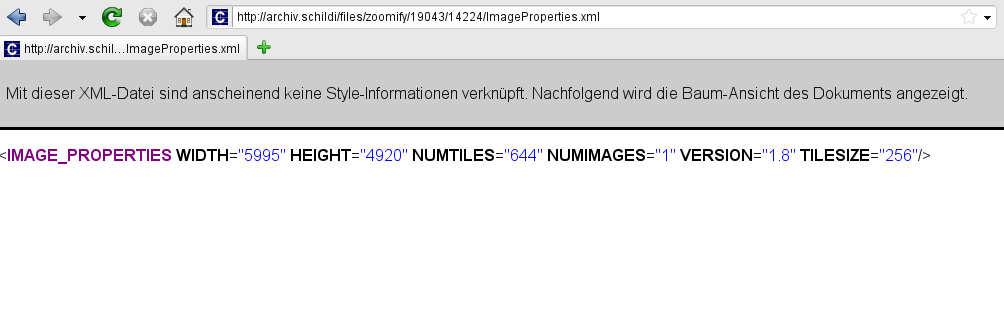
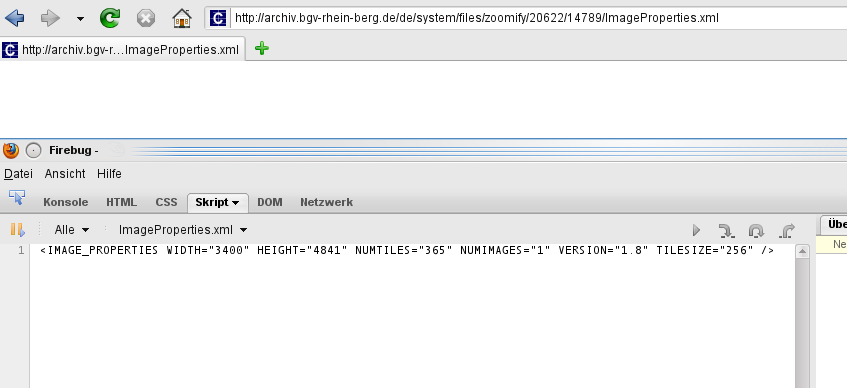
Checked it again with Firefox and get a "white screen". Started Firebug and it shows the content of the xml file (see attached image).
Edit:
Did the same on my test site. As shown in the second image the file is displayed here. Same browser as before.
Comment #7
schildi commentedok, it looks that I have to add a new comment to attach another image.
Comment #8
infojunkieClosing 6.x issues as I don't plan to work on them.