Active
Project:
Arthemia
Version:
6.x-2.0
Component:
Code
Priority:
Normal
Category:
Support request
Assigned:
Unassigned
Reporter:
Created:
2 Sep 2010 at 07:49 UTC
Updated:
1 Dec 2010 at 17:07 UTC
Jump to comment: Most recent file


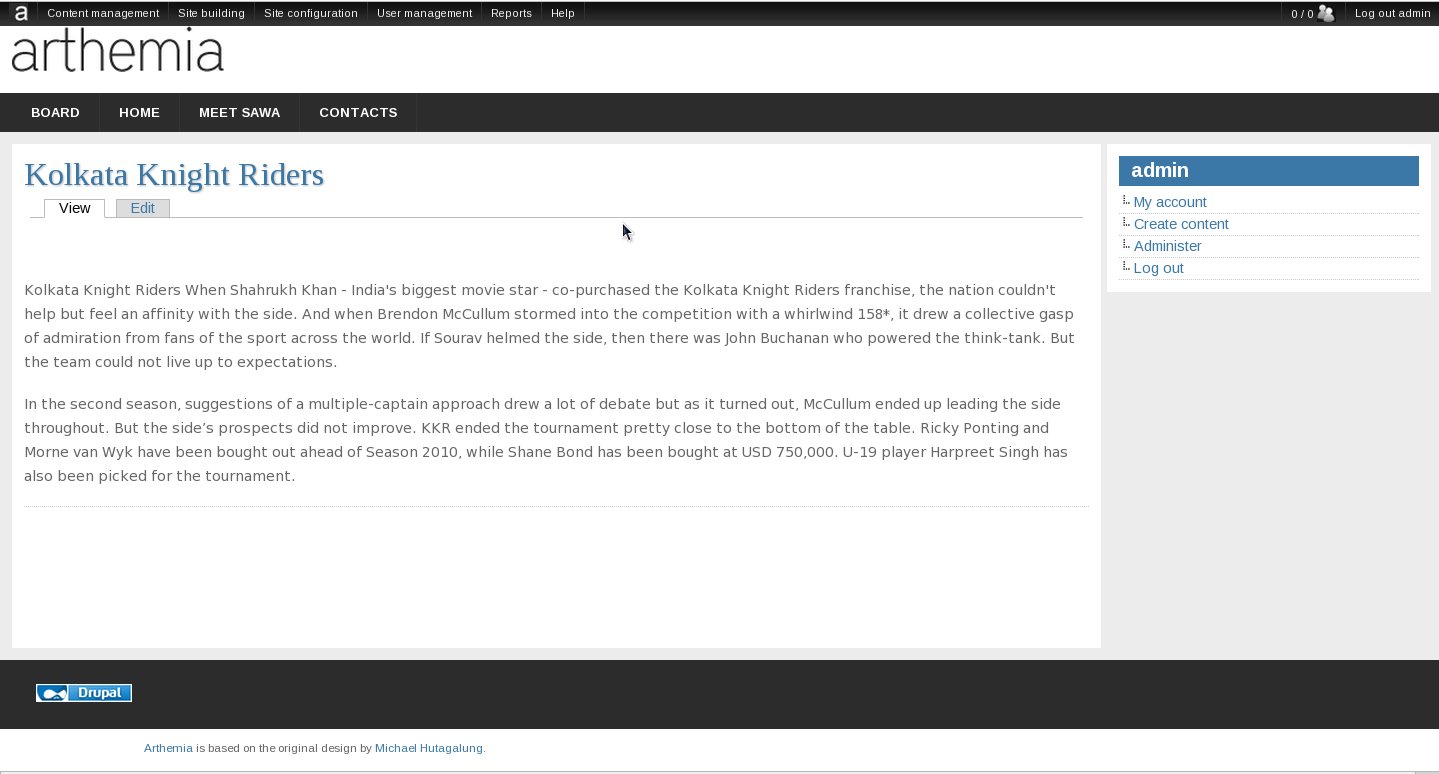
I want to make the theme broader. Tried a little bit in the CSS file, but especially the header moves just to the left.
Could someone tell me how to change the width of it?
| Comment | File | Size | Author |
|---|---|---|---|
| #2 | Arthemia-broad.jpg | 56.25 KB | Ole Martin |
| #1 | localsite.jpeg | 115.78 KB | Deepika.chavan |


Comments
Comment #1
Deepika.chavan commentedHi,
Please try adding following css in your themes local.css file. If it is not there you can create one. I tried it on my localsite to make the theme broader.(Please check the attachment.)
css to be added in local.css :
Rgrds,
Deepika Chavan.
Comment #2
Ole Martin commentedThank you
I tried this, but my block are not moving to right.
see Attach picture