Hi
First of all - thx for this great module...
Second, I'm new to drupal and i'm trying to build a new site and I need some guidens on where to find documentation for this module?
I would like to have the same functionality like gpsies.com (no copy, but only function needs to be copied):
1. A quick search bar above the map - where country/city is based on ex- Smart IP or user address.
2. The auto zoom is based on La/Lo from ex. Smart IP or user address
3. The grouping of content until zoom alow this
4. Like to show this small map within the map, so the navigation is easier
I have read all the issues in this module but haven't found a solution that would make this work.
Could you please verify that this module is ready for this task without any custom coding - or do I need a programmer to modify this module to make this work like gpsies.com?
thx
Brian



Comments
Comment #1
tisbris commentedHi again
Found the solution for '3' & '4':
Both is configured under the Map Preset:
3- under Overlays/Marker settings/Manager
4- under Controls/Overview Control
still need some help for search and default zoom
//brian
Comment #2
tisbris commentedhi
got one step closer...
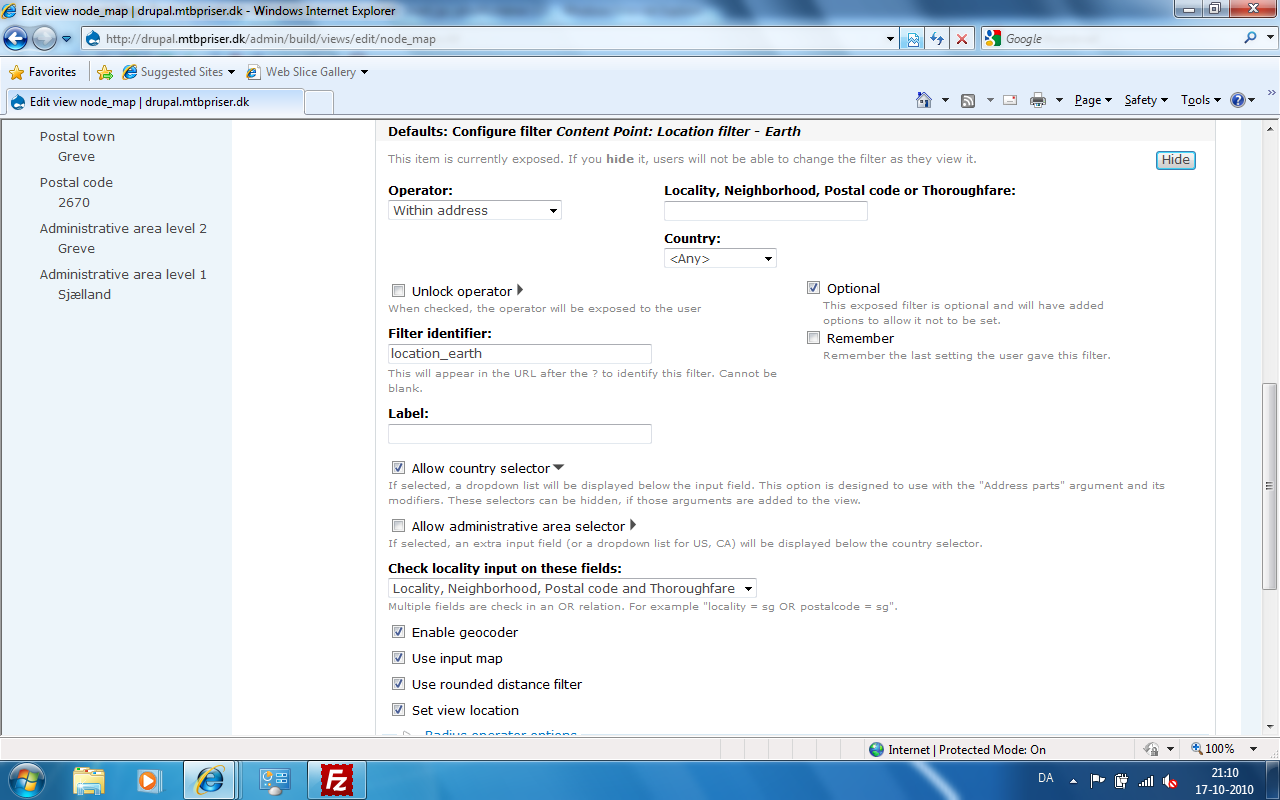
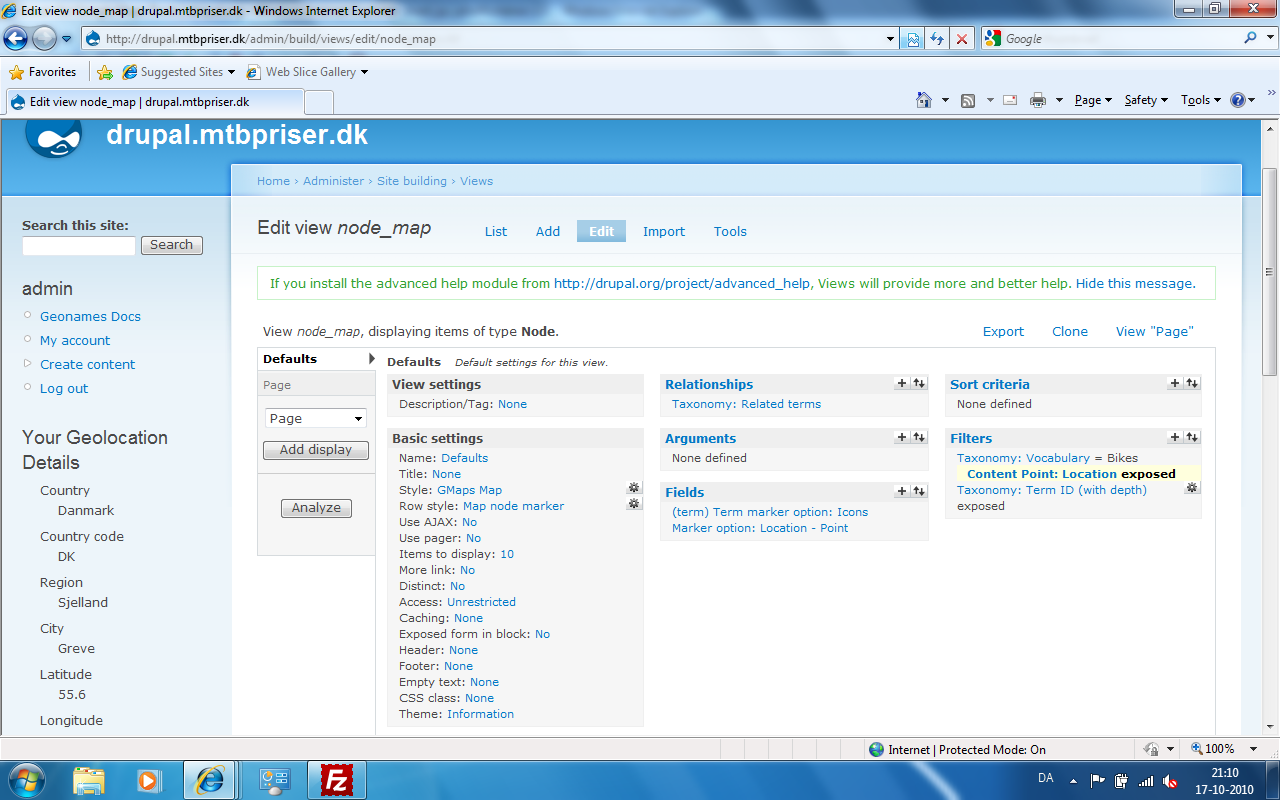
i managed to find a way to search for zip/city and country - but i cannot make it work correctly.
the problem is that the search for zip/city is not working unless the country is selected, the option 'any' in the country dropdown doesn't seem to work? - test on drupal.mtbpriser.dk (ex. zip 2670 greve denmark)- see attached screendump of view settings.
when this problem is sorted, then i only need to make these search options replaced with the data from the user location or smart ip - any idea to this?
thx
//Brian
Comment #3
YK85 commentedHi Brian,
Were you able to get a hang of how this module works?
I'm new and still struggling.
I'm trying to figure out how to all mouse scrolling to zoom in and out.
Also, the Add More button in the node edit is not showing for when the field is set to Unlimited.
I hope you can share you experience with this module.
Thank you
Comment #4
chris.toler commentedTo control mouse zooming, do the following:
1. Goto "Admin > Google Maps Tools > Map Presets > [selected preset]" (admin/gmaps/maps)
2. Expand the "Methods" fieldset.
3. In the "Allowed Methods" field, scroll down to the item "Scroll wheel zoom" and CTRL+CLICK.
4. Save.
Any map using this map preset (e.g. views) should now allow for scrollwheel zooming.