


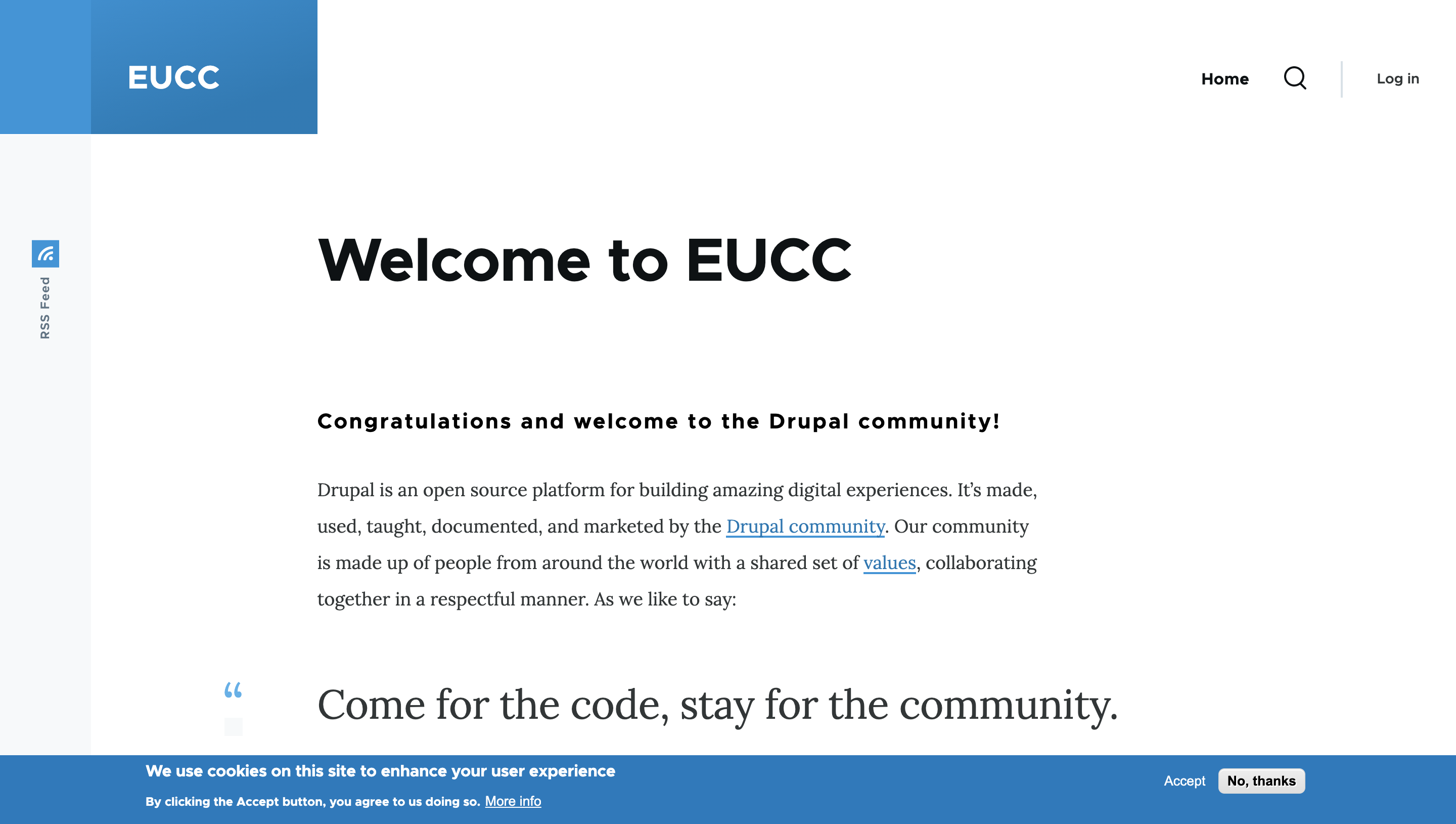
Replaced by:
The Klaro! module has been chosen for Drupal CMS.
Klaro! is offers different and more up to date features than EU Cookie Compliance.
If you feel you would like to change, we do have a klaro migrator.
drush en klaro_migrator. Please do try this in a non-production environment first
Help maintain this project
If you're interested in supporting or improving this module, please consider joining the #eu_cookie_compliance channel on Drupal Slack. While a maintainer may not always be able to respond quickly, others in the community might be able to offer help.
Please also consider joining the #drupal-cms-privacy channel for more discussion around klaro and privacy areas.
Overview
For Drupal 7 and 10+, this module continues to be maintained. The Klaro Consent Management module is also available and used in the new Drupal CMS. We welcome contributors to help resolve the remaining bugs in this module, and those interested in Klaro are encouraged to join the Klaro issue queue to support improvements in consent handling across Drupal.
If you're on Drupal 8, 9 or 10 prior to 10.2, you should consider upgrading to a Drupal version that supports Klaro. If you, for some reason, can't upgrade to Drupal 10 or beyond, and run into a showstopper bug in this module, please consider volunteering as a maintainer of this module.
History/Usage
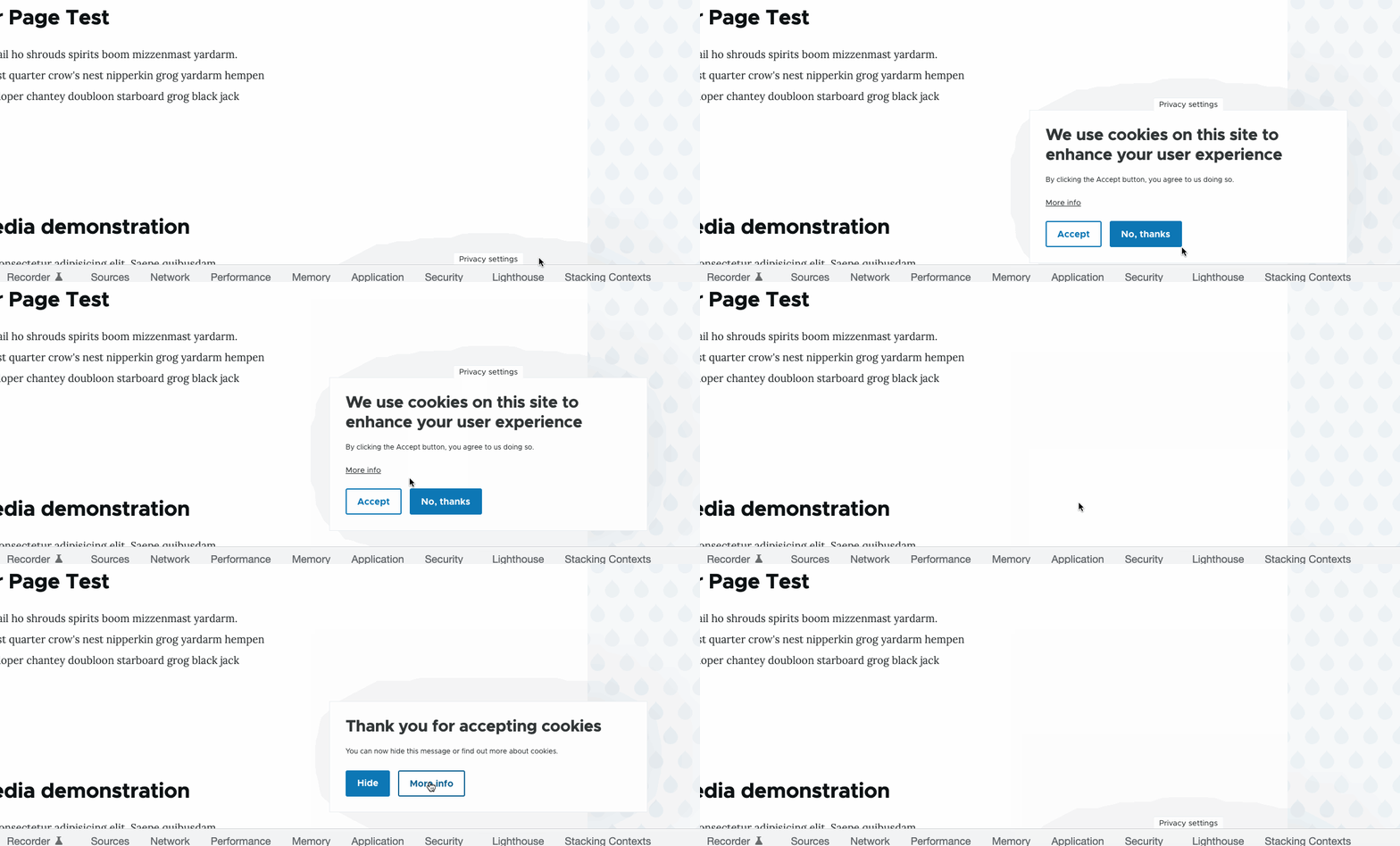
This module addresses the General Data Protection Regulation (GDPR) that came into effect 25th May 2018, and the EU Directive on Privacy and Electronic Communications from 2012. It provides a GDPR cookie banner where you can gather consent from the user when the website stores cookies on their computer or otherwise handles their personal information.
The module offers several methods for getting consent: Consent by default, opt-in and opt-out. It's also possible to only display the banner for visitors from the EU.
Important: This module can only prevent cookies from being set on the current site. External JavaScripts will still be able to set cookies.
Developers
If you want to conditionally set cookies in your module, there is a javascript function provided that returns TRUE if the user has given his consent:
Drupal.eu_cookie_compliance.hasAgreed() where category is optional.
Here is another example showing how to set cookies after the user clicks the accept button: http://drupal.org/node/1624876#comment-6111688
Additional features
EU Cookie Compliance GTM provides functionality for Google Tag Manager.
Icon by Nico Grienauer (Grienauer)
This module was originally scoped and delivered by Marcin Pajdzik for Turner Broadcasting Systems / Warner Media
Supporting organizations:
Founded the project
Maintenance
Project information
 Minimally maintained
Maintainers monitor issues, but fast responses are not guaranteed.- Maintenance fixes only
Considered feature-complete by its maintainers. - Project categories: Access control, Administration tools, User engagement
- Ecosystem: Klaro Cookie & Consent Management, Cookie Consent
 70,587 sites report using this module
- Created by Miszel on , updated
 Stable releases for this project are covered by the security advisory policy.
Look for the shield icon below.
Releases
8.x-1.29
released 17 October 2025
released 17 October 2025
Works with Drupal: ^8.9 || ^9 || ^10 || ^11
Install:
Pre-release version: 8.x-1.30-rc2 released 2 Nov 2025 at 20:22 UTC
Doc updates
Development version: 8.x-1.x-dev updated 2 Mar 2026 at 19:42 UTC


