


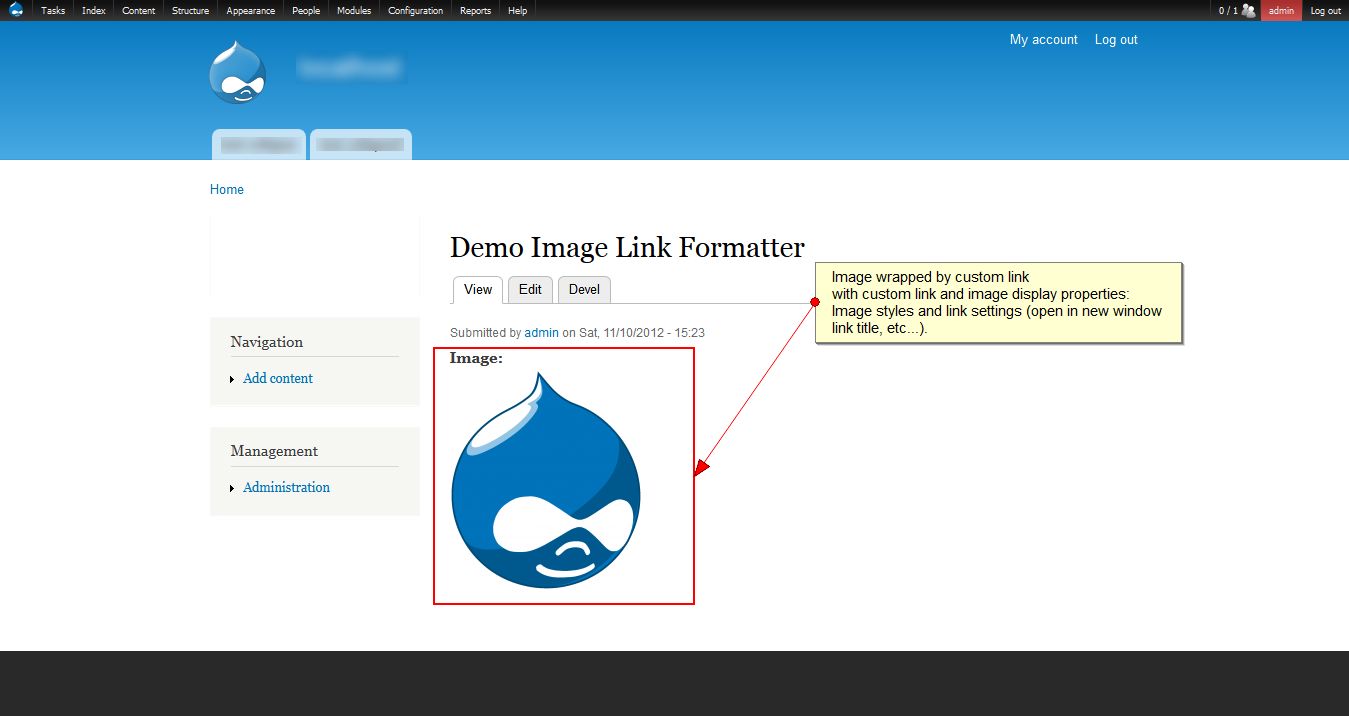
Display an image wrapped within a link provided by a custom field.
- Usage example
- Installation and configuration
- Integration
- Similar modules
- Documentation
- Support and maintenance
The module stems from discussions around a requested feature to allow an image field to be displayed with a link to a custom URL:
Usage example
A pretty cool and simple setup or application of this module would be, for example, to build a simple ads block, with an image linking to a custom URL in a block:
Add a Custom block type (at /admin/structure/block/block-content/types) with Image and Link fields. Then configure the display formatter of the image field in the block type to display wrapped in the link (Image Link Formatter).
On top of that, add Paragraphs and Translation (Core) to have multiple images with links, in multiple languages, which pretty much rounds this up (flexible and granular configuration of blocks with image links).
Installation and configuration
-
Prerequisites:
Requires the Image and Link Core modules to be enabled.
-
Installation:
Install withcomposeror download the module and copy it into your contributed modules folder (for example,/modules/contrib/) and enable it from the modules administration page (requires the image and link modules to be enabled).
More information at: Extending Drupal: Installing Modules.
-
Configuration (see screenshot on the right):
After successful installation, browse to the Manage Display settings page, for the entity (Node content type, for example) with an image and a link field, for example, for thepagecontent type the path should be:/admin/structure/types/manage/page/display.
For the image field, select the formatterImage wrapped within link fieldand edit its settings form, then choose in theLink image todropdown the link field to use to wrap the image.
Integration
With other modules
This module plays well and has been tested with any entity provided by Core, such as Custom block (block_content), User, Taxonomy Terms, etc... or contributed modules such as Paragraphs.
With other image formatters
Since this module adds its own image formatter called image_link_formatter, it avoids any potential conflicts with other formatters that could be overriding or extending core formatter's class.
However, unless it becomes possible to dynamically extend formatter classes, unfortunately, at the moment, it doesn't seem possible to "combine" several formatters for a given field display.
For example, it doesn't seem possible at the moment, to combine out-of-the-box the formatters from svg_image and image_link_formatter to wrap an SVG image within a link, in which case another formatter combining both would have to be implemented, see: enhanced_image_formatter.
Link field settings
it should integrate fine with modules altering the link field, such as Link attributes or Link target, since attributes are carried over and displayed in the link wrapping the image.
For example, if the field is configured to allow user to select to open the link URL in a new window, then this setting will also be applied to the image link.
Multiple values
Multiple field instances will work based on field delta. For example:
Value 0 of field link will be wrapped around value 0 of field image.
Value 1 of field link will be wrapped around value 1 of field image.... and so forth.
Similar modules
- Enhanced image formatter: Combines the modules Svg Image and this one to wrap formatter's display output within a link provided by a field.
- It seems this function could also be achieved by using Custom Formatters (See module's tracker page for more information, image with custom link formatter is a recurring topic).
- Another solution would be to use the Linked Field module which pretty much allows linking any field to custom URL targets with Token patterns.
Documentation
For comprehensive documentation including user guides, developer guides, and API reference, please visit the Image Link Formatter Documentation Site.
Support and maintenance
Releases of the module can be requested or will generally be created based on the state of the development branch or the priority of committed patches.
Feel free to follow up in the issue queue for any contributions, bug reports, feature requests. Create a ticket in module's issue tracker to describe the problem encountered, document a feature request or upload a patch.
Any contribution is greatly appreciated.
Credits
Image Link Formatter Logo by Cédric Albrecht (cedric_a).
Project information
- Project categories: Content display, Content editing experience, Site structure
 6,520 sites report using this module
- Created by dydave on , updated
 Stable releases for this project are covered by the security advisory policy.
Look for the shield icon below.

