

 The 2026 Drupal Business Survey is open. Your response will help shape the future of the Drupal business ecosystem.
Unformatted accordion lists. Most often a result of javascript errors.
| Comment | File | Size | Author |
|---|---|---|---|
| #8 | skokienet_javascript_error.jpg | 215.61 KB | dkingofpa |
| #6 | Accordion1View.png | 99.85 KB | mbuhmann |
| #6 | Accordion2View.png | 34 KB | mbuhmann |
| #6 | Accordion3View.png | 59.79 KB | mbuhmann |
| issue.JPG | 53.3 KB | zakaryx |



Comments
Comment #1
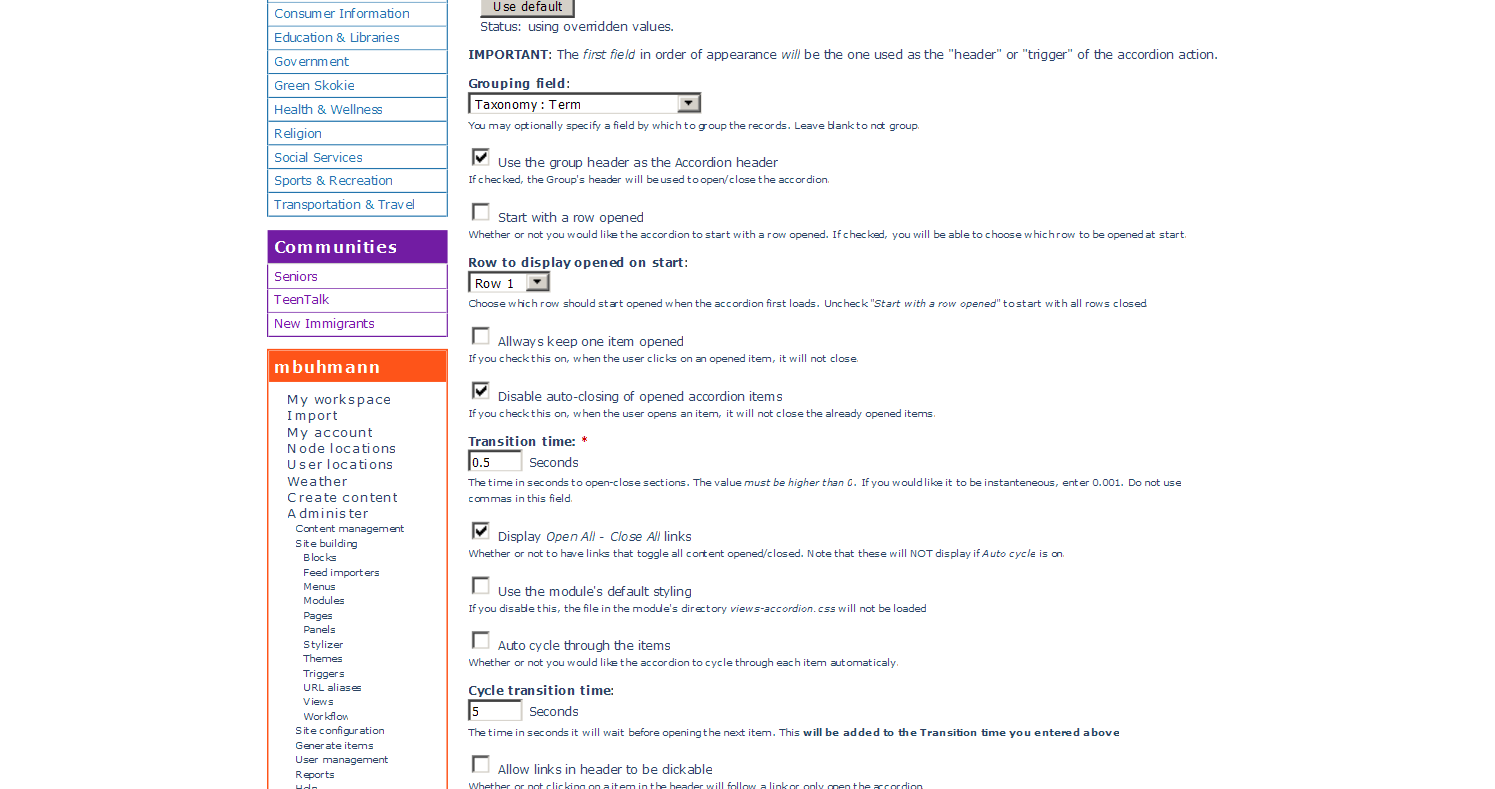
dkingofpa commentedCan you provide more info? Click on the little gear icon beside the Views Accordion style link. Attach a screenshot of that configuration. A screenshot of the resulting list could help as well. Also, you can export the view, save the result to a file, and then attach that file to the issue as well.
Comment #2
dkingofpa commentedComment #3
manuel garcia commentedIf you've setup the view to use views_accordion properly, the issue is that most likely something is breaking the JS on your installation.
Opening the firebug console and refreshing the page will tell you if it's the case, and what file is throwing the error.
Comment #4
monican commentedI get the same thing, but only on the front page. On any other page the accordion shows and functions properly. The bad thing is that the accordion block I created I only want to show on the front page. I did what was suggested in #3, but no error is being thrown.
Comment #6
mbuhmann commentedI'm getting a similar problem, page views stopped showing accordion. It seems to have started after a series of module updates.
This is a great module that I use in a number of areas across the site and all the accordions have stopped working. I've attached images of the page and then the view itself.
Drupal 6.22
jQuery UI 6.x-1.5
Views 6.x-2.12
Views Accordion 6.x-1.4
Comment #7
mbuhmann commentedComment #8
dkingofpa commented@mbuhmann: please don't re-open closed issues. Instead, create a new issue and reference the closed issue(s) that possibly describe a problem similar to yours.
To hopefully expedite things...here's an answer: You have a javascript error on your page (see attached image from a Chrome browser). Looks like something to do with the Image Browser module. They should be able to help you resolve the error over in the Image Browser module's issue queue.
Comment #8.0
dkingofpa commentedRemoving previous summary as it was not an actual summary of the issue.