

Closed (fixed)
Project:
Google Plus One Button | Google+ Badge
Version:
6.x-1.0-rc8
Component:
Code
Priority:
Normal
Category:
Support request
Assigned:
Reporter:
Created:
9 Aug 2011 at 08:02 UTC
Updated:
5 Oct 2011 at 14:51 UTC
Jump to comment: Most recent file


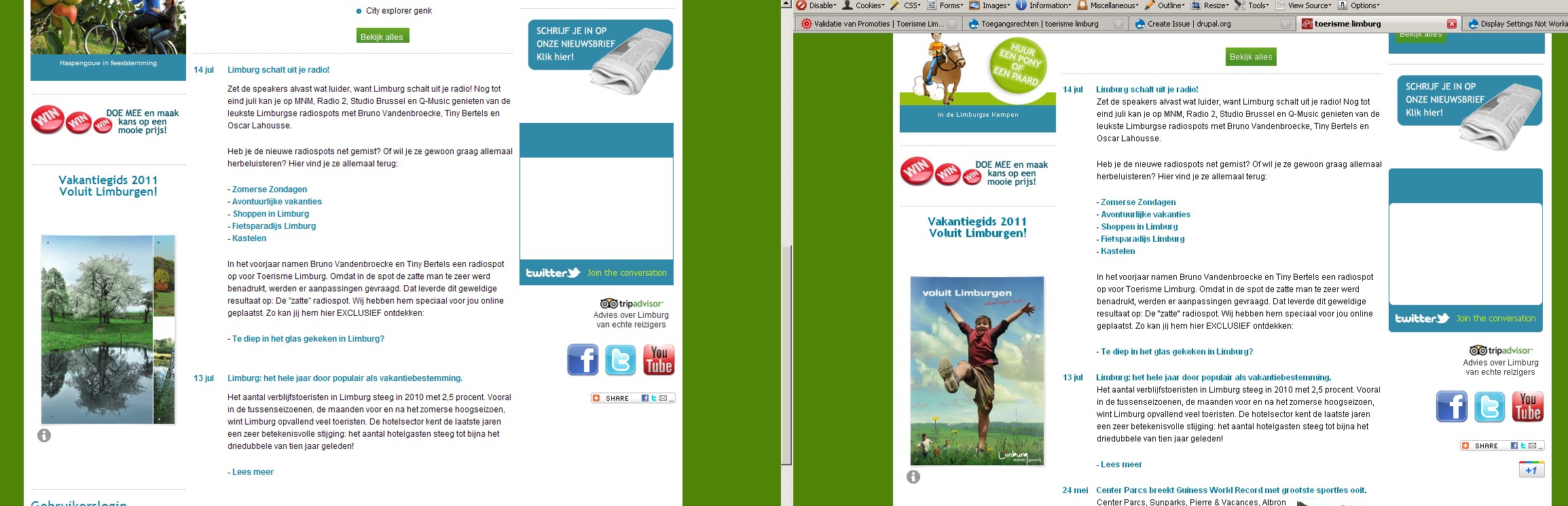
Comments
Comment #1
drvishnuu commentedI'm having the exact same problem on my site. www.littletonprintcopy.com.
Comment #2
corbacho commentedHi,
It could be a cache issue, (block cache) that is fixed in the dev version of the module
If that doesn't fix it, could you post the url of the page of the screenshot in #0 ?
And I don't see anywhere the button or the script in the URL of #1, is it enabled there?
Comment #3
AlexisWilke commentedHow about using the correct cache variable? (see patch)
It may not be the only problem, but what there is now is for sure not what was intended.
Thank you.
Alexis Wilke
Comment #4
corbacho commentedThanks Alexis, I will push it as soon as possible. I copy /pasted from the drupal 7 branch, where DRUPAL_NO_CACHE is correct
Comment #5
corbacho commentedDone (it's in the dev branch). If this doesn't fix the issue, please reopen
Comment #7
dave_harnadek commentedI'm having this problem too. I've included pics showing how I have the module configured and a couple of pages - signed in as admin and not signed in.
Website URL is http://smb-internet-marketing.com
The same thing happens on the pages from the top menu too - "seo" and "promotion".
Getting the same issue on FF 5.0, Chrome and IE9
Comment #8
corbacho commentedDave, are you using the dev version?
Have you enabled the permissions for anonymous users?
Comment #9
dave_harnadek commentedExplicitly enabling permissions for Anonymous was the trick. Thank you @corbacho
Comment #10
corbacho commentedyou're welcome