

 The 2026 Drupal Business Survey is open. Your response will help shape the future of the Drupal business ecosystem.
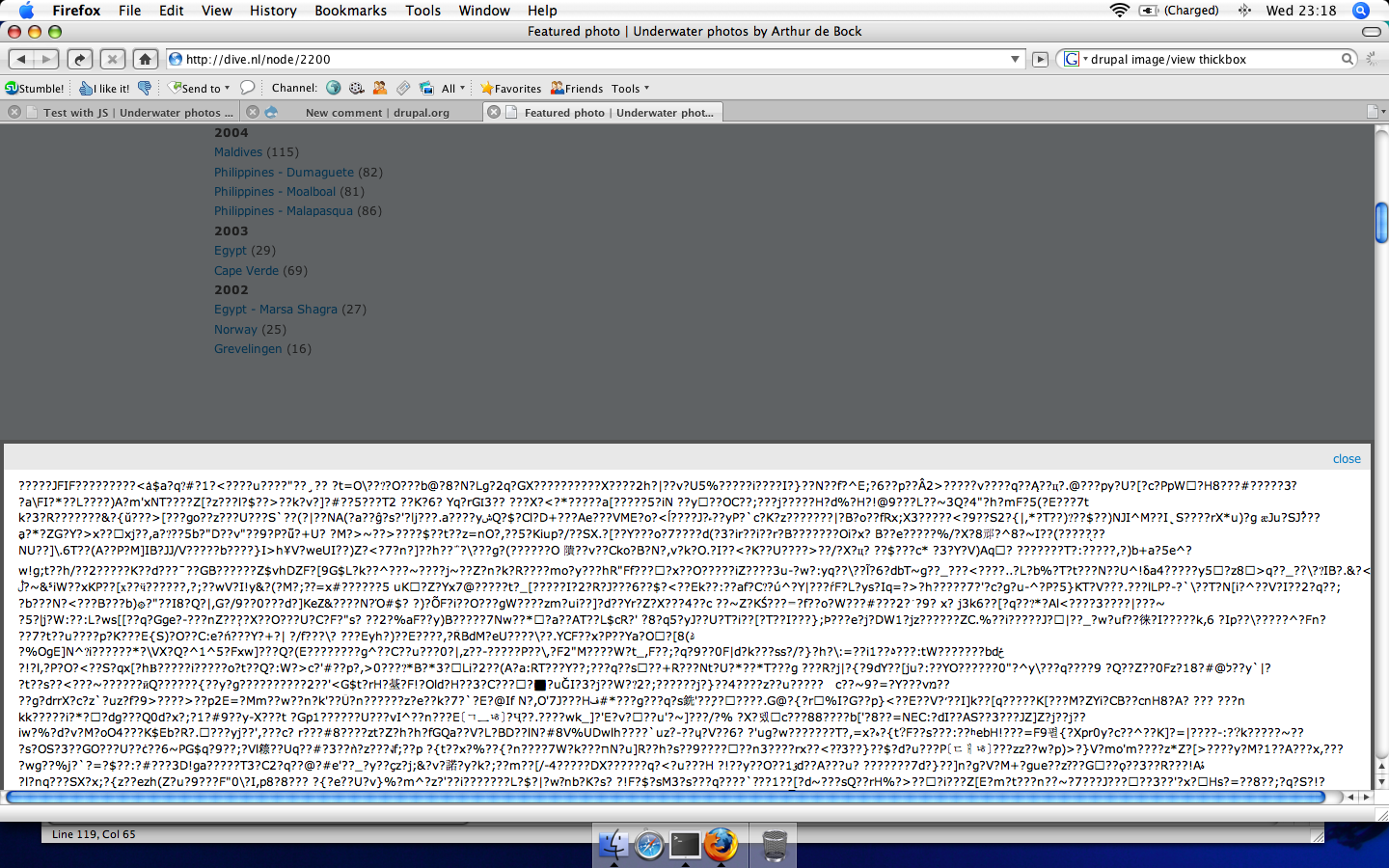
In the Thickbox module, the main *.js file, thickbox.js does not account for image urls created in drupal, e.g. via /image/view/2321/preview instead of /image.jpg (or *gif or *png). If thickbox.js does not see the file name itself (gif, jpg, png, jpeg) in the link anchor tag (the [a href ...] tag), it will treat the image like another mime type that is not an image. This causes Thickbox to spit out God-awful garbage on top of your page instead of a cool shadowbox (lightbox) effect.
To work around, one needs to modify line 53 of /modules/thickbox/thinkbox.js, by adding " || urlType == '/preview' " to the list of choices in order to make thickbox.js believe in its heart that a Drupal-encoded image link is in fact an image and not an imposter.
Assuming your image size is "preview," change line 53 from:
if(urlType == '.jpg' || urlType == '.jpeg' || urlType == '.png' || urlType == '.gif' || urlType == '.bmp' ){//code to show images
to this:
if(urlType == '.jpg' || urlType == '.jpeg' || urlType == '.png' || urlType == '.gif' || urlType == '.bmp' || urlType == '/preview'){//code to show images
Also, modify line 50 to this:
var urlString = /\.jpg|\.jpeg|\.png|\.gif|\.bmp|\/preview/g;
(substitute "/preview" for "/thumbnail," "/quarter," or whatever you configured your image module to create (and name) various sizes.
Joe Hyde
| Comment | File | Size | Author |
|---|---|---|---|
| #2 | Picture 1_55.png | 281 KB | Robert de Bock |

Comments
Comment #1
frjo commentedComment #2
Robert de Bock commentedI have that same error, but am not able to fix it using the suggested work-around.
I use this code in one of my nodes:
An have altered /modules/thickbox/thickbox.js line 50:
And have altered that same file line 53:
This does not solve the problem for me, although the symptoms are the same; it does dim the site, but prints garbage at the bottom of the page.
Attached you will find a screenshot of what I see; the top is the grayed area, and the bottom it the garbage.
Comment #3
Robert de Bock commentedMy problems are solved after flushing the browser cache. So, this workaround does work.
Comment #4
vacilando commentedWhile the workaround is a solution for individual users, countless other users will be put off by it and go to other solutions. Therefore I am marking this as a critical bug and I hope the workaround will be built into a new release as soon as humanly possible.
Comment #5
frjo commented