

Closed (fixed)
Project:
Views Slideshow
Version:
7.x-3.0
Component:
Cycle
Priority:
Normal
Category:
Bug report
Assigned:
Unassigned
Reporter:
Created:
7 Feb 2012 at 12:53 UTC
Updated:
7 Apr 2012 at 17:30 UTC
Jump to comment: Most recent file

Comments
Comment #1
jimsmith commentedYou're right, nykoppa, this appears to be a bug. I ran into this with a site I'm building. The inline styling is not being calculated correctly. I was able to override this, however, by simply using something like
width: 240px !important;for the wrapper div.Comment #2
nykoppa commentedGood tip, works for me as well, thanks! By the way, I'm not really advanced in web programming and sometimes lose patience in trying different solutions.
Comment #3
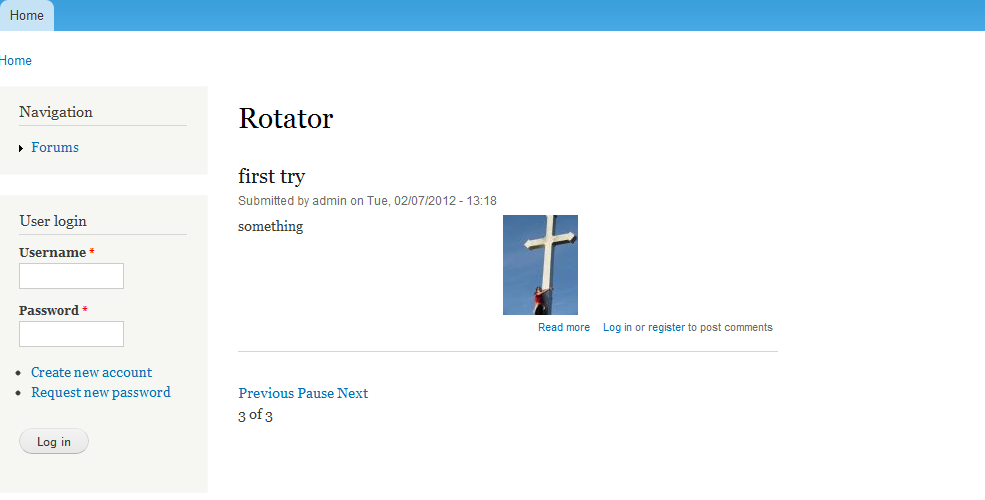
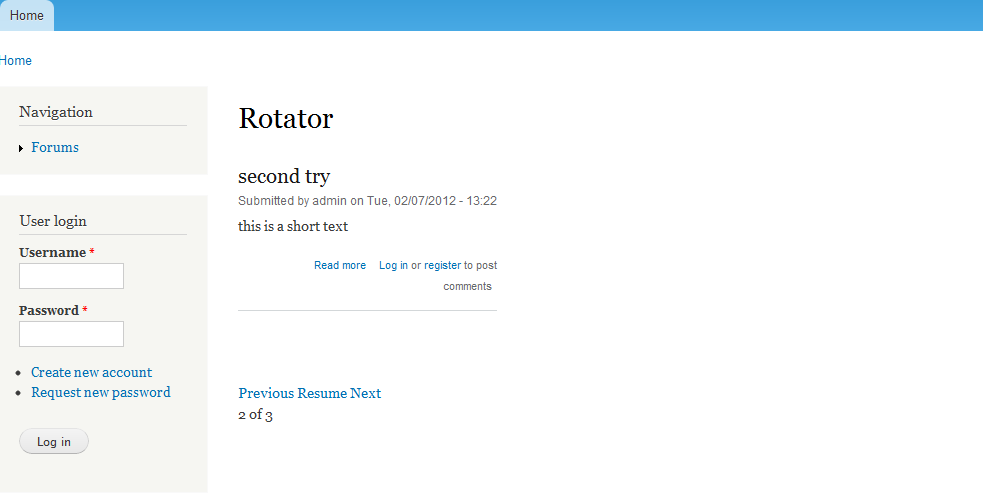
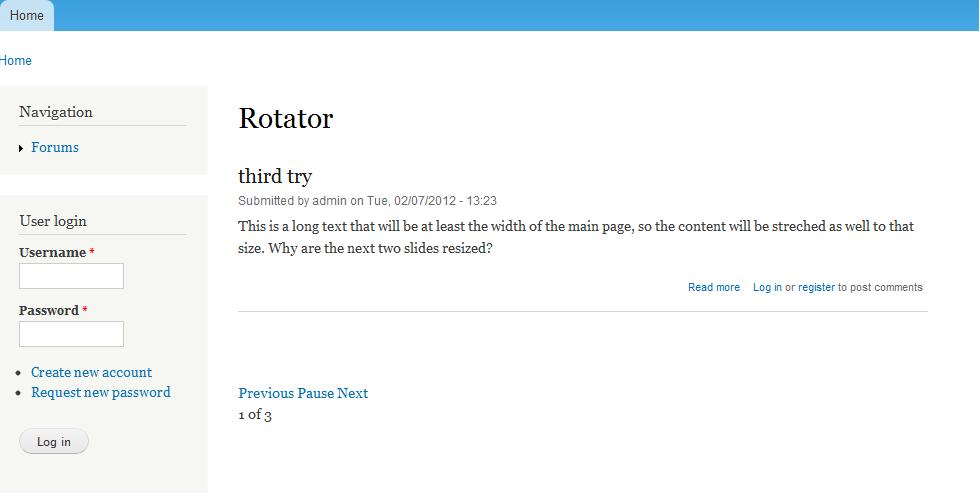
nykoppa commentedUpdate: just changed sample site to screenshot attachments
Comment #4
mortona2k commentedCss trick worked for me, thanks.
Comment #5
calefilm commentedI'm still rather lost in applying CSS to views.
I see views_slideshow.css and views_slideshow_cycle.css I'm currently using the cycle theme.
You said to apply
width: 240px !important;for the wrapper div?Where would I place? Sorry I know dumb question. I've tried but am missing the correct class title. But if anyone can provide the 3 steps to make this possible I'd appreciate it.
Comment #6
mortona2k commentedcalefilm, the css you edit depends on your theme, and how you are developing your site. DO NOT edit those ones you listed. It will work, but if you ever upgrade views_slideshow, it will override your changes. If you have a theme that you are modifying, you probably have an idea of which css file you can add stuff to. It sounds like you're a little lost, so I'm assuming you have an off the shelf theme, and you haven't touched any code. You can figure out which sheet you're supposed to edit for the theme, or if you don't want to touch the files, add a block to the page, or a text header in the view and put css there. Just make sure to select the full html filter.
Anyway, to find the class for the wrapper, you'll want to use your browser's web dev tools (chrome built in, firebug, etc.) and inspect the view. If you're still following me here, you should see a div that contains div for each slide. You want to apply the css to a class that's applied to each slide. In my case, this was .views-slideshow-cycle-main-frame-row.
So my css in my theme's file is:
and if you are putting it in a block, make sure to include to include the style tags:
Hope this helps, feel free to ask for clarification.
Comment #7
calefilm commentedYou're a godsend mortona2k!! Appreciate the straightforward explanation. Very helpful and I'll pass this along to others who are having trouble applying CSS to views in general. Thank you. It worked great.
Comment #8
redndahead commentedComment #9.0
(not verified) commentedUpdate: just changed sample site to screenshot attachments