Closed (fixed)
Project:
Image javascript crop
Version:
7.x-1.x-dev
Component:
Javascript
Priority:
Normal
Category:
Bug report
Assigned:
Unassigned
Reporter:
Created:
9 Feb 2012 at 16:50 UTC
Updated:
8 Mar 2012 at 09:20 UTC


I wasn't sure what component to check for the bug, but js seems the logical one
The bug happens when using a cropping style that's not supposed to allow down scaling of it's zone.
What happens:
The zone is incorrectly smaller
What should happen:
The cropping zone should retain it's width - height (perhaps it would be nice to reset it every time the user changes his image's size?)
How to reproduce:
1. Create a cropping style using any size, make sure it's 'do no allow down scaling' option is checked.
2. Add a picture anywhere.
3. Open the cropping window for the #2 picture.
4. Editing the image style from which the #1 cropping style has been set, place the cropping region on the bottom right of the picture.
5. Downscale the picture's size.
6. Notice the cropping zone is now smaller.
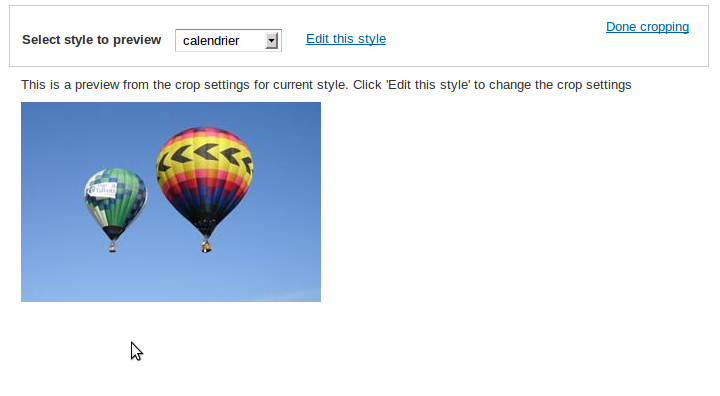
Please refer to my screenshots for more info.
| Comment | File | Size | Author |
|---|---|---|---|
| settings.png | 83.53 KB | Marc-Antoine | |
| 05.png | 71.54 KB | Marc-Antoine | |
| 04.png | 119.06 KB | Marc-Antoine | |
| 03.png | 95.21 KB | Marc-Antoine | |
| 02.png | 122.69 KB | Marc-Antoine |


Comments
Comment #1
nils.destoop commentedThe bug occured when the crop selection would go outside the image. Some js modifications has been done, this should be fixed now.