

Reviewed & tested by the community
Project:
Open Public EU
Version:
7.x-1.0
Component:
Code
Priority:
Normal
Category:
Support request
Assigned:
Unassigned
Reporter:
Created:
31 Mar 2012 at 02:33 UTC
Updated:
15 Nov 2016 at 07:04 UTC
Jump to comment: Most recent, Most recent file


Comments
Comment #1
vako commentedI'm having the exact same problem, Promote to front page doesn't work either.
Also when I try to edit one of the previously created pages with the Admin account, the Edit option doesn't work!
@mjross; did you find a solution to this? it's been several months since you posted..
Comment #2
vako commentedI wonder if this theme works for anyone else? and if so, why it wouldn't work for others.
I hope we can get a solution quickly since I love this theme and hopefully I can use it.
I even downgraded it to a previous build and same issue.
See some options and suggestions on: http://drupal.org/node/1667716
I guess this theme is abandoned and we need to find a replacement to it....until this bug is fixed.
Comment #3
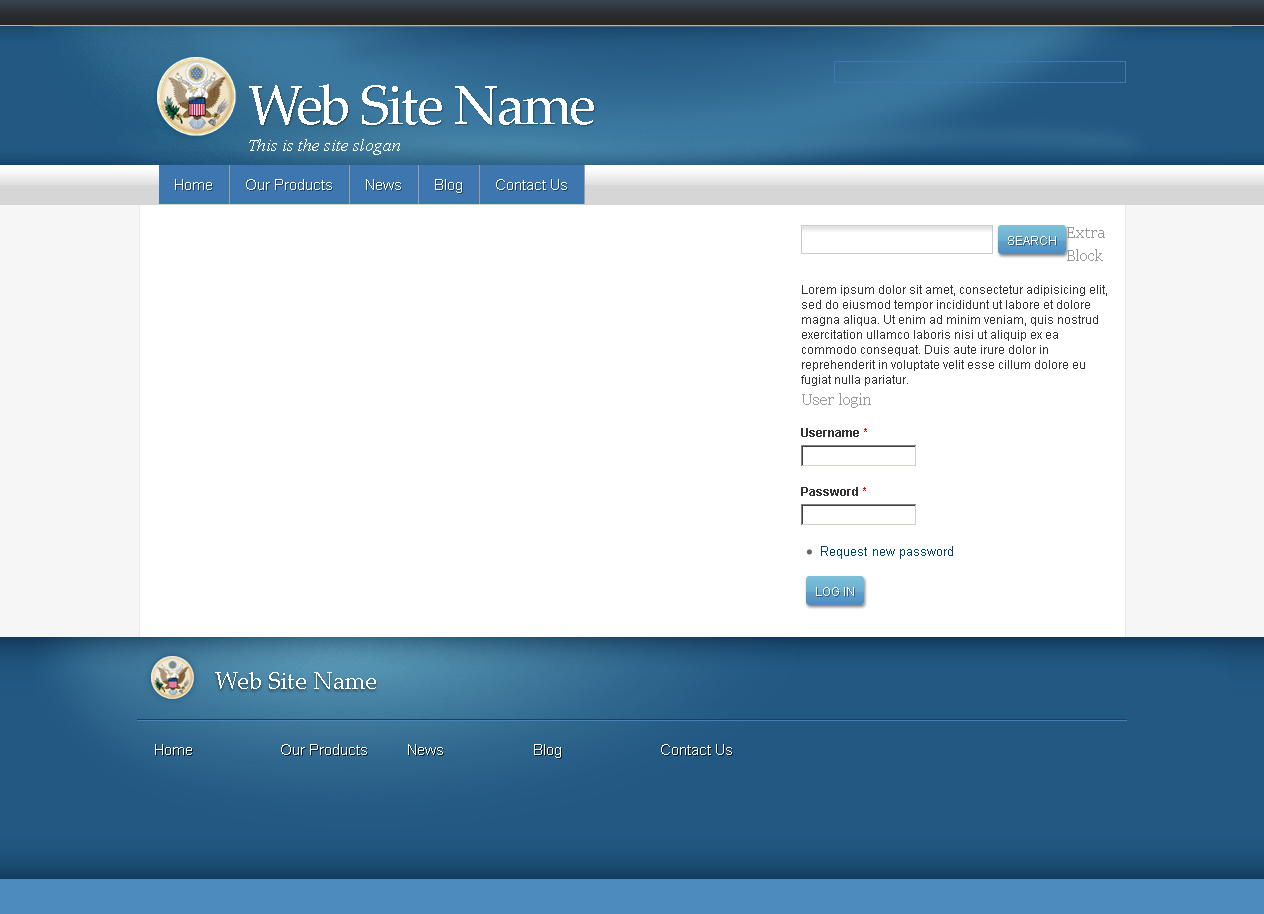
vm commentedI wouldn't consider this a bug. See: http://drupal.org/files/images/Openpublic%20Europe%20screen.png which is the screenshot. This theme doesn't use the default page.tpl.php file. It uses a custom page--front.tpl.php file. To have the default drupal front page you would have to work with copying page.tpl.php to page--front.tpl.php or figure out how to work page--front.tpl.php out of the theme. The latter may require working with template.php also if there are any references to it within the file.
Comment #4
vako commentedThe process you mentioned is a bug in itself, because it doesn't work out-of-the-box and need extensive manipulation of the tpl files, which are not documented. Also a small misconfiguration is causing a lot of things to break in the theme, like inability to edit pages and margins out of place.
More than one person reported this issue.
I just wish it can be fixed so it would work as any other theme.
I wish I was a developer to be able to help.
Comment #5
amnet commentedThe content region does not display on home context but, you can put the required elements on Top of Content region.
Go to admin>structure>context>list>home, search the blocks form and put the elements there
Comment #6
VictoriaGirlLisa commentedI found a fix for the exact same issue belonging to a different theme, Fiddle.
As sub-theme of Omega I finally found that if I cut the code from region-content.tpl.php from Omega into region-content.tpl.php for Fiddle, everything worked and the Fiddle content region worked as it's supposed to. (Copied and pasted all of the code as I have little idea what any of it means.)
Not a coder at all but the opening line of the Fiddle file was <?php if(!drupal_is_front_page()) which I hadn't seen elsewhere. Maybe this or a similar piece of code would show where the problem is.
Good luck.
Comment #7
vako commentedThanks for the solution, I will try it. So what you are saying is that you copied the region-content.tpl.php file from one theme to another and it worked?
Comment #8
avani.addweb commentedPFA patch
Comment #9
krina.addweb commented@Avani.bhut your patch works well.
Thanks