
Geofile
You are browsing documentation for an older version of Drupal, which is not supported any longer, and the information may not be correct. See current documentation for Contributed modules
This is the documentation for the Geofile module
Overview and Features
This module allows you to display files such as KML or GPX on a slippy map.
It's using the excellent Openlayers module to display those data on maps.
This module provides:
- A formatter for file field: Geofile Map
- A view style to display results on a map using the submodule Geofile Views
- An hybrid layer for Openlayers: allows you to store features from layers into a single layer.
Related modules
Installation
Requirements
- Openlayers 2.x
- GeoPHP
- Views: Optional, only for Geofile Views
Needs an explanation here
Usage
Formatter for a file field
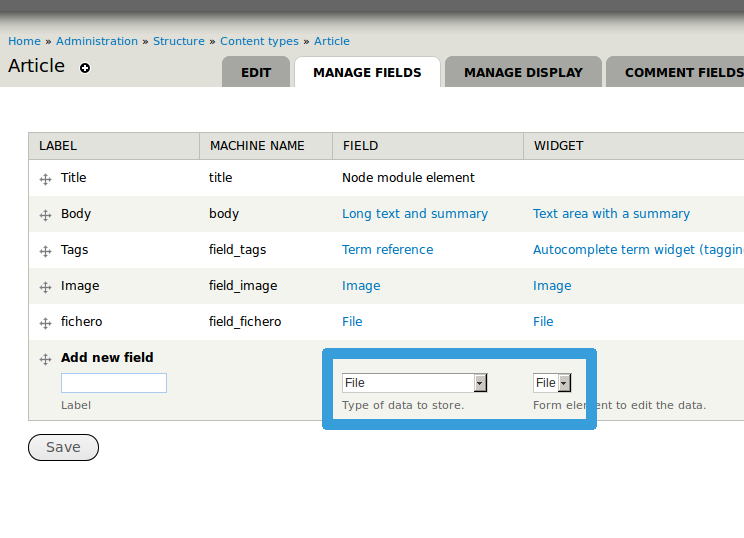
Add a field of the file type
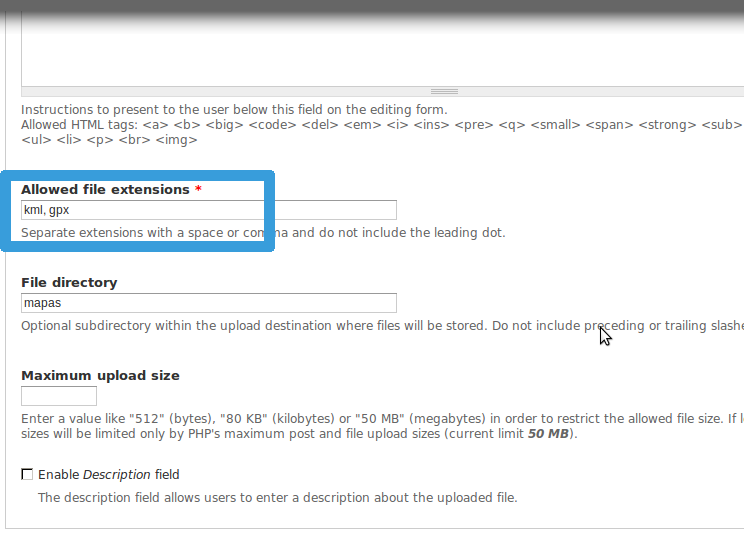
Don't forget to put the file type (KML/GPX) that you need in the allowed extension options
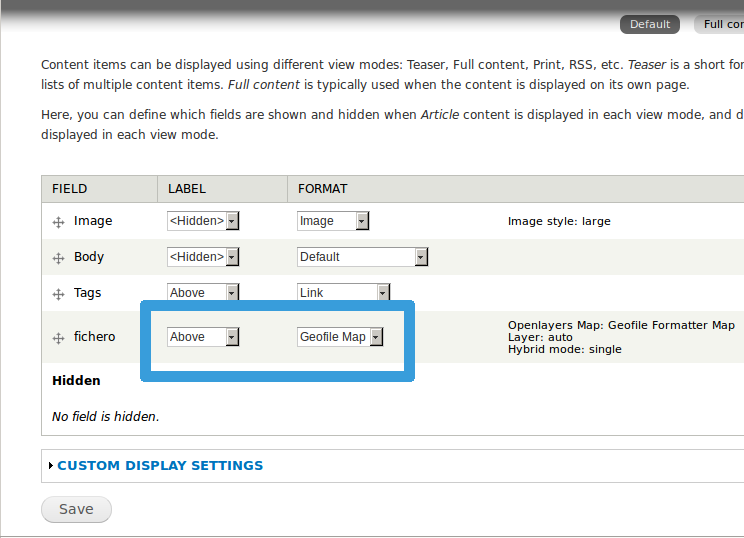
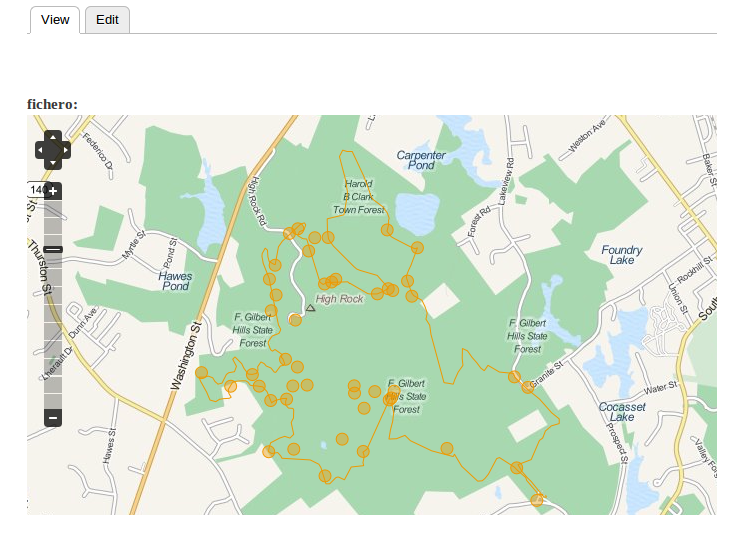
Choose the display option for your field
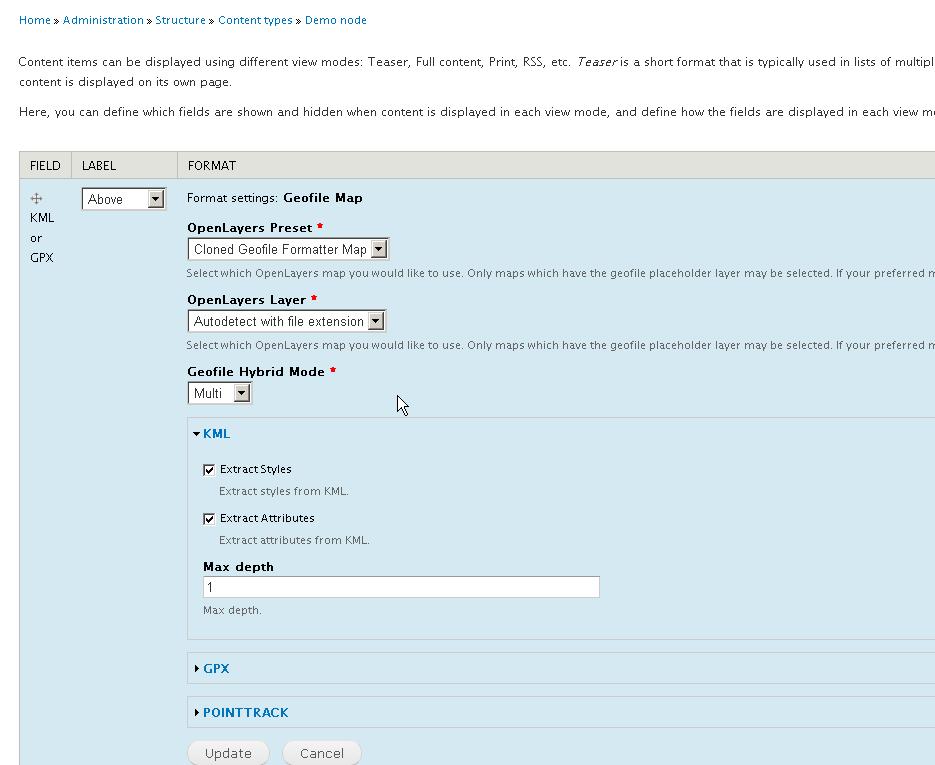
Personalize your options
Create a new node uploading your data and see the results
GeoFile Views
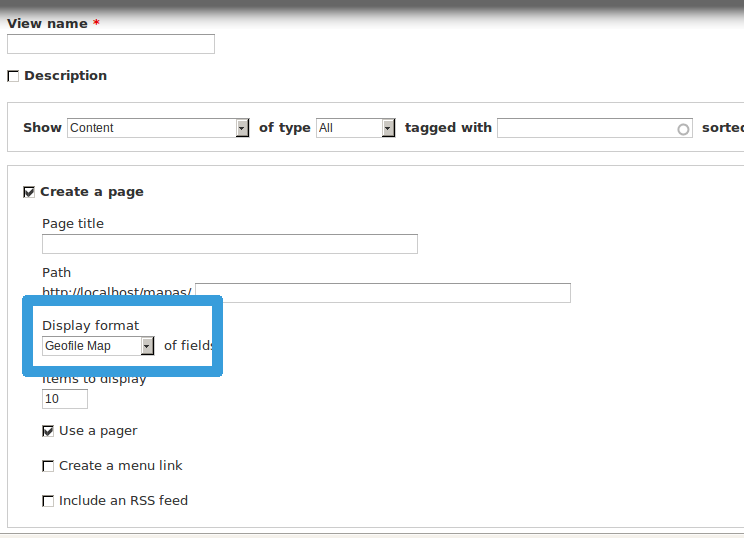
Create a new view, select the Geofile Map display format and save
Add your fields
You do not have to edit the formatter of the file field containing the KML or GPX files
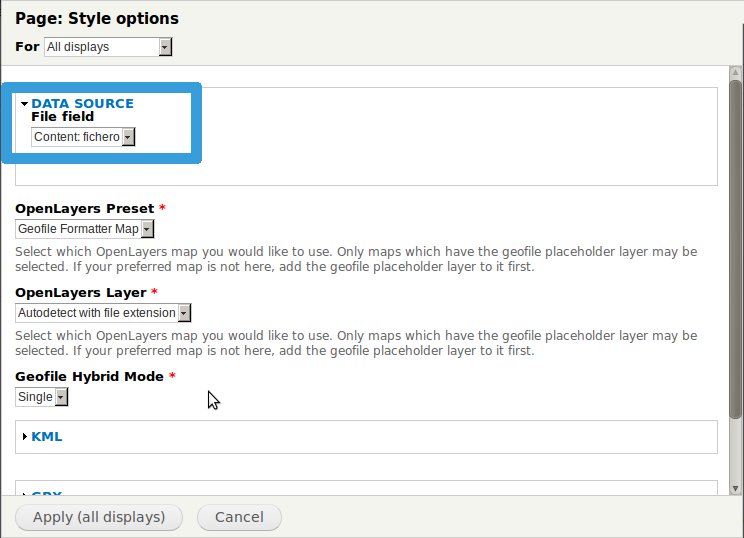
Choose the file field as data source in the settings
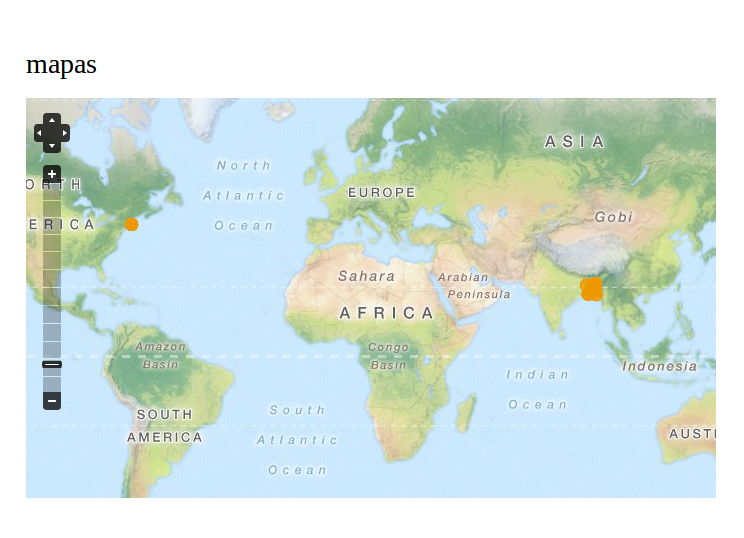
Save the view and go to the path that you configured. You will see all your nodes in one map
Help improve this page
You can:
- Log in, click Edit, and edit this page
- Log in, click Discuss, update the Page status value, and suggest an improvement
- Log in and create a Documentation issue with your suggestion
