

 The 2026 Drupal Business Survey is open. Your response will help shape the future of the Drupal business ecosystem.
I'm having trouble with a module working in the Mothership theme. I have installed Views Accordion Module and it works fine in preview, but when I view it on a page the html to make the accordion gets stripped out. I tried using another theme and it worked perfectly there. I have disabled all the settings in the mothership theme but still haven't found why it's doing this. Can anyone help me?
| Comment | File | Size | Author |
|---|---|---|---|
| #6 | postfix.png | 986.54 KB | hawkdavis |
| #6 | Screen Shot 2014-09-03 at 10.32.31 AM.png | 2.97 MB | hawkdavis |


Comments
Comment #1
JrodR87 commentedI figured it out with the help of this link. It's the views-view.tpl.php file that causes the issue.
http://drupal.org/node/782712
Comment #2
anthonyR commentedSo you have two options:
1. Take the default views-view.tpl.php and add it in your subtheme.
2. Take the default views-view.tpl.php and add it in your subtheme just for that view where you need the accordion.
Mothership theme should not add code for this
Comment #3
JrodR87 commentedThat's what I had to do. It was an easy fixed once I swapped out the view.tpl.php file :)
Comment #4
mortendk commentedclear cache ;)
Comment #5
JrodR87 commentedclearing cache is like duck tape. It fixes everything ;)
Comment #6
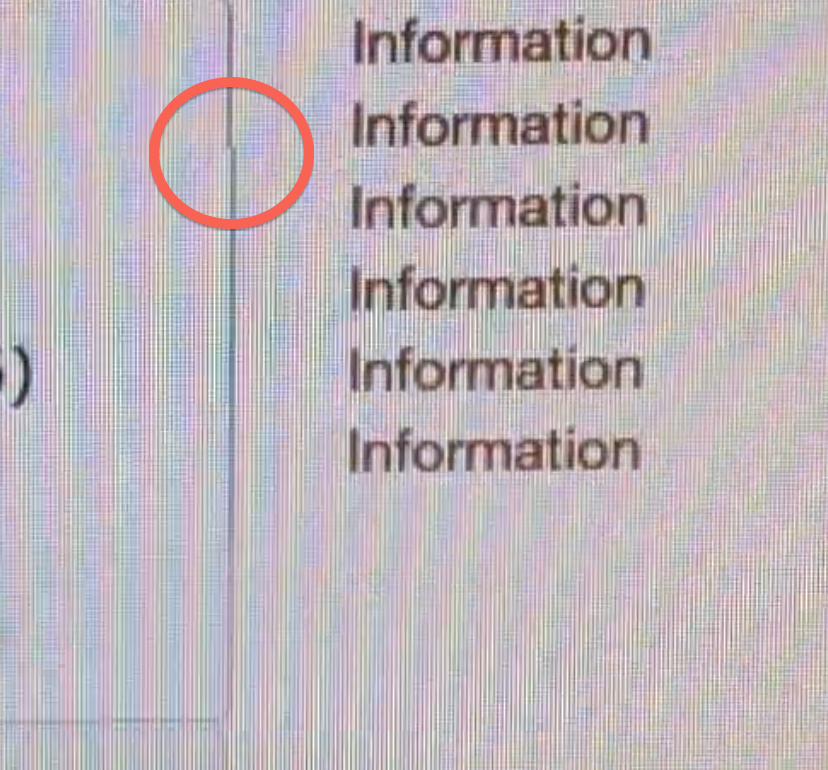
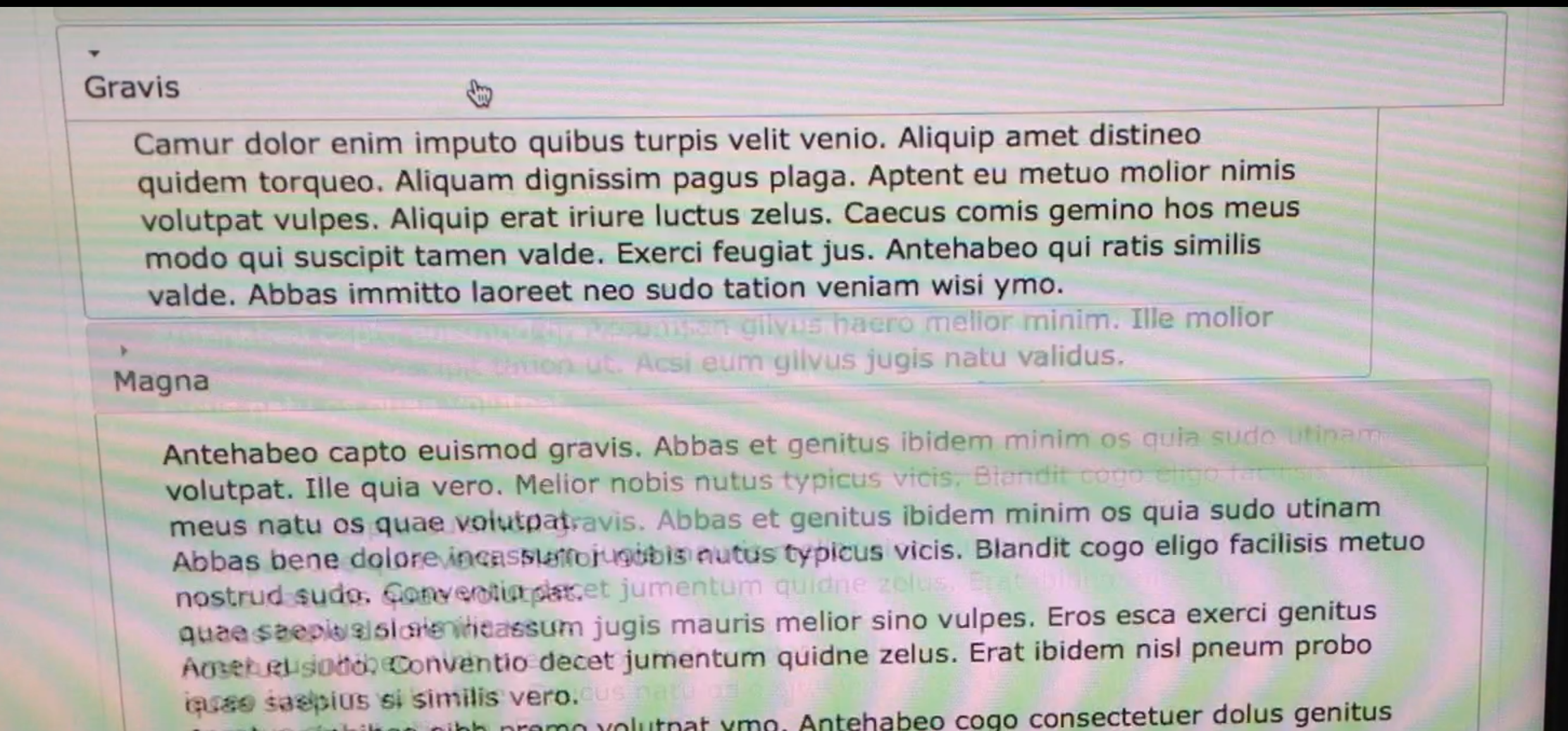
hawkdavis commentedI am having some trouble getting the accordion to work after targeting it with the views-view.tpl.php. I've attached some screenshots to this to show what it is doing. When it slides the content field is breaking and not keeping 100% width. I've tracked it down to the mothership-layout.css file which I think is causing the slider to break.
adding this to my theme.css I am able to correct it for safari.
everything is working perfectly in safari, but when I use firefox or chrome it is now off in the other direction by 1px.
I know its not very noticeable, but I can't stand it, if anyone can help I would greatly appreciate it.
Comment #7
JrodR87 commentedAre you able to post a link to this page?