Closed (fixed)
Project:
Flash gallery
Version:
5.x-1.x-dev
Component:
Code
Priority:
Normal
Category:
Bug report
Assigned:
Reporter:
Created:
6 Feb 2008 at 20:45 UTC
Updated:
8 Jul 2010 at 07:25 UTC


When i upload a new picture, thumbnails are not shown in the flash gallery. The only thing i can see is an X. However, the large version of the image will show.
The strange thing is that when i select to (re)build the thumbnail library (from the Flash Galleries settings page), then thumbnails are shown correctly. It does not seem that this action involves any renaming of files (as far as i can see).
Does anyone know why the thumbnails not are being shown in the first place - when i upload the images. It is such a hassle when i have to rebuild the galleries every time i upload a new image.
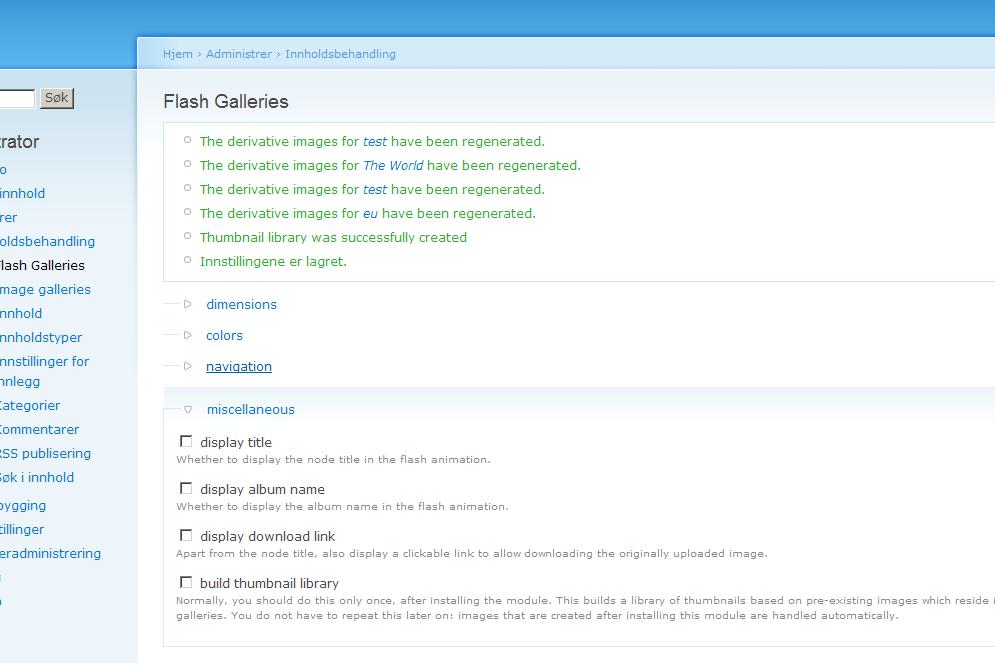
I have attached a file showing the messages i get after having rebuilt the thumbnails (from the Flash Galleries Settings page)
| Comment | File | Size | Author |
|---|---|---|---|
| drupal.JPG | 63.41 KB | sbrattla |

Comments
Comment #1
silenceway commentednobody?
i have this issue too.
Thanks.
Byron H.
[update]
Doing some tests, if i edit and save the image, the thumbnail works ok.
Comment #2
zeurope commentedSame problem. Nobody have the solution ?
EDIT: I've found the solution for me. The name of pictures to download (with image) must not have accents !
Ex : ete.jpg instead of été.jpg
Comment #3
rvarkonyi commentedGo to admin/content/fgallery, open "miscellaneous" tab, select "build thumbnail library". That should create the thumbnails.
Comment #4
sbrattla commentedThanks for your reply. However, i was more hoping that the thumbnails would be built automatically - without me having to build them now and then (and in the meantime, an X will be shown on all thumbnails which are added between each time i click on the 'build thumbnail library").
Comment #5
sbrattla commentedJust one more comment.
As Byron writes, the problem only occurs when the pictures is uploaded for the first time.
To summarize things:
1. If i upload a new picture, the picture will be uploaded withouth any trouble - it is just the fgallery thumbnails which fails to build.
2. If i edit an already uploaded picture, and then saves it - the fgallery thumbnail whill succeed to build.
3. If i go to the admin panel for fgallery, and choose to rebuild thumbnails - then all fgallery thumbnails will succeed fo build.
So, it seems that something in the initial uploading process of pictures is the root to this problem?
Comment #6
sime** Moving Flash Gallery issues to own queue **
Comment #7
NaX commentedI think I have resolved this problem.
The problem is that the images array used in nodeapi when uploading is the temp paths and the files no longer exist at that locations, but the array was not updated. But when a node is updated the images array is built from the files DB table and is correct.
So to fix this problem I add this function. This function is only used on insert and fetches the file paths from the db.
And updated my flash_gallery_nodeapi() function to call the new function, but only on insert.
Sorry I did not have time to create a patch. Hope that help’s.
Please note that I am running the latest version of the image module (1.8) by changing $size = _image_get_dimensions('thumbnail'); to $size = image_get_sizes ('thumbnail'); in theme_flash_gallery() and this is based on this issue http://drupal.org/node/171777.
Comment #8
sbrattla commentedClosing this bug report. This is hopefully fixed in newer versions.