

 Come together with the global Drupal community in Rotterdam, 28 Sept – 1 Oct 2026. Sessions, contribution, connection, and Early Bird savings until 8 June.
Hi,
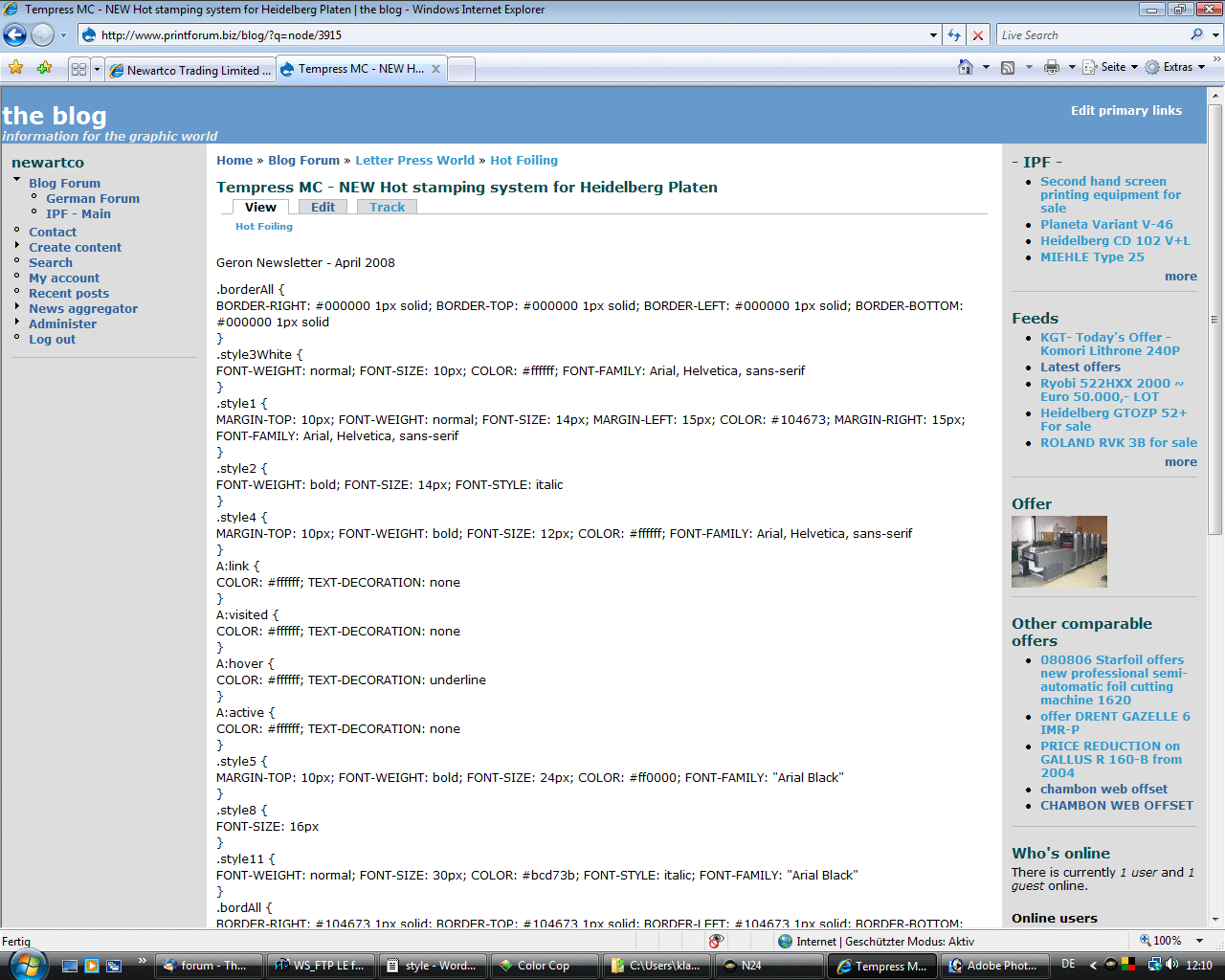
don't want to waste anybodies time but I'm experiencing problems with nodes published on front page, also with themes, fixed or fluid. Using the standard input format filtered HTML for mailhandler and the bluemarine theme works in a fashion. Some posts from mailhandler appear with scattered html though. Full html is worse. Using no filters at all displays the email nodes excellent, but then the theme display is distorted and broken. I know it's partly an IEE issue. So I'm looking for a filter or create one that would solve the problem.
Would be nice, if someone would give me some hints.
Thanks
Klaus
My testing site is: http://www.printforum.biz/blog/
| Comment | File | Size | Author |
|---|---|---|---|
| #2 | drupal-3.gif | 104.86 KB | budde |

Comments
Comment #1
rkoeten commentedI'm seeing similar behavior even if not publishing to the front page. In my case I'm simply retrieving mail inbox content into a new content type (let's say ccnews), but the rich html content just doesn't want to show (even with input format set to full html for this ccnews content type). The new node does get created and when I go edit (fckedit) and save the new ccnews node instance, without modifications, then suddenly the HTML does show when I view this new node instance. I'm not at all clear what's being filtered and what not or which modules filter such content.
Should I and/or is there a way to have mailhandler filter the content or is that done automatically upon retrieving the inbox content? Any other thoughts as to what may be happening with the body contents?
Comment #2
budde commentedI'm glad someone else is experiencing similar problems. I tested with Firefox and the same happens. Applying Filters does not help displaying emails created by mailhandler. Not applying filters changes the theme display, colums disappearing, colours changing. First I though IEE is to blame because of known pronlems with CSS, but apparently the cause lies somewhat deeper. Trying WordPress with Postie as email poster seems to be ok - but I need Drupal for my site, so hopefully someone is out there with some useful hints.
Klaus
Comment #3
rmyoung commentedThis is a problem with the markup not being valid. Email uses html and drupal uses xhtml 1.1. This creates alot of issues with constructing an input filter to filter out all the different ways that email can be tagged (especially micosoft outlook).
When you edit with fckedit, the editor will change the markup and I suspect that is why your page then displays.
Start by setting the input format on the mailbox edit screen in mailhandler. (admin>content management>mailhandler) Down the bottom of this page is the input format selector list (you need to expand it first). Try changing the input filter to filtered html. It will filter out much of the messy markup. If not you may need to customise a filter.
The other option would be to change your mime preference to plain text instead of html.
Comment #4
z.stolar commentedplease re-open if needed.
Comment #5
Anonymous (not verified) commentedAutomatically closed -- issue fixed for two weeks with no activity.