As of today, using most current versions of everything, fivestar 1.13, views 6.x-2.3, voting api 6.x-2.0-rc2 . I've seen posts that this was an issue in the past, not sure if it's because of the newer views version.
I also tried switching to the lastest dev versions and did not work.
This error occurs after I've set the Node -> Voting Results relationship and I'm trying to add the Field for Voting API Results -> Value. When I add the field or try to edit it I get this message as a pop up alert. "An error occurred at /admin/build/views/ajax/config-item/view_name/default/field/value"


Comments
Comment #1
gunzip commentedsame here it happens when i try to add a field "Voting API results: Value".
the error follows:
Comment #2
markdorisonI am encountering the same issue.
Comment #3
dids commentedI also got the same problem, everything updated to latest dev.
Comment #4
kappaluppa commentedSame here. Just upgraded to 6.x-2.5
Actually, I'm not using the Voting API. This just happens with views when I try to update default configurations on anything that requires "Update" to be clicked.
Comment #5
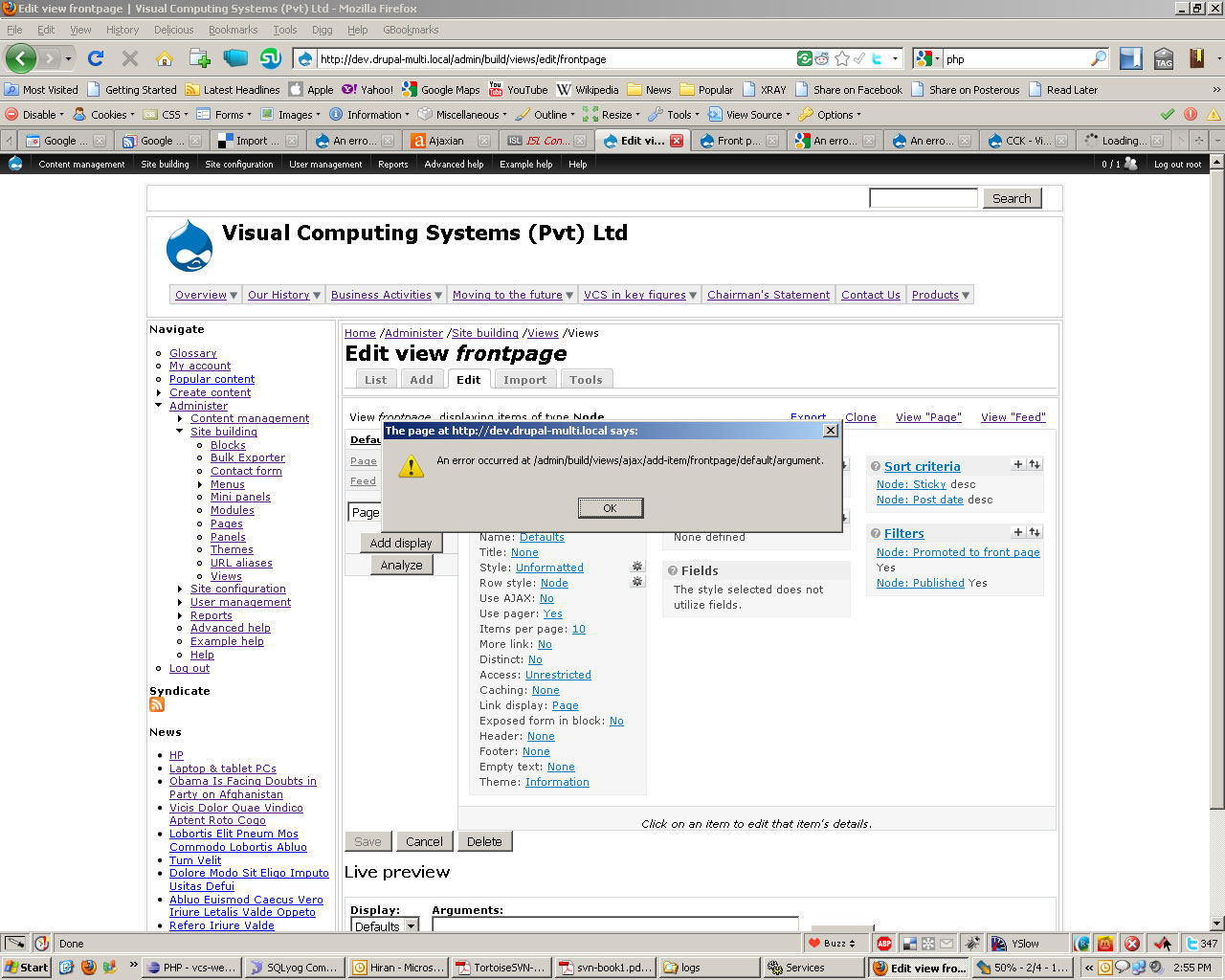
ogrady commentedI get the same error trying to make edits to or add any view (Drupal 6.10, Views 2.5). Any request requiring ajax throws the following error:
"An error occurred at /admin/build/views/ajax/config-type/frontpage/default/argument."
Comment #6
seth.vincent commentedI'm getting this error as well.
Comment #7
eaton commentedThis is a generic Views related message that is displayed whenever a handler (a field, a sort, a filter, a relationship, etc).
Please ensure that you've upgraded to the full release version of VotingAPI 2.0, as well.
Comment #8
eaton commentedIt appears this was an issue with a previous version of VotingAPI, not the current release, and a number of the posts are unrelated to VotingAPI. Closing the issue -- if it recurs using the latest official release of VotingAPI, please open another issue and provide more information. Thanks!
Comment #9
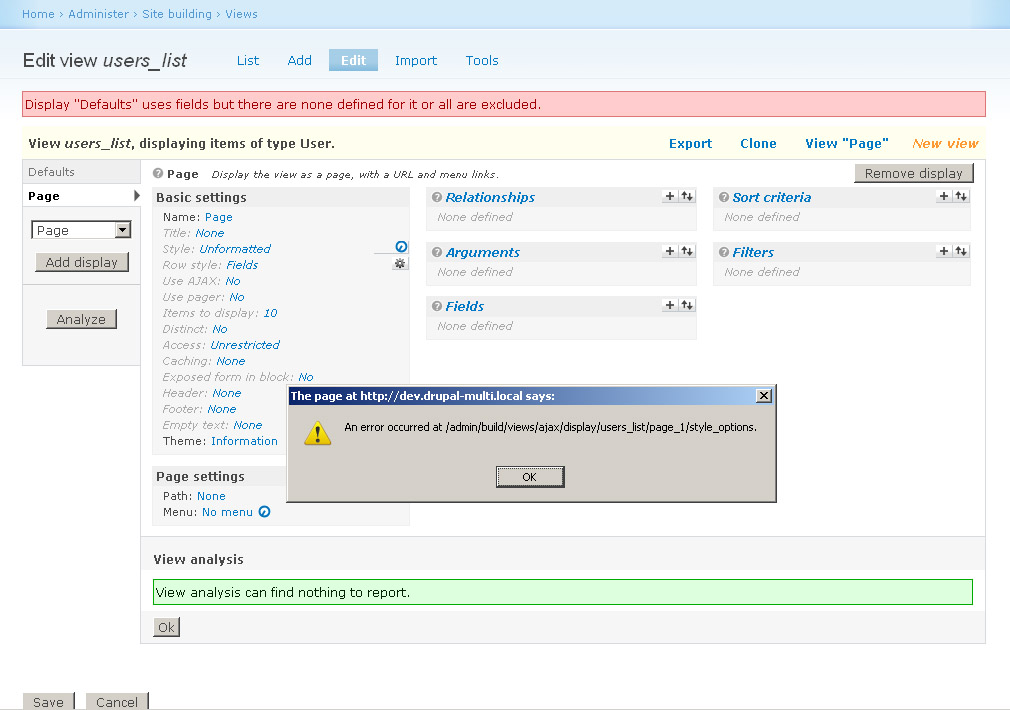
prasannah.ganeshan commentedI'm getting the same error. I get a JavaScript alert when I try to do some change.
"As error occured at /admin/build/views/ajax/display/.."
Someone please advice
Comment #10
jwjoshuawalker commentedI don't think that's a VotingAPI Issue. The issue here was fixed. Yours looks like a views problem.
Try upgrading to views 2.6 first. http://drupal.org/project/views
Comment #11
prasannah.ganeshan commentedI am using the latest version of the view module.
Comment #12
clintcar commentedI was having the same error. Not sure if it will help in every case, but my solution was deactivating Devel Themer.
Comment #13
prasannah.ganeshan commentedI gave that a try. I'm still getting the same problem. Isn't there any fix for this guys.
Comment #14
prasannah.ganeshan commentedI'm having the same issue. can someone tell me what could be wrong here. I'm running Drupal 6, Views 2 on Xampp.
I can give further information if needed. Please help crack this issue.
Comment #15
mauro_ptt commentedGuys! I'm having the same problem everytime I need to change any of the settings in the view setup. Is there any patch or something? Thanks!
Comment #16
mauro_ptt commentedHey I think I solved it... I don't know how do you place the codes, but try modifying the admin.inc file, placed in
.../views/includes/admin.inc
Line 1559 or:
- function views_ui_ajax_form($js, $key, &$view, $display_id) {
+ function views_ui_ajax_form($js, $key, $view, $display_id) {
just remove the ampersand (&) from view parameter, seems to work for me.
Thanks for being there, and let me know if it works for you all.
regards!
Mauro
Comment #17
merlinofchaos commentedPlease do not take over old issues. It is rude.
Comment #18
mauro_ptt commentedDidn't mean to change that, I'm new with these stuff :)
Comment #19
viralagrawal commented@mauro_ptt
thanks so much..
your solution helped me as well!!
cheers
Comment #20
Shorin commentedmaruo_ptt:
Your solution worked great! No issues for me either
(XAMPP & drupal 6.14)
Comment #21
prasannah.ganeshan commented@mauro_ptt :). Thanks lots you saved my day. I was struggling with this for some days.
Comment #22
zuessh commentedI am also having this issue - i tried the fix in post 16 however i am still having the same issue. are there any other fixes for this issue?
Comment #23
cbrody commentedSubscribing -- also having the same issue.
Comment #24
Anonymous (not verified) commented@mauro_ptt: Thanks, that worked perfectly.
Comment #25
zuessh commentedIf post 16 is the answer, could there be something i am missing as to why it is not working in my setup? I have drupal 6.14 and the most recent version of views/votingapi/fivestar. I am on fedora linux, with apache 2.2.13, php 5.2.9 and only have the default modules enabled. Any help or support would be greatly appreciated.
Comment #26
drvdt commentedWonderfull!
I get same error and fix as mauro_ptt. That's OK.
I also replace all &$view by $view in .../views/includes/admin.inc. And it work!!!
If replace only Line 1559 or function views_ui_ajax_form($js, $key, &$view, $display_id) {. It works too.
:-)
Many thanks to mauro_ptt.
I love Drupal.
Comment #27
zuessh commentedwow, just wow... i'm starting to feel really special because i have the only setup that the fix doesn't work on, or really stupid because i can't figure out why the fix doesn't work for me. I replaced &$view everywhere and also disabled/reenabled the modules - are there any other suggestions or ideas that anyone can think of?
Comment #28
joelbox-mondial-it commentedSorry guys, i am having the same issue with a clients installation and removing the & did not help.
What did help was disabling java in the views tools menu. The interface is a lot less userfriendly, but it does solve the issue.
I hope this helps,
Comment #29
merlinofchaos commentedmod_security is another known killer of ajax in views.
If all else fails you can go into admin > build > views > tools and disable the ajax.
Comment #30
joshk commentedI can confirm the same issue in 2.7, and the fix from comment #15 works. This looks like a php 5.3 strictness issue to me.
Comment #31
joshk commentedSo, that make sthis a duplicate of:
http://drupal.org/node/452384
Comment #32
prasannah.ganeshan commented@zuessh I could understand your frustration. Why not try to do it on a new drupal setup. I got it working as well but I run it on a windows setup. I suggest you try the entire thing all over again.
Comment #33
bysv commentedMy solution:
if you activate the module (devel) in "Development->Theme Developer" make sure it is unchecked the option "Display log theme' in Theme Developer settings
Comment #34
alexahumada commentedI encountered the same problem, and solved it without any php editing.
In my case the problem seems to be caused by replacing the core jquery 1.2.6 for a newer update (1.4), so I just put back the 1.2.6 core version and cleared all caches, all went back to normallity. If you've changed the core jquery file and none of the other solutions work, give it a try!
Comment #35
allisonk commentedHi - I was having the same issue - except when I turned off Javascript, it allowed me to update the views, but the updates would not take effect. Then I discovered that when I turned off
# RewriteCond %{HTTP_HOST} ^mywebsite\.com$ [NC]
# RewriteRule ^(.*)$ http://www.mywebsite.com/beta/$1 [L,R=301]
it fixed the problem because it turns out the site wasn't able to redirect to the right page. But I'm not sure how to get it to work with the www - I need it for SEO.
Comment #36
justclint commentedHey Guys, I've been looking for solutions on this for a while and just tried #34 of this post per projectsperminute and it worked. I started noticing that all my sites were having this problem. And I know as a fact when I set the sites up they worked fine.
All my sites get updated to the latest jquery and it seems the jquery 1.4.2 is causing some issues with views in all of my sites.
Also, in addition to views Ive noticed that all drag n drop menu bars and such have lost their ajax functionality as well. For example if I go to admin -> blocks or admin -> content type -> manage fields I can not move/sort the items with drag n drop.
From what I can tell it seems the latest version of jquery (v1.4.2) is causing site wide ajax functionality loss.
Has anyone else tested this to verify?
Comment #37
marcy_sss commentedDowngrading my jQuery version from 1.4 to 1.3 eliminated the Views & sitewide AJAX errors. YESSS!!!
-- Note: I actually had to go all the way back to 1.2.6, as 1.3 caused errors as well.
Comment #38
Alan.Guggenheim commentedSame problem here
Comment #39
wheelercreek commentedI had to drop down to jquery 1.2.6 - the version that ships with Drupal 6.16, and then still had to clear my browser cache and drupal cache... that fixed the problem. Make sure you clear the caches!
Comment #40
vladimirausLooks like www. prefix has something to do with it as well. Maybe SSL too.
I'm running latest versions of Drupal and Views and tried all of the above and it is still doesn't work.
Edit: I fixed that by removing SSL (https) from admin/* (Secure Pages module).
Comment #41
gscerb commentedI solved the problem by installing jquery_plugins: http://drupal.org/project/jquery_plugin
Comment #42
Aracon commentedTry this patch: http://drupal.org/node/618734#comment-2527326
It worked for me.
Comment #43
anonymous07 commentedThis is one of the strangest issues ever.
I just noticed this behavior after following Update Status module's advice and updating everything to the latest (recommended versions).
1) I installed jquery_update-6.x-2.0-alpha1
2) Same resulting behavior as stated above in Views; just could not get past the pop up error when trying to make any changes
Solution: As a previous poster noted, remove the "www" from the url and it worked fine!
(For good measure I also uninstalled jquery_update module leaving only jquery_plugin)
Thanks
Comment #44
Frederickweiss commentedthe Jquery_update was the killer, damn. Thank you!!!!!!!!!!!
Comment #45
miss-susan commentedI also had the same issue with the Secure Pages module. Turning off the module while I made the Views update fixed it.
Comment #46
premshankarDear folks,
The issue was because of .htaccess file. Check your file if it is correct. Or create a new one and give 644 permissions
Comment #47
mustanggb commentedRestoring status.