

Closed (fixed)
Project:
Album Photos
Version:
6.x-2.6-beta3
Component:
Code
Priority:
Normal
Category:
Bug report
Assigned:
Unassigned
Issue tags:
Reporter:
Created:
10 May 2009 at 19:55 UTC
Updated:
31 Jul 2013 at 05:54 UTC
Jump to comment: Most recent file

Comments
Comment #1
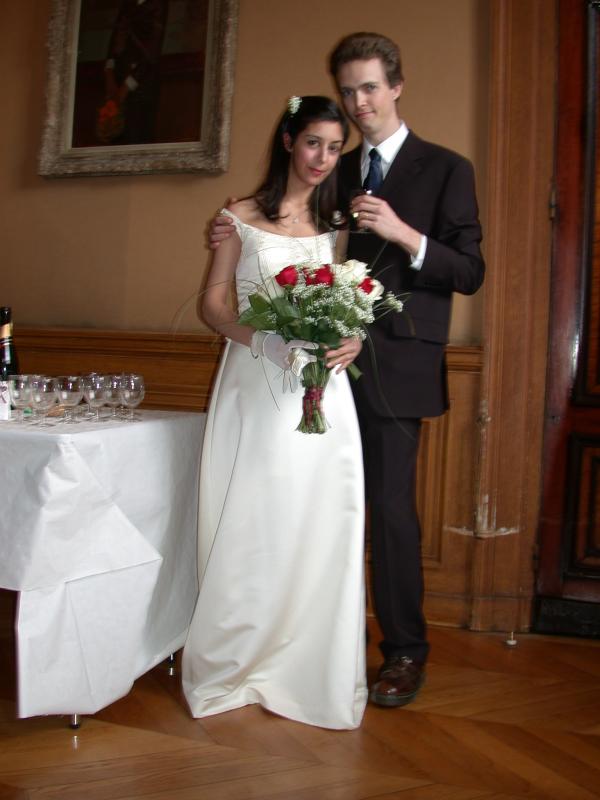
mattsteven commentedAttaching a sample photo to try.
Comment #2
Curnen commentedHad the same problem with my photos. Visit the Settings page for the module, scroll down to "Thumbnail settings" and change the format settings from "scale" to "scale_and_crop", which actually sets the module to a non-cropping mode. It will only scale the images in a way, the longest side fits to your maximum space I know, you need to get used to this naming, since the programmer is no native speaker of English, but this should help.
For example, I have chosen a square of 300x300 for all my pictures and set the format to "scale_and_crop". Now the images will be scaled down, but not cropped. The longest side will be 300px - regardless whether is a landscape or portrait photo.
Eventually, you have to clear your sites cache in the Administer -> Site Configuration ->Performance.
Comment #3
nathaniel commented