

Closed (fixed)
Project:
Acquia Marina
Version:
6.x-1.9
Component:
User interface
Priority:
Normal
Category:
Bug report
Assigned:
Reporter:
Created:
7 Jul 2009 at 05:38 UTC
Updated:
6 Jan 2010 at 20:30 UTC
Jump to comment: Most recent file

Comments
Comment #1
jwolf commentedThis theme does not support screen resolutions below 1024x768
http://drupal.org/node/449968
http://drupal.org/node/339115
Comment #2
iva2k commented@jwolf:
Thanks for pointing out duplicates. I was not able to locate them using my keywords "preface width".
>This theme does not support screen resolutions below 1024x768
Understood. But I can't tell my website visitors to not reduce size of the window. Acquia_marina is the most solid theme out there. It outperforms Garland by miles. Garland breaks in so many ways. This bug is the only visual problem with AM that I encountered on 3 of websites I used it on. If it is fixed, it will make AM 100% solid.
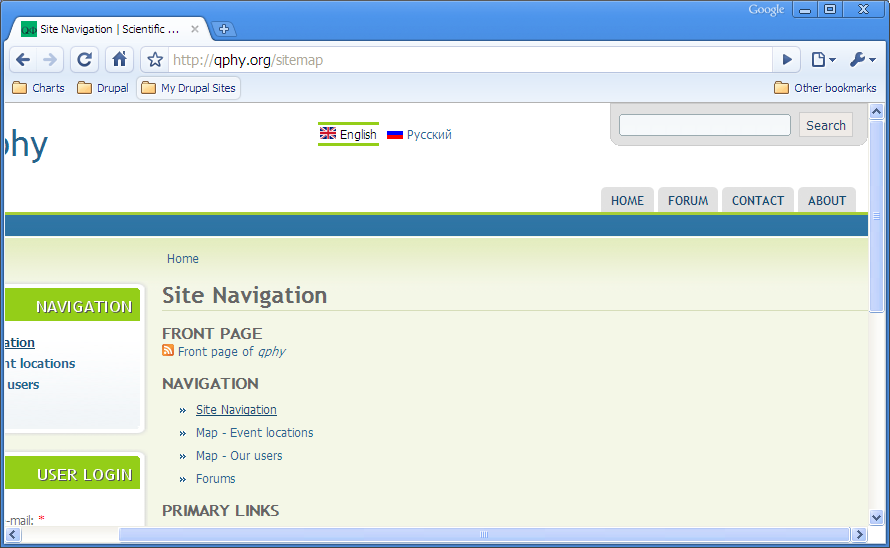
Looking into this problem, I found out that there are "width: 960px" in style.css on some elements, but html and body widths are not set, so they are "width: 100%" by default. All browsers calculate 100% width of html and body to be width of actual window, ignoring width of included elements, which makes it less than 960px when window is narrow. (Yes, it is counter-intuitive and plain wrong. There are many illogical places in CSS implementations, but browsers can't/won't fix them because it will break 99% of all websites).
The simplest fix I found is single-liner "html { min-width: 975px; }". 975px is used instead of 960px because there is "padding-left: 15px" on one of the elements which adds to 960px of inner element.
Attached is a patch with the above fix. I verified that it fixes problem for IE8, FF3, Google Chrome. Please review for inclusion into 6.x-2.x-dev.
Regards,
Comment #3
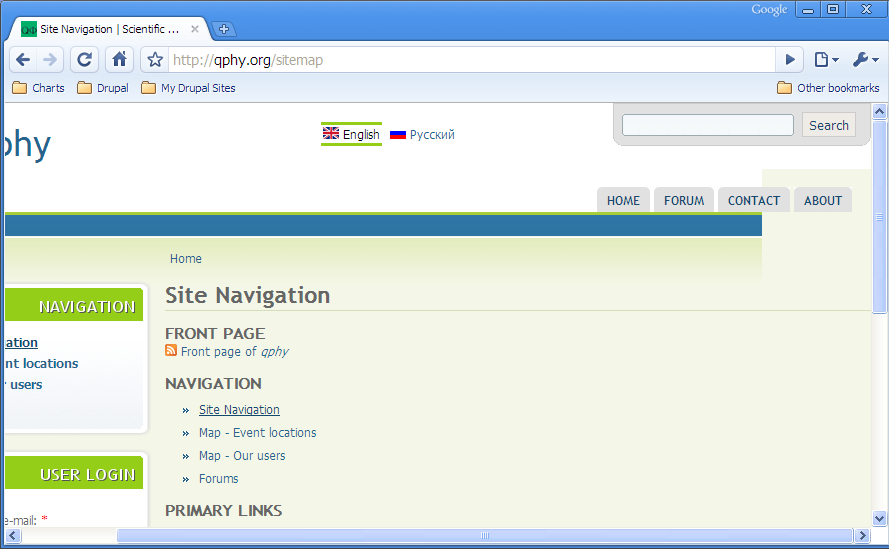
iva2k commentedHere's how it looks after the patch.
Comment #4
jwolf commented@iva2k - Thanks for the fix. I'll review and commit shortly.
Comment #5
tdh commentedThank you iva2k! Now I will be able to use this theme again.
Comment #6
jwolf commentedSorry, there has been a change of plans. We're in the process of porting the Acquia themes over to our new theme system, Fusion.
Therefore, we are unable to dedicate resources to fixing this in the 1.x branch since Fusion will solve this issue.
You can read more about Fusion at:
TNT 2.0 and the future of Drupal themes with Fusion
http://www.topnotchthemes.com/blog/090709/tnt-2-0-and-future-drupal-them...
Top Notch Themes pre-releases a landmark theme called Fusion
http://chrisshattuck.com/blog/top-notch-themes-pre-releases-landmark-the...
Comment #7
jwolf commentedComment #8
jwolf commentedFixed in 2.x
http://drupal.org/cvs?commit=305226
Comment #9
sinasalek commentedThanks @iva2k
You can find version 1.x patched version here