

Closed (fixed)
Project:
Hierarchical Select
Version:
6.x-3.x-dev
Component:
Code
Priority:
Critical
Category:
Bug report
Assigned:
Reporter:
Created:
5 Aug 2009 at 20:18 UTC
Updated:
8 Oct 2009 at 16:50 UTC
Jump to comment: Most recent file






Comments
Comment #1
wim leersCan you reproduce this on a vanilla Drupal installation (i.e. with only Hierarchical Select, Taxonomy and Hierarchical Select Taxonomy)?
And you're sure this is happening on Drupal 5, not on Drupal 6?
Comment #2
mburak commentedYes, it's a Drupal 5. I just did that in a new Drupal installation and I got the same issue. I've created a testing site for you to see it in action. Go here: http://tintasoft.dyndns.org/testHS - User: admin pass: 12345678
Please see it by your self.
Hope this helps!
Comment #3
wim leersReproduced on D6 too now. So this is a bug in both the D6 and D5 versions. I'd swear I've fixed this once before already …
Comment #4
crea commentedI researched it while I was finding out if it was a problem with CT integration. This bug happens because during form validation you increase HSID value, but not the $hs_form_build_id value, and you still use old cache. Later in hierarchical_select_json() you are trying to access cached value for new HSID key, but it doesn't exist yet since you haven't update cache and cache contains old HSID key.
Comment #5
wim leersThis is caused by #528160: Multiple HS form items in different forms on the same page via AHAH.
Comment #6
wim leersCommitted a fix.
Comment #7
wim leersComment #8
braindrift commentedHi,
could someone discribe me, how to apply this patch. I use the version 6.x-3.x-dev from 5 Aug with the patch form http://drupal.org/node/342992#comment-1925006. I still have the issue, although the patch seems to be applied. Im am patching over EclipsePHP and it shows me a Text Comeration Error. I looked into the sources and it seems to have the patch applied. Do I something wrong?
Thanks
Comment #9
braindrift commentedComment #10
wim leersSee http://drupal.org/patch/apply.
Comment #11
braindrift commented:)
I know how to apply a patch. But this patch is already in the dev-version from 5 Aug (or not?).
In my hierarchical_select.module is already the code, that this pach is trying to insert.
I STIL HAVE THE ISSUE!!!
Comment #12
braindrift commentedComment #13
wim leersI committed the fix on August 15. Clearly, that patch cannot be in the development snapshot of August 5 then. I suspect you didn't apply the patch properly.
Comment #14
braindrift commentedThanks.
In #6 was an other link!
Now you have changed this. I could not find the corect patch and I thought you meen the patch from http://drupal.org/node/528160.
Now I can try the corect patch, Thanks.
Comment #15
braindrift commentedHallo Wim,
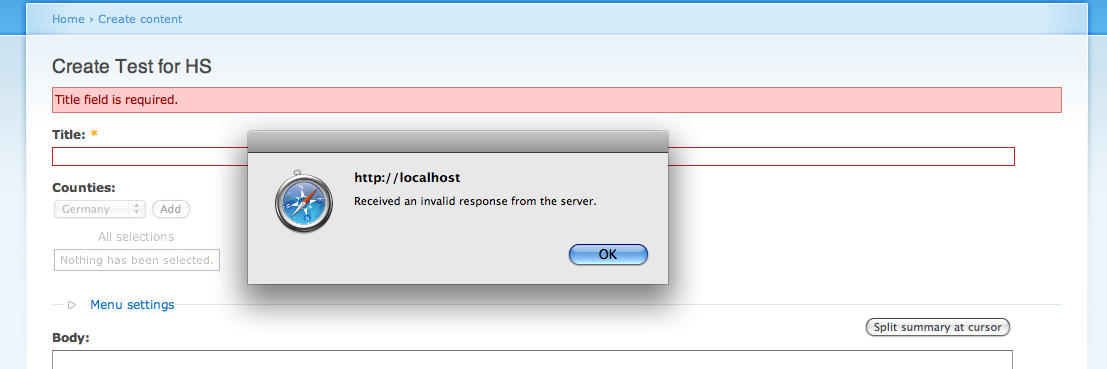
I'm sorry, but after applying the patch from #6 nothing changed. I still get this 'Received an invalid response from the server.'-error and after changing the page i get the 'warning: uasort() [function.uasort]: The argument should be an array in /Applications/MAMP/htdocs/drupal-dev-3/includes/common.inc on line 2843.'
I'm sure, that I applied the patch correctly. I see the changes in the code.
Thanks,
dendie
Comment #16
braindrift commentedComment #17
wim leersSimply do a CVS checkout and you'll get the latest version. No need to patch then. I should have said that the first time because I didn't post the patch. Which I otherwise always do, except for this once because the patch was so simple.
Comment #18
eugenmayer commentedignore the file, wrong project :)
Comment #19
braindrift commentedOK, I have checked it out from the CVS and I still have the issue. So what should I do now?
Comment #20
wim leersCreate a screencast of the problem on a vanilla Drupal installation. That is the easiest way to show me the exact steps to reproduce this.
If you don't have any screencasting software already, I'd recommend Jing, which is free.
Comment #21
braindrift commentedPlain instalation with activated Hierarchical Select and Hierarchical Select Taxonomy. Version CVS from 1 hour ago. Drupal 6.13
pic1: Vocabulary Counties (should be Countries ;-) )
pic2: My Content Types
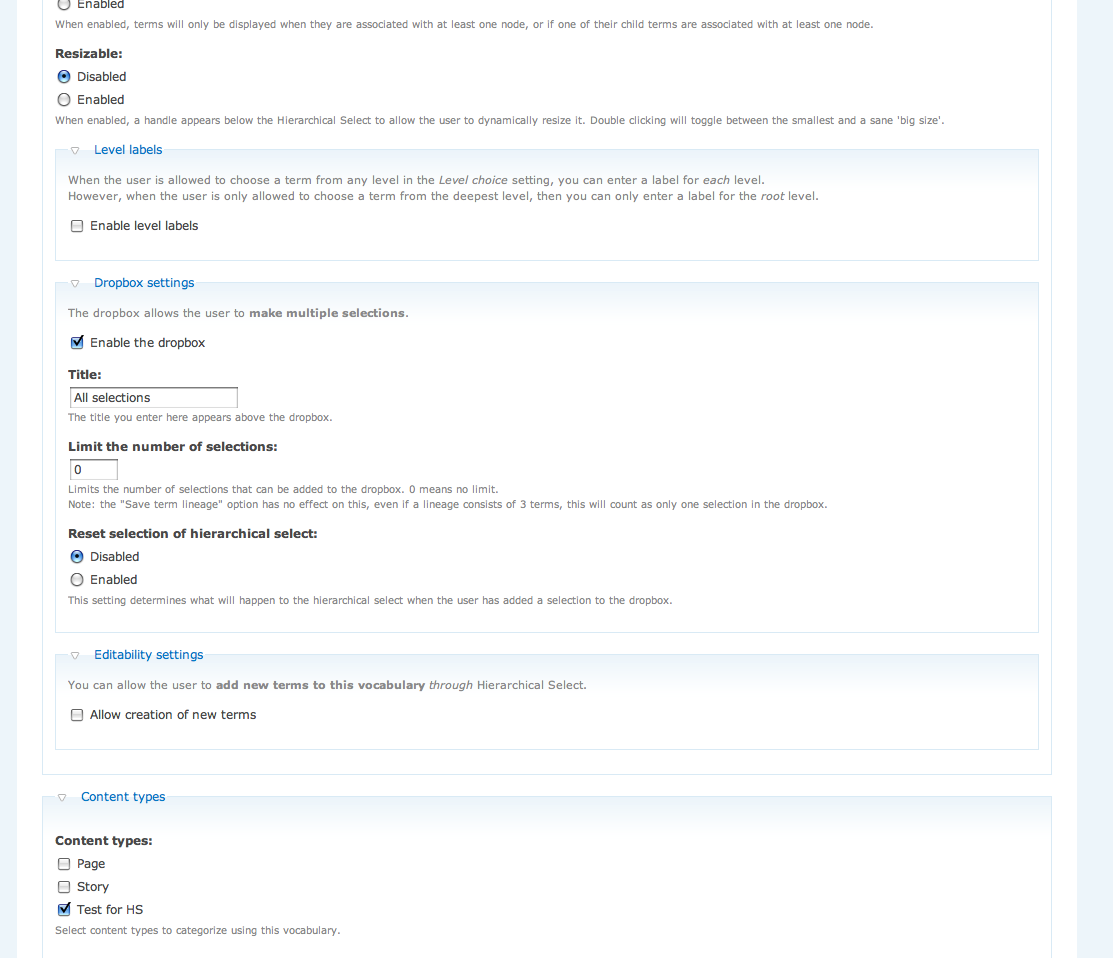
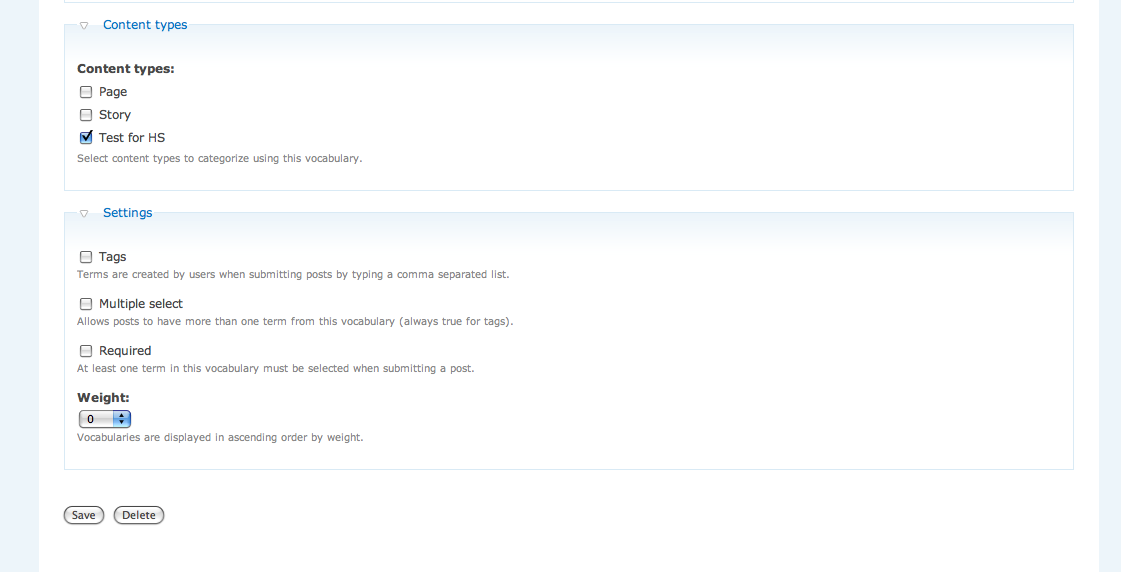
pic3-pic5: Configuration of vocabulary Counties
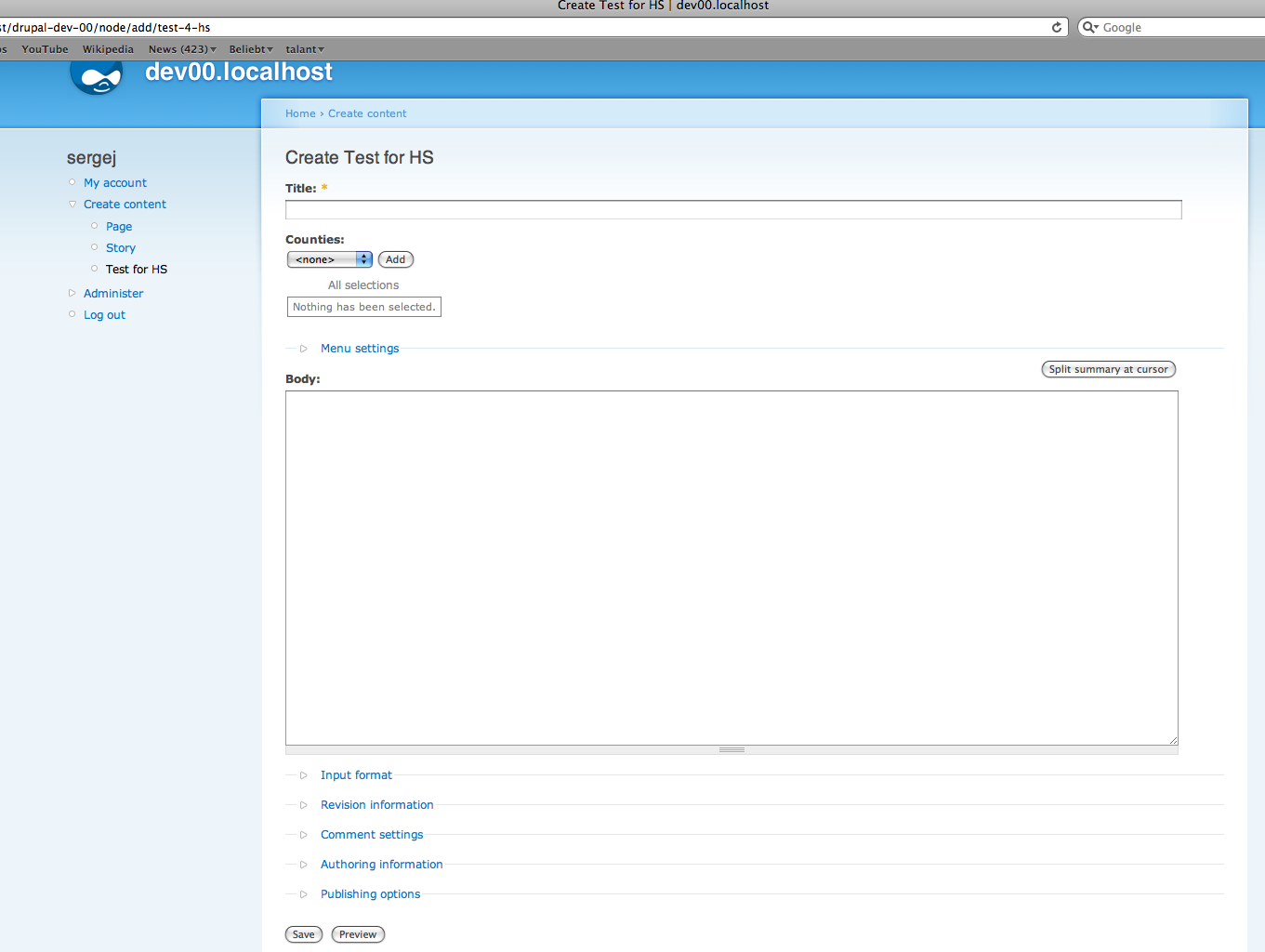
pic6: Creation of a node (type: Test for HS)
pic7: after clicking Save without entering a Title (to cause a validation error)
pic8: after this validatio error I try to select a Term from the Dropbox and get the 'Received an invalid response from the server.'-error
pic9: after clicking on the menue-item Create content->Test for HS
I hope this can help you to reproduce the error.
Thanks
dendie
Comment #22
mburak commentedI'm still having the issue after validation in Drupal 5 with the latest CVS version.
Comment #23
wim leersThe patch was against D5. I guess I have to backport it. I though it did work in D5.
Comment #24
wim leersDouble post.
Comment #25
digi24 commentedI am also still experiencing this issue in D6.
My problem is that the $storage variable in function hierarchical_select_json is not sufficiently filled after a validation error or selecting preview.
Update: digging deeper, I do not really understand it. I do see the cache being created, but the cache_get is somehow empty. Also the cache gets deleted quite often, it does not live for 6 hours, even when I comment clear_cache...
Update2: As far as I understand, whenever the page is submitted or validated, we have a POST request. But this POST request does not contain the hsid variable, so the session value increases.
Comment #26
digi24 commentedOk, I have really tried, but for the time being I have disabled the session hsid increase mechanism and I will use only one HS per form.
Then a stupid question, I am not familiar with FAPI: Shouldn't we be rather using hidden instead of value to retrieve the variable? (I could not find it in the POST contents when clicking submit or preview)
Comment #27
grendzy commentedI'm also seeing this in the current D6 dev version. To test, I'm submitting a page with no title, then trying to use the menu chooser. There's a popup saying "Received an invalid response from the server."
The message in the log is
Comment #28
ari-meetai commentedOK, did my own dirty work and solved it like this:
Works for two HS in the same form too.
I'm on D6, don't know how it would work on D5.
Hope it helps.
Cheers.
Comment #29
slip commentedHey guys,
I tried arielon's patch and it worked for me, although I didn't spend much time trying to figure out the problem. I'll keep testing the patch as I build the site, but so far it's looking good.
I rolled it into a patch for drupal 6 CVS head so people can see what it does better and apply it themselves.
Comment #30
grendzy commented#29 worked for me. Thanks!
Comment #31
digi24 commentedArielon and Slip, it seems that there are some quotes missing in the last part of your post_value definition.
Comment #32
wim leersThis was fixed as a side effect of the patch for #574244: Hierarchial Select + Views + AJAX enabled :)
Comment #33
braindrift commentedHi,
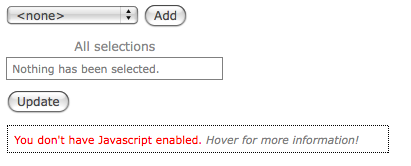
sorry but after I applied this patch I got the box with the message:"You don't have Javascript enabled."
What am I doing wrong?
Comment #34
braindrift commentedThere goes something wrong after refreshing the node-creation form. When I try to create the node directly after login, there is no issue. But after refreshing the page I get this box.
To get this box away, I have to logout and login again. This indicates a problem with the session (the box appears if the hsid in the session is >0).
Comment #35
wim leersWeird, I cannot reproduce that, dendie. Can you reproduce that on a vanilla installation? Does it happen in all browsers?
Comment #36
braindrift commentedI just reproduced it on a vanilla instalation with only HS-module available.
Yes, it happens in all browsers.
With the session-viewer (devel) I see, that as long as the hsid is 0, HS works fine. As soon as hsid becomes 1 ore more there appears this box.
Explanations for the pictures:
1: Vanilla Instalation with HS
2: Test-vocabulary for HS enabled vor content type "Test4hs"
3: Terms of the testvocabulary
4: Trying to create Test4hs (the box is there)
5: Logout
6: Trying to create Test4hs after login (the box is gone)
7: After refreshing the page (the box is there)
Comment #37
braindrift commentedComment #38
ari-meetai commentedOh, I didn't find that in time.. Anyway, it was fairly difficult to sort the patch+install version order...
Kudos for the great module!
Comment #39
wim leersdendie: I followed your steps exactly and cannot reproduce the problem …
Comment #40
braindrift commentedThe patch seems not to work with "Hierarchical Select Menu". As soon as I disabled this module, the box was gone.
@Wim: Could you please try to reproduce this.
Thanks
dendie
Comment #41
braindrift commentedComment #42
wim leersThat's it! Now I can reproduce it. I'll look into this tomorrow. I'm fairly sure it's caused by #574244: Hierarchial Select + Views + AJAX enabled though — as you had already indicated.
Thanks for persisting! :)
Comment #43
wim leersJust went ahead and fixed it right away.
I couldn't reproduce the problem in Drupal 5, so I'm assuming it's due to a very specific, minor, internal difference between the Drupal 5 and Drupal 6 Forms APIs.
Please confirm that the problem has been fixed. Either update to CVS HEAD or apply the attached patch.
Comment #44
braindrift commentedHello Wim,
that's great. it seems to work now.
Thanks for this quick patch!
dendie