Closed (fixed)
Project:
Shadowbox
Version:
6.x-3.0
Component:
Code
Priority:
Normal
Category:
Support request
Assigned:
Unassigned
Reporter:
Created:
19 Sep 2009 at 22:38 UTC
Updated:
26 Sep 2009 at 22:02 UTC


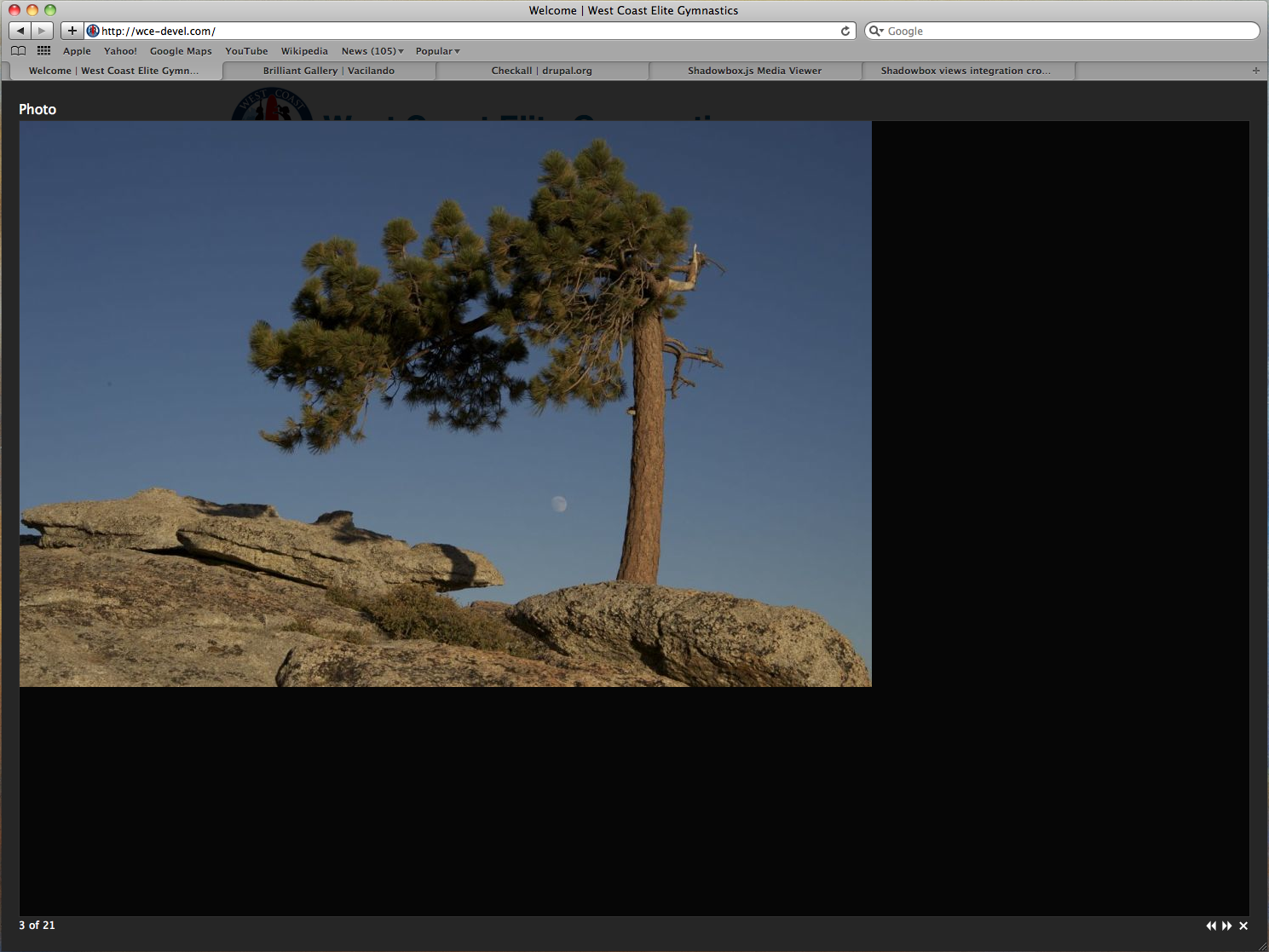
In brilliant gallery image display, overlay size is wrong.
See attached image, I disable lightbox2 and enable shadowbox, all default settings, click on a thumbnail and the image comes up in shadowbox. But overlay size is the entire viewport instead of as large a the image.
| Comment | File | Size | Author |
|---|---|---|---|
| Screen shot 2009-09-19 at 3.26.40 PM.png | 731.38 KB | mattyoung |

Comments
Comment #1
mattyoung commentedThis problem can be see at http://www.hddigitalworks.com by clicking the gallery on the right
Over at the shadowbox forum someone told me the problem is caused by the .php extension in the link produced by brilliant gallery:
Is there anyway to tell shadowbox don't mind the .php extension, it's really a jpg?
Comment #2
mattyoung commentedsee #588934: Patch for shadowbox