Closed (fixed)
Project:
Multisite info
Version:
6.x-1.x-dev
Component:
Miscellaneous
Priority:
Normal
Category:
Support request
Assigned:
Unassigned
Reporter:
Created:
1 Dec 2009 at 23:58 UTC
Updated:
18 Dec 2009 at 06:20 UTC


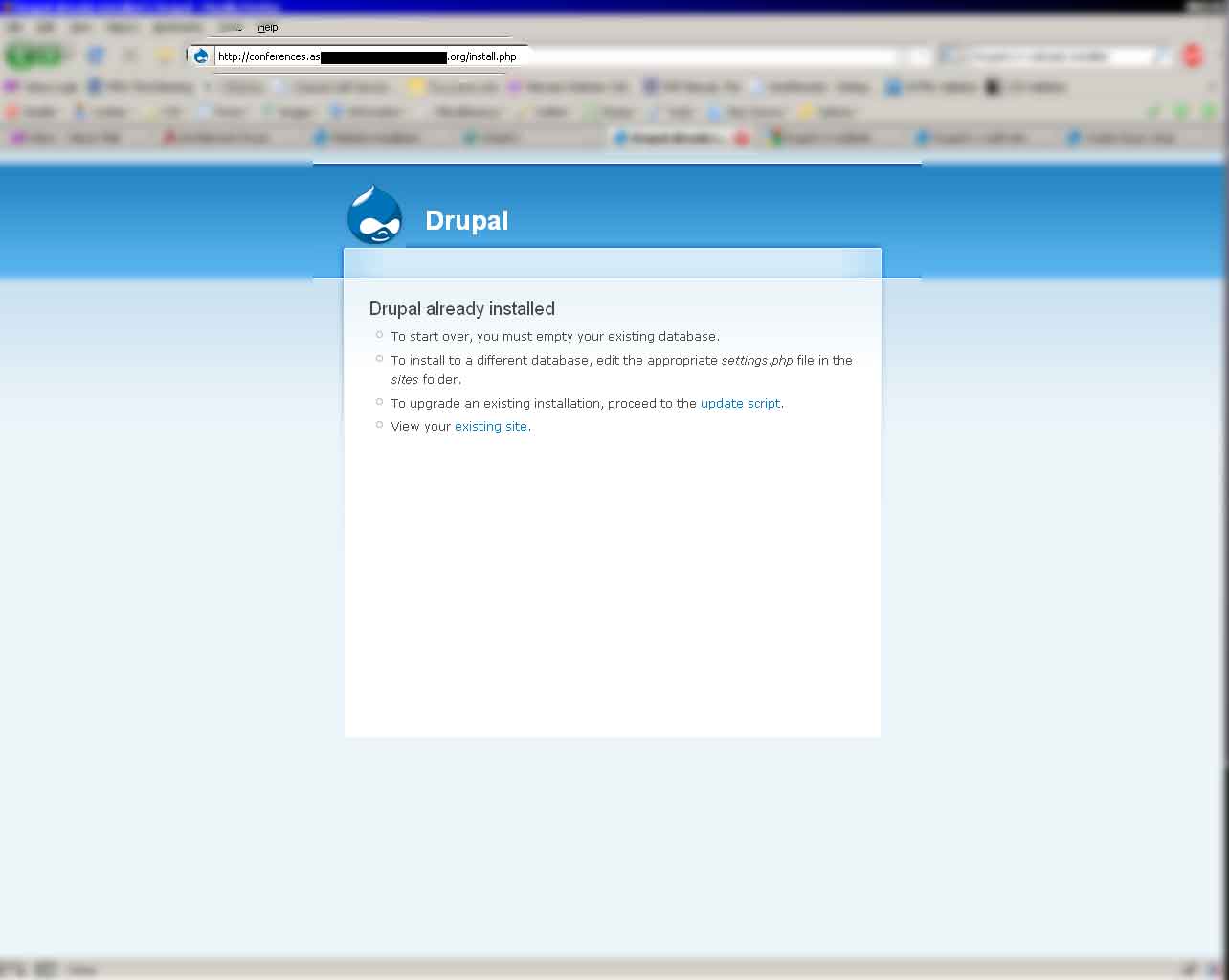
I'm having problems getting my Drupal multisite to correctly work on the live server and I think it has something to do with the way sub-domains are being handled because it works flawlessly in my WAMP development environment on my laptop. When I uploaded everything, I went to install the initial core and this worked fine. When I went to install one of the multisites, however, I was surprised to see the following message:
"Drupal already installed
* To start over, you must empty your existing database.
* To install to a different database, edit the appropriate settings.php file in the sites folder.
* To upgrade an existing installation, proceed to the update script.
* View your existing site."
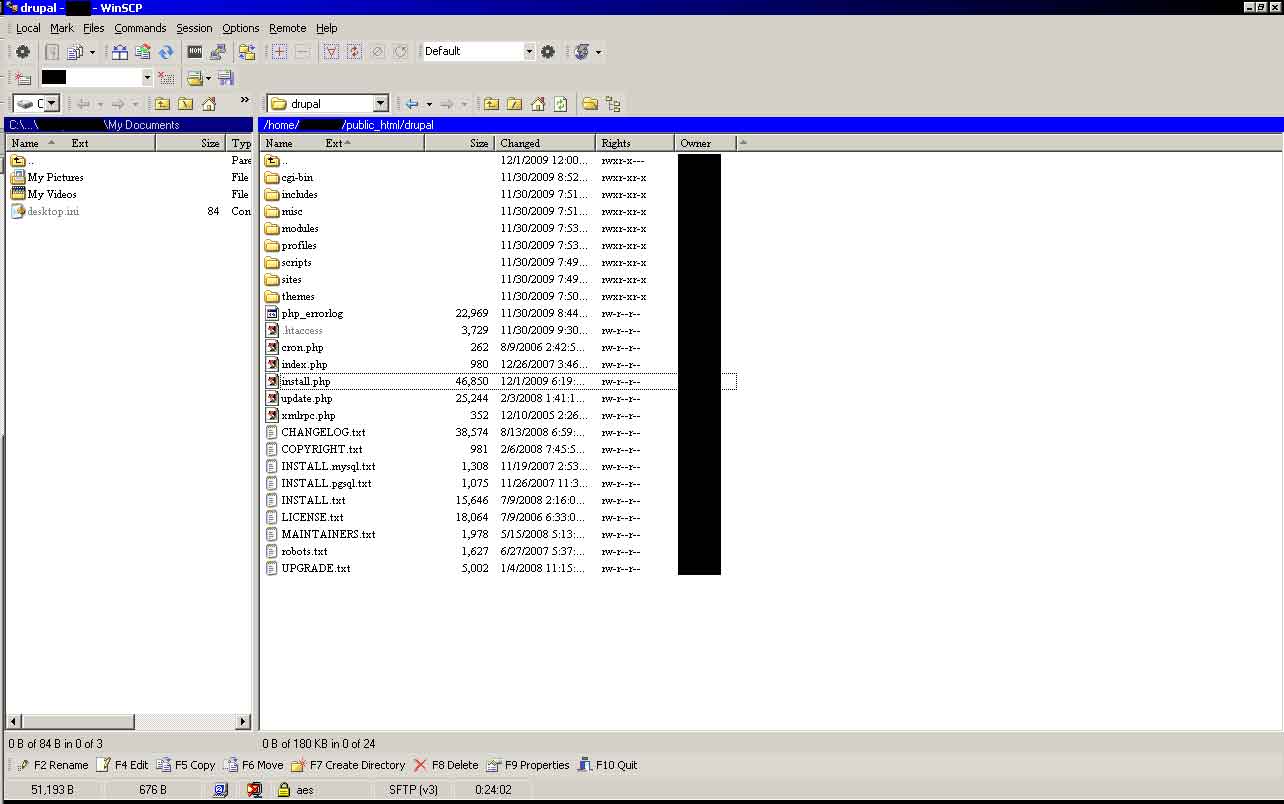
Here is my setup:
I'm using 1 database for 1 login across the website.
public_html/drupal/
public_html/drupal/sites/site1/
public_html/drupal/sites/site2/
public_html/drupal/sites/site1/settings.php
public_html/drupal/sites/site2/settings.php
In CPANEL, I've set the following sub-domains to their respective roots:
"http://site1.example.com/" has a root of "public_html/drupal/" with no redirection.
"http://site2.example.com/" has a root of "public_html/drupal/" with no redirection.
I know the database is working because I have the core installed. The only problems I've had pertain to the live server environment. I did nothing with symlinks and have been wondering if this could possibly be the issue (how would I do this?), but I have found nothing in terms of documentation on this that matches my situation. Could this also be caused by permissions?
This really has me pulling my hair out! Please, someone help me here!
| Comment | File | Size | Author |
|---|---|---|---|
| Multisite-Problem.jpg | 33.22 KB | wolf_22 | |
| Server-Sub-domains.jpg | 76.69 KB | wolf_22 | |
| Server-Sites.jpg | 43.93 KB | wolf_22 | |
| Server-Root.jpg | 70.16 KB | wolf_22 |



Comments
Comment #1
dman commentedSee the docs in settings.php that explain how multisite folders are scanned and used.
Here's someone with the same issue: http://drupal.org/node/288126#comment-1257226
{drupal}/sites/site1/settings.php
will be used IFF your site is exactly
http://site1/It will NOT be used if your actual site is
http://site1.com/You can try renaming the subfolder to follow the actual documentation in the file, but I prefer to symlink
ln -s site1 site1.domainname.comAnd you get the best of both worlds.
All you are seeing is that the system goes looking for:
/sites/site1.example.com,
/sites/example.com,
/sites/com,
/sites/default,
And gets default - which IS already installed as it says.
- "support requests" - by definition cannot be critical. Reading the docs however, sometimes is. :-B
Comment #2
kenyan commentedOr, If by site1 you simply mean that as an example, therefore meaning you have your sites setup correctly:
Then have a quick look at the settings.php files in the multisites just to make sure that you did not copy settings.php from the main install into the multisite directory instead of starting with a fresh copy of default.settings.php
I know i did that and ran around for a bit.
Comment #3
wolf_22 commentedI figured out what the problem was:
The directory to be used for site2 needed to be named exactly as the sub-domain (i.e.- "site2" must be renamed to "site2.example.com"). I always thought to myself that a name like that would not work, but it did... :.)
Now all I need to do is make the single login work using the shared tables for users, etc. Do any of you know of a 6.14 tutorial on this using a live server environment???
I need to make the website allow one login to account for all other logins from the sub-domains.
Here is some more information on where I am now -
Directory Structure:
public_html/drupal/
public_html/drupal/sites/default/
public_html/drupal/sites/site2.example.com/
public_html/drupal/sites/default/settings.php
public_html/drupal/sites/site2.example.com/settings.php
public_html/drupal/sites/site2.example.com/.htaccess
public_html/drupal/sites/default/settings.php CODE:
public_html/drupal/sites/site2/settings.php CODE:
public_html/drupal/sites/site2/.htaccess CODE:
Sub-domain information:
Main Domain: "www.example.com"
Sub-domain: "site2.example.com" -- Root set to "/public_html/drupal" (within CPANEL)
Any help on this is VERY appreciated. I'm so close!
Comment #4
kenyan commentedSee Domain Access Module
I believe this should sort you out.
Comment #5
wolf_22 commentedKenyan, that link you provided me with pertained to a module that requires me to make drastic rollbacks to my database and directories... I can't do that. Also, it has instructions for editing the HOSTS file which I am without due to the website being on a live server that uses CPANEL (there is no HOSTS file in that environment).
Any other suggestions?
I guess I've underestimated this project because I never thought I would have this many problems setting this up. Is there nobody around here who can help me with this???
Comment #6
wolf_22 commentedThe original issue this ticket pertained to has been fixed, so I'm going to try and adjust all this to reflect that. I'll be making a new ticket for this newer issue, though.
Thanks everyone for your help. :.)
Comment #7
vm commentedThis likely didn't belong on this modules issue queue, unless of course, this module is employed. Based on your decription and the ones you placed in the forum it doesn't seem like that is so. At the very least it isn't mentioned.
also of note:
When you have an issue refrain from crossposting the same topic to multiple issue queues and the forum. Thanks.
for posterity:
http://drupal.org/node/648352
http://drupal.org/node/650904
as well as this current thread are all the same question posted within the same three day period.
please read: Forum Posting Tips. Specially #7
Thanks