

Closed (fixed)
Project:
Date
Version:
6.x-2.4
Component:
Code
Priority:
Normal
Category:
Support request
Assigned:
Unassigned
Reporter:
Created:
9 Mar 2010 at 22:03 UTC
Updated:
7 May 2011 at 13:01 UTC
Jump to comment: Most recent, Most recent file

Comments
Comment #1
arlinsandbulte commentedIf you set your field to have an optional "To Date," when you edit the node, you will always be presented with the "To Date" field, but you can leave it blank.
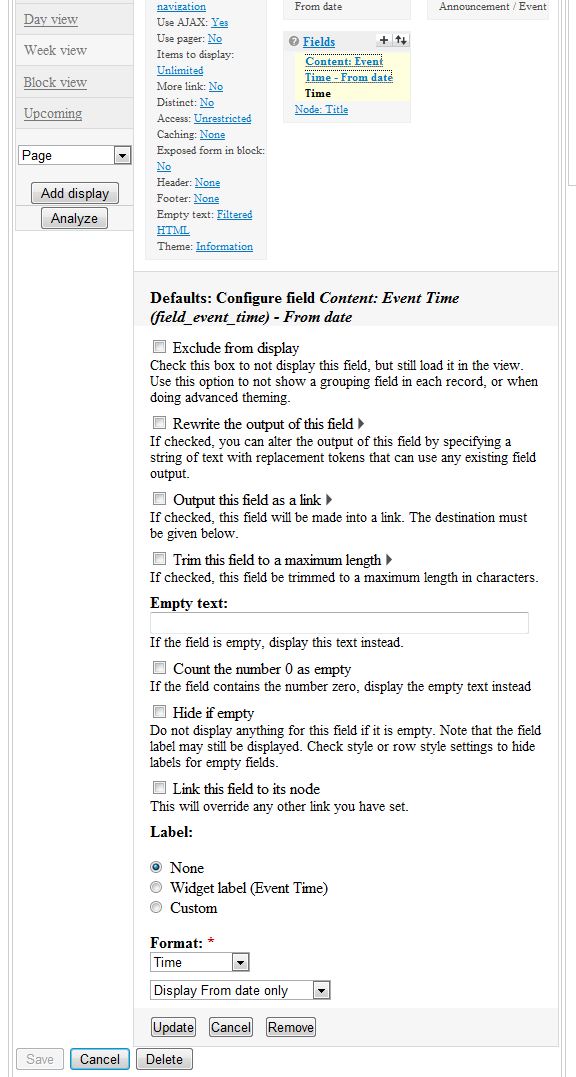
When you display your node and the node fields, there is a setting to "Display From date only".
In your view, select your date field under the view's Fields.
Then, near the bottom, you can choose the format for your date field and also choose between "Display From and To dates" "Display From date only" & "Display To date only"
You want to select "Display From date only"
See attached screenshot.
Comment #2
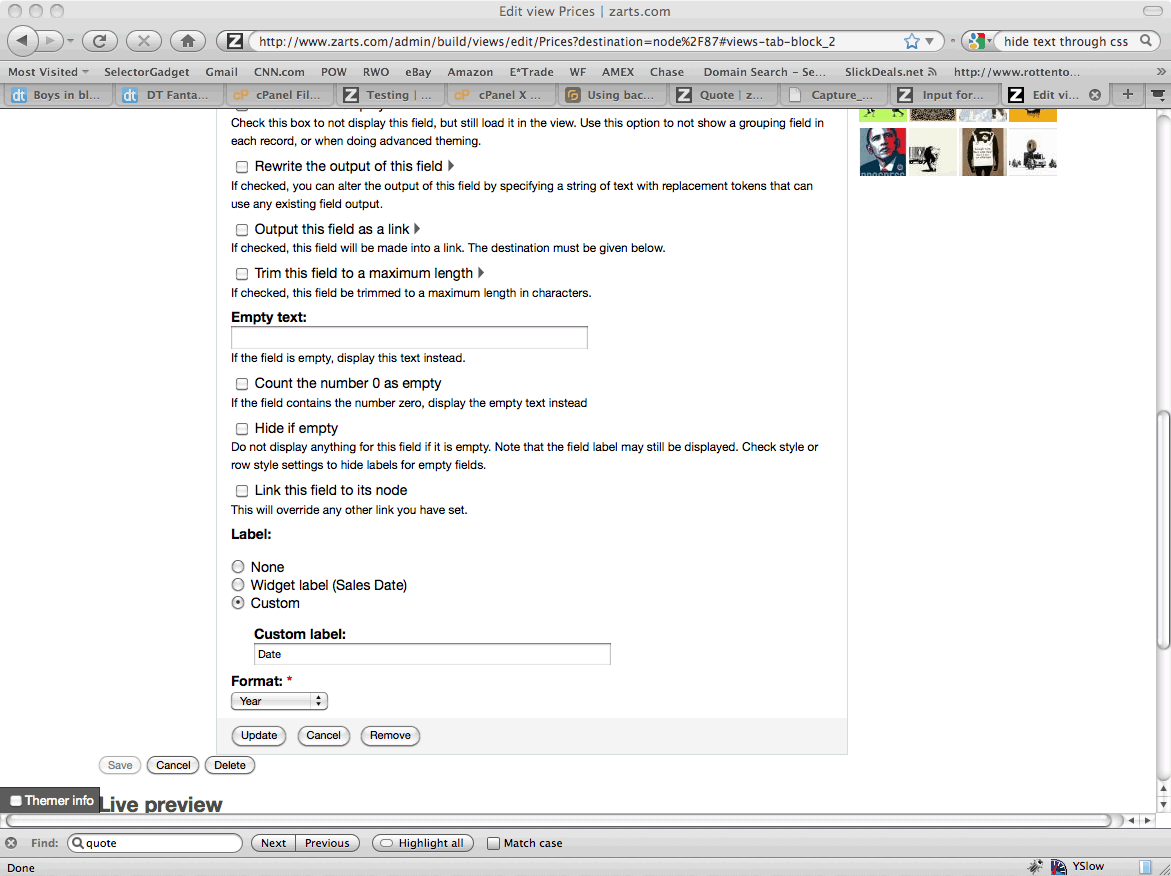
sammyman commentedWhat if we don't have that option at the bottom of our page?
This particular field was created before I added the ability to do a "from" and "to" field, if that makes any difference.
Comment #3
arlinsandbulte commentedJust to verify, what version of Date are you using, 6.x-2.4?
What if you remove the field and re-add it?
Comment #4
sammyman commentedI have over 5,000 pieces of data with a date with that content type.
I am using 6.x-2.4.
Comment #5
arlinsandbulte commentedI meant remove the field from the view and re-add it to the view. Sorry, I should have been more clear.
Comment #6
solona commentedI am having this same problem. In my CCK Date field in the content type I have as my settings:
- Default value for To date: Blank
- To Date: Never
I am running Drupal 6.15 and 6.x-2.4 Date module.
I don't see the option either to "Display From Date Only". If I figure this out, I'll post it in here.
Thanks.
Comment #7
solona commentedMy solution:
In my content type, I went into "Manage Fields" and selected "Inline" as the Label and now my date only shows up as a "From" date in my View. I still don't get that option "Display From Date Only", but it's only displaying the From date, so goal achieved.
(I also upgraded to drupal 6.16, though I don't think this is what did it).
Comment #11
arlinsandbulte commentedJust checking back:
Were you able to solve this?
If you cannot get the "Display From date only" format option in Views, that should be considered a bug.
Also, you could try clearing your cache.
Comment #12
parkerjdru commentedIf you set "To date" to "optional" in field manager, then "Display From date only" becomes available in views. However, if you set "To date" to "never", then "Display From date only" is missing and if supplies the "To Date" by default (this is a bug)
More precisely, if "To date" is optional, and you go to add field views, you will find that there are multiple fields available for the date, "date - To" & "date - From". If you add "date-From" then the setting "Display From date only" is available.
Hope this helps
Comment #13
Anonymous (not verified) commentedBased on parkerjdru's post, here is the fix I found :
1) In CCK, set "To Date" to "Optional".
2) In Views, go to the date's field options. All the way at the bottom, "Display From date only" is now available. Select this.
3) Go back to CCK and set "To Date" to "Never".
4) Voilà! Go back to "Views" - the "To Date" should not display, even if the option to change this is gone from the field options.
Comment #14
arlinsandbulte commented