

 Come together with the global Drupal community in Rotterdam, 28 Sept – 1 Oct 2026. Sessions, contribution, connection, and Early Bird savings until 8 June.
Hi,
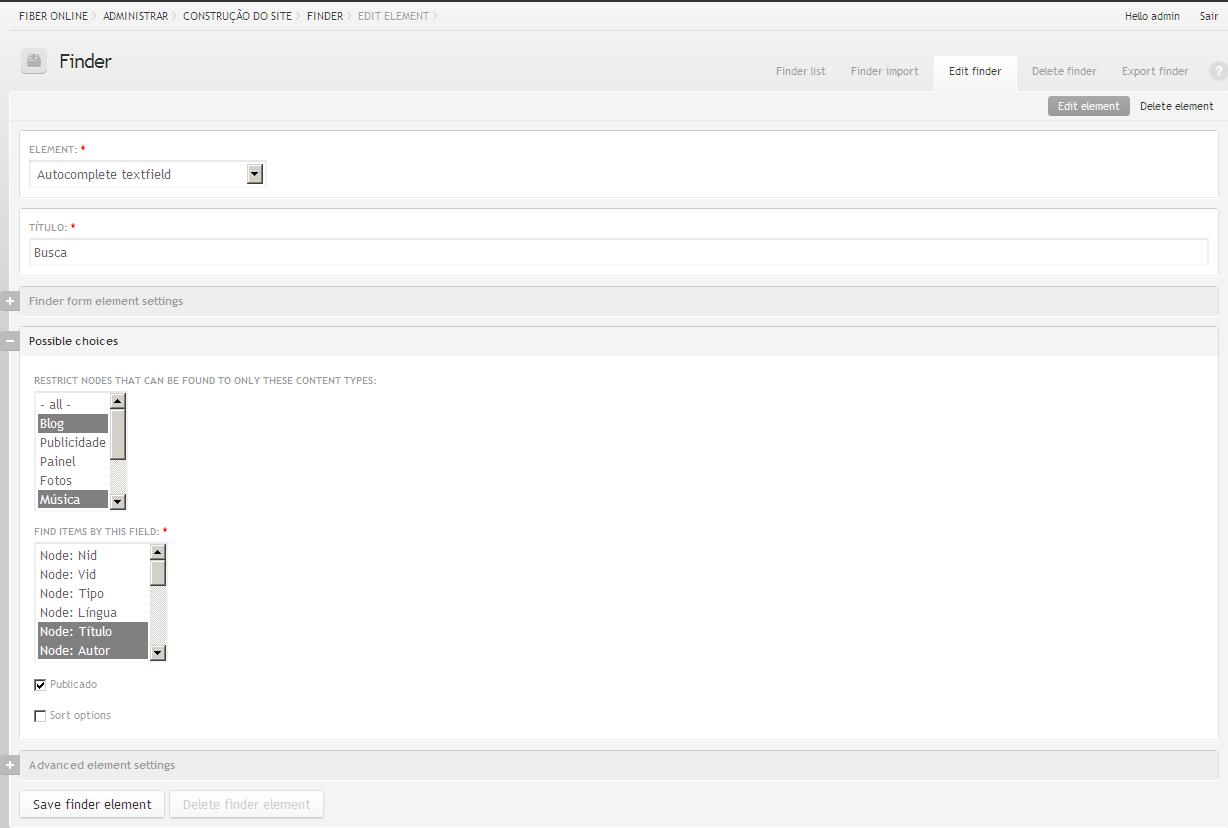
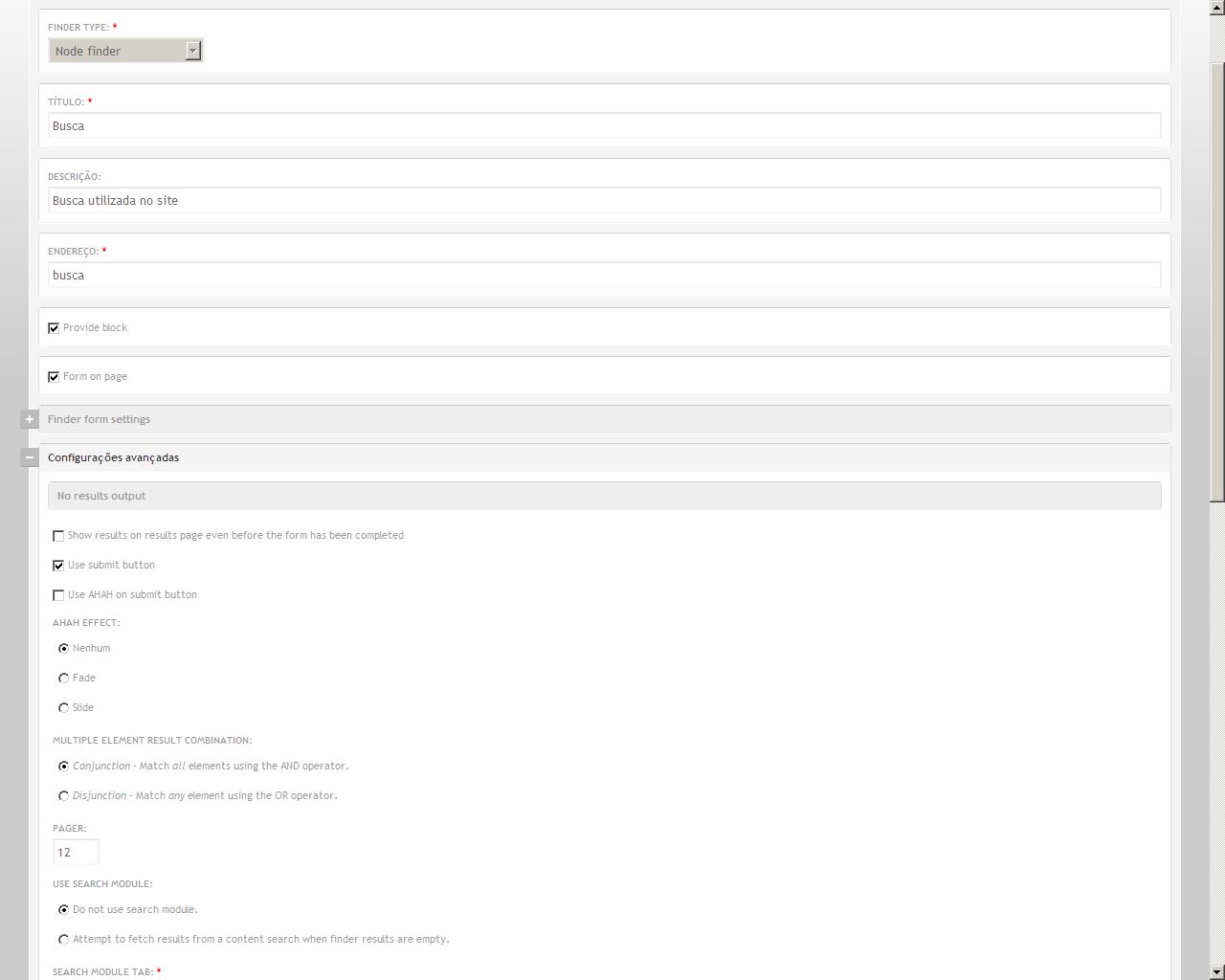
I do the search(search.jpg), when I click in the number 2 to go to the page 2, the page loads the same result of the first page without the pagination(search_page2.jpg). Anothers pages in the website has pagination and it works pretty good.
Thanks for help me.
| Comment | File | Size | Author |
|---|---|---|---|
| search_page2.JPG | 61.91 KB | lesleyfernandes | |
| search.JPG | 72.49 KB | lesleyfernandes | |
| config1.JPG | 61.86 KB | lesleyfernandes | |
| config0.JPG | 73.86 KB | lesleyfernandes |


Comments
Comment #1
jkeywell commentedI am having this issue too. Is there a solution?
Comment #2
danielb commentedIt is because you are searching on multiple fields.
Some of the more recent features of finder, such as searching multiple fields, are not compatible with the pager. There might be a solution to this, but I haven't done much work on it, since I don't use these newer features, they were added in response to feature requests.
Comment #3
ashhishhh commentedHi,
For me the pagination is not working at all in any case.
I have tried to tweak all admin setting but found nothing. As per me it's a critical bug in Finder.
Except this issue Finder posses all features which I am looking for almost all web application I am building with Drupal.
regards,
Ashish
Comment #4
lesleyfernandes commentedFor me the pagination is not working at all in any case.
I have tried to tweak all admin setting but found nothing. As per me it's a critical bug in Finder. [2]
Same here...
Comment #5
lesleyfernandes commentedI'm using only one field now and stills not working.
Comment #6
ashhishhh commentedSet Cache duration of options and results:0
Now it's working. :-)
regards,
Ashish
Comment #7
danielb commentedhttp://drupal.org/node/733446
Comment #8
danielb commentedComment #9
danielb commentedOK aware of pagination issues, let's leave it at that.