

Closed (fixed)
Project:
Webform2Sugar
Version:
6.x-3.x-dev
Component:
Miscellaneous
Priority:
Critical
Category:
Bug report
Assigned:
Reporter:
Created:
19 Jul 2010 at 11:35 UTC
Updated:
5 Mar 2011 at 21:26 UTC
Jump to comment: Most recent file


Comments
Comment #1
kingofsevens commentedany update?
Comment #2
machnine commentedSubscribing.
I too am experiencing this issue. My only recommendation is to run Webform 6.x-2.XXX (6.x-2.9 works for me)
Comment #3
notanumber6789 commentedSubscribing ...
I have Webform2Sugar installed on Drupal 6.19 with Webform 6.x-3.2 and I cannot find where to input the campaign ID. It appears this section is missing from my webform pages, as described by others.
Any chance of getting this fixed? I'd be happy to test ...
Comment #4
heldermarketing commentedSeems that we all have the same issue and the developer abonded the project?
Comment #5
rurri commentedI just confirmed that this is broken with version 3.x of webform. To use it in its current state, you will need to use webform 2.
I was about to begin working on a 7.x version of w2s. I think at this point we will want to have the 7.x version work with version 3 of webform.
Is anyone going to need to use webform 3 with 6.x and w2s?
If so, the 7.x version of w2s once it is finished, will need a backport back to 6.x in order to support webform 3.x
Comment #6
rurri commentedIn the meantime, I have updated the w2s info page to reflect the fact the version 2 is required of webform.
Comment #7
rurri commentedWebform 3 is now working with the 7.x-4.0-unstable1 release of webform2sugar. Testing and bug reports of this version would be greatly appreciated.
Comment #8
rubenve commentedYes, I would really like this module to work with 6.x and webform 3.
Comment #9
rurri commentedrubenve the 6.x-4.0-unstable1 will support webform3. I have done initial testing and all seems to be working.
Comment #10
rubenve commentedThanks rurri!
Comment #11
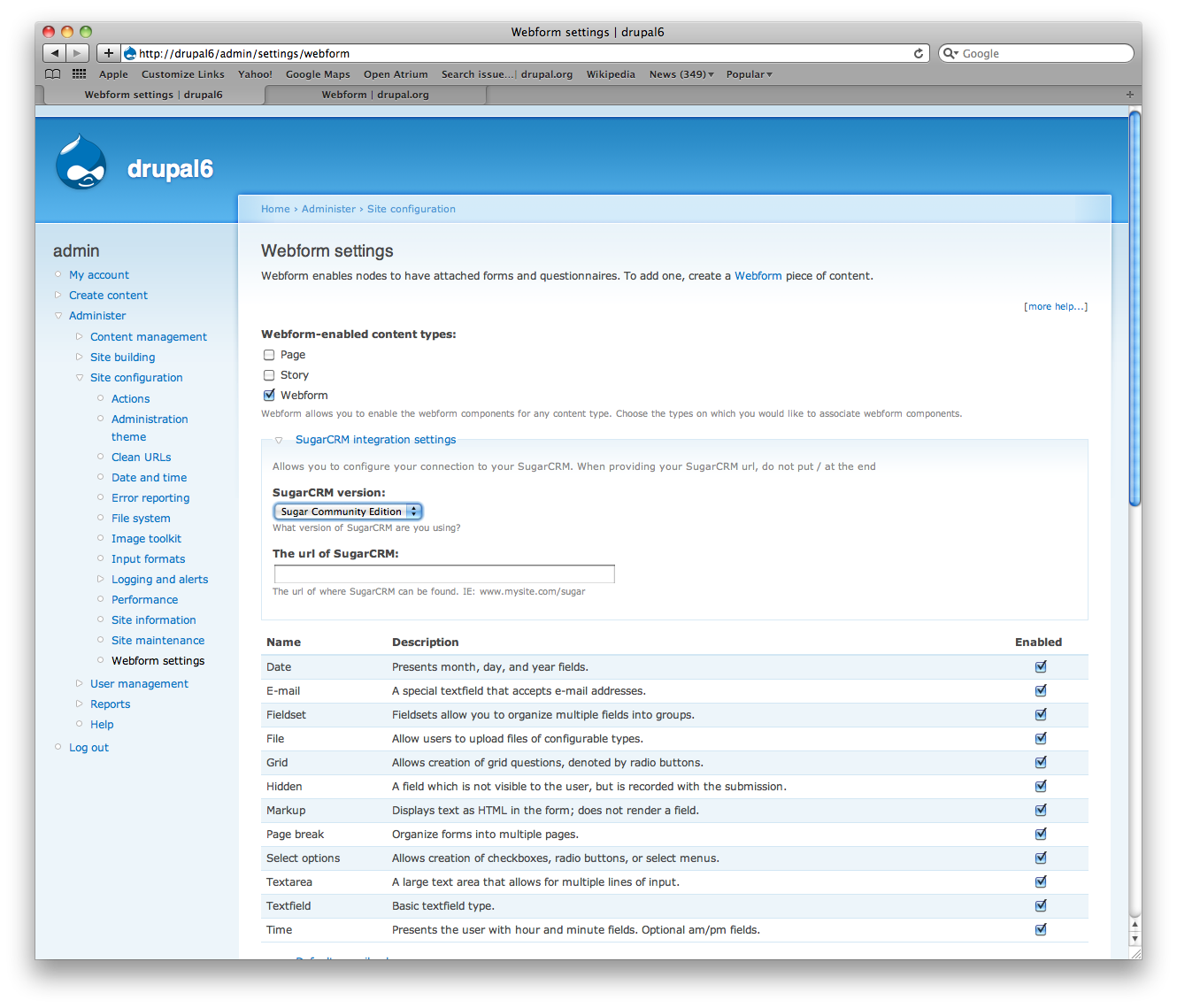
rurri commentedrubenve, thanks for taking a look. Actually, the settings link has moved to :
/admin/settings/webform
Thanks for pointing out that the documentation is outdated. I'll create a separate task for updating the installation docs.
Comment #13
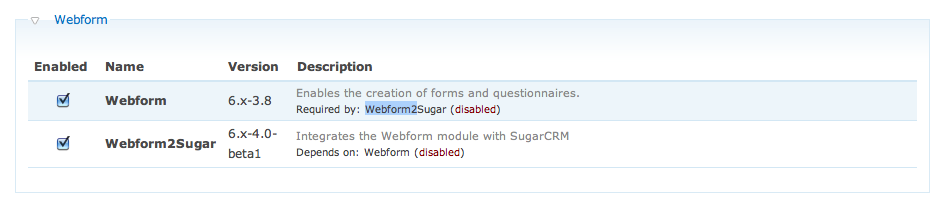
rmcom commentedI am working with webform2sugar-6.x-4.0-beta1 and webform-6.x-3.6.
However, in the Webform3 form, the field to enter the Campaign ID seems to be missing.
Does anybody have a fix?
Comment #14
rurri commentedWill check out the latest webform webform-6.x-3.6. See if I can duplicate.
Comment #15
rurri commentedrmcom,
I have verified that the Campaign ID is able to be entered. To edit this value, edit the webform, and click on the SugarCRM settings tab. You can enter in a different Campaign id for each webform you create.
I have double checked this is all working with a fresh install.
See screenshots.
Let me know if you still cannot find on your install.
Rurri
Comment #16
rmcom commentedrurri,
Thank you very, very much.
For all who had the same issue:
Go to you webform node, click the "webform" tab, then there you will find a sub-tab called "SugarCRM settings". See rurri's screenshots.
I clicked on that and there is the field for the campaign ID!
Thanks again, great work on this module, it's fantastic!