

Closed (works as designed)
Project:
Acquia Marina
Version:
7.x-1.0-rc3
Component:
Code
Priority:
Normal
Category:
Task
Assigned:
Reporter:
Created:
4 Oct 2010 at 22:03 UTC
Updated:
6 Jul 2011 at 14:40 UTC
Jump to comment: Most recent file




Comments
Comment #1
Deepika.chavan commentedHi,
I downloaded Acquia Marina 6.x-3.0-beta1 , Fusion 7.x-0.x-dev. and followed the instructions given here - Converting Drupal 6 Fusion themes to Drupal 7 to make 'Acquia Marina 6.x-3.0-beta1' theme compatible with drupal 7.
When I set Acquia Marina to default
1. Main menus disappeared which are supposed to come above "preface-top-wrapper" as it comes in drupal 6.
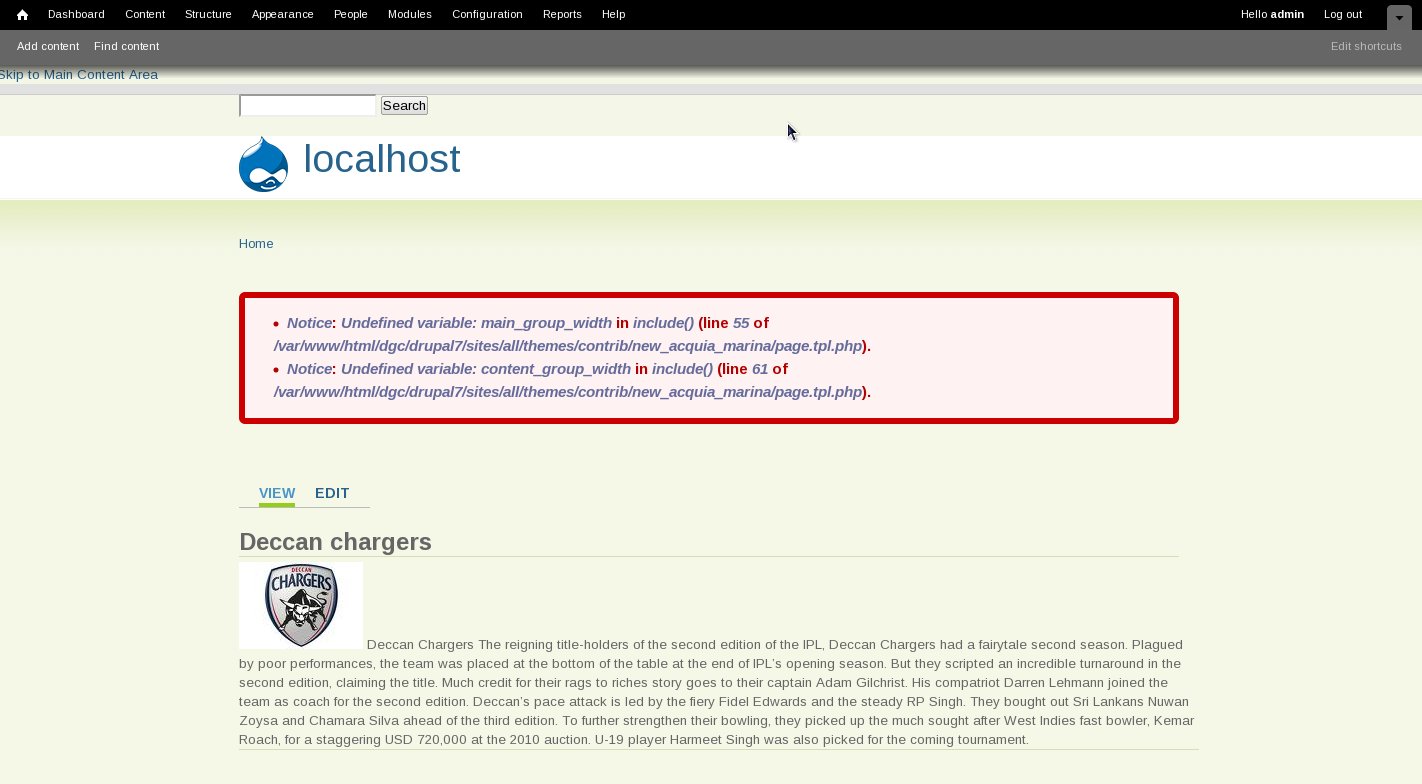
2. Structure of block regions is different you can see the attachment - 'block region demonstration.jpeg' .
3. I also got error message -
Undefined variable: main_group_width in include() (line 55 of /acquia_marina/page.tpl.php).
Undefined variable: content_group_width in include() (line 61 of /acquia_marina/page.tpl.php).
It would be very nice if someone could point me in the right direction to solve the problem.
Thanks!
Comment #2
fabske commentedI would like to set up a Drupal 7 and us Acquia Marina. I hope there will be at least a dev Version soon.
Comment #3
kevroc commentedFollowing this topic also. Love the theme and hope Drupal 7 beta support comes soon.
Comment #4
mccrodp commentedSubscribe
Comment #5
wwwwoicn commented+1
Comment #6
torontoseohelp commentedbump to subscribe
Comment #7
jarush commentedany update to this theme?
thanks...
Comment #8
jeremycaldwell commentedThe Drupal 7 version of Acquia Marina is currently under development and is coming along nicely. We should have a working example to post up soon (although not sure when). But it is under development at the moment.
Comment #9
lammertsm commentedsubscribe
Comment #10
drewkeller commentedsubscribe
Comment #11
sergebw commentedsubscribe
Comment #12
BenK commentedSubscribing
Comment #13
itrain commented+1 Subscribing
Comment #14
marcoka commentedsubscribe
Comment #15
elgandoz commentedsubscribe
Comment #16
juan_g commentedAn Acquia Marina complete release for D7 needs Fusion, which needs Skinr, which needs help with issues and patches.
Comment #17
fivestarstravel commentedsubscribe :)
Comment #18
dngankam commentedHello! I subscribe. Thanks.
Comment #19
drewkeller commentedI took a peek at the code and there actually wasn't as much as I thought there would be. So using my extensive drupal experience (2 weeks :/ ), I made the modifications.
I used skinr 7.x-2.x-dev, fusion 7.x-1.x-dev, and acquia_marina 6.x-3.1, which is pretty much what poster #1 did. Wish they had posted more than just screenshots. The skinr module page says skinr is fairly usable (since November).
It seems to be basically working for me. But like I said, I don't have much drupal experience, so there may be some other things I missed. For instance,
* at first, the main menu tabs were floating because I hadn't renamed their element ids in the css.
* The search-box was removed from fusion, which might mean search stuff can be removed from the css... but I left it in there anyway.
Patch attached. For some reason, I could not attach .zip or tar.gz so I put the project file on my own server: http://www.drewkeller.com/drupal/acquia_marina.tar_.gz
If anyone makes changes, please share.
Note: The patch was made using git instead of cvs. The archive includes the git branch or whatever it's called (I'm more familiar with bzr, but apparently drupal is going towards git.)
Comment #20
itrain commentedTried to download your tar file from your server, downloaded it but when I try to unpack it I get a message saying there si an error with that file. Please attach a new version, I can have a look if it needs any CSS improvements...
Thanks.
Comment #21
basco commentedinstalled a fresh drupal 7, skinr 7.x-2.x-dev, fusion 7.x-1.x-dev, and acquia_marina 6.x-3.1, and then applied the patch from drewkeller with git.
so for so good.
acquia seems to work more or less, got 3 issues so far:
- appearance>>settings gives 2 errors:
Notice: Undefined index: sidebar_second_width in fusion_core_form_system_theme_settings_alter() (line 120 of /home/xxx/domains/xxxx.nl/public_html/sites/all/themes/fusion/fusion_core/theme-settings.php).
Notice: Undefined index: in fusion_core_form_system_theme_settings_alter() (line 120 of /home/xxx/domains/xxxx.nl/public_html/sites/all/themes/fusion/fusion_core/theme-settings.php).
- drop down menus do not work
- css for sidebars is not correct
any ideas anyone?
regards
Comment #22
drewkeller commented@itrain
Looks like the file somehow didn't get fully uploaded before. Please try it again. Thanks for your help.
@basco
The "second sidebar" was changed to "last sidebar" and similar for D7. Looks like I might have missed changing it in at least one place. Or else it could be something in fusion... these errors are actually referencing lines of code in the fusion module. I don't have time to look at it at the moment.
Comment #23
jeremycaldwell commentedHey everyone, the Alpha release of the Drupal 7 port of Acquia Marina is available for download: http://drupal.org/node/1057064
Grab your copy and please file issues with any bugs you find, which I'm sure will be plenty.
Comment #24
stephthegeek commentedComment #25
goody815 commentedComment #26
karingI realize this is a Skinr issue - but it will save anyone who is exploring Acquia Marina on D7 a bit of time so I thought I would post it here:
On D7, Acquia Marina, with Skinr enabled (7.x-2.x-dev): the Apply and Cancel buttons when configuring settings in Views 3 (at the bottom of the overlay) no longer show up. So you can't save your settings; you can't configure anything. Disabling Skinr UI in the list of Modules solves this instantly. So I'm back at using Acquia Marina w/o Skinr UI on D7 for the time being.
-- Karin
Comment #27
goody815 commentedHi Karin,
Yeah. Skinr is under heavy development still. Thanks for posting this. It's good to layout all the obstacles.
Comment #28
goody815 commentedKarinG,
this issue appears to be fixed. I've attached a screenshot of a D7 site with
-views 7.x-3.0-beta3
-fusion 7.x-1.0-alpha1
-skinr 7.x-2.x-dev
-acquia marina 7.x-1.x-dev (downloaded 5/25)
please re-open if you are still experiencing this issue after downloading the latest releases of these modules and themes.
Comment #29
karingThanks for looking into this. I just triple checked and I do have all of the above themes and modules but am still seeing no buttons in Views (attached snapshot) IF I select skinr UI from the list of modules. Without skinr UI selected -> I do get the Apply and Cancel buttons in Views.
Comment #30
goody815 commentedKarinG,
my apologies, upon reviewing this with others it seems that views support was removed from skinr. it looks like there are discussion about it here http://drupal.org/node/1149726. sorry for the confusion.
Comment #31
karingNo worries - whatsoever. Thanks for pointing me to http://drupal.org/node/1149726 -- Karin
Comment #32
richH commentedHi,
I've installed all the latest (25/5) releases of the acquia marina , skinr and fusion but don't have any nice rounded corners etc when I activate it using the skinr configuration.
Acquia Marina 7.x-1.0-rc1
Fusion Core 7.x-1.x-dev
skinr 7.x-2.x-dev
But I've looked at the file "fusion-acquia-marina-style.css" and this doesn't contain any of the required settings which are included in the version for D6. Also, all the images are missing (e.g. rounded-corner-left-right.png).
Maybe this is intentional because everything is in development. I munged in the images/ and css/ folders from the D6 release and now get headers and some backgrounds but not the rounded bottoms.
So the html code seems to be missing for the bottom of the rounded boxes. For example, on the demo site (http://acquiamarina.fusiondrupalthemes.com/) I can find the html code div class="corner-bottom", but on my site this doesn't exist on the block (e.g. navigation menu) so it's not looking all nice.
thanks for the help
Rich
Comment #33
goody815 commentedHi richH,
we are not using images for rounded corners. we took the lead from Bartik, Drupal 7's core theme, and are using CSS3 rounded corners. However, you should have rounded corners present in the latest releases. I noticed you posted in skinr that you couldn't apply skins. Is this still the case? Do you have a live link I can peek at to see what might be the issue?
Thanks,
chad
Comment #34
juan_g commentedBrowser versions supporting CSS3 rounded corners (border-radius):
See also: Experimental CSS compatibility table
Comment #35
richH commentedHi Goody815,
tonight I reinstalled every thing to be on the safe side and to counter my own stupidity. I put in the latest version of D7 and then installed skinr, fusion and acquia marina. I've left it at that to make sure nothings contaminated.
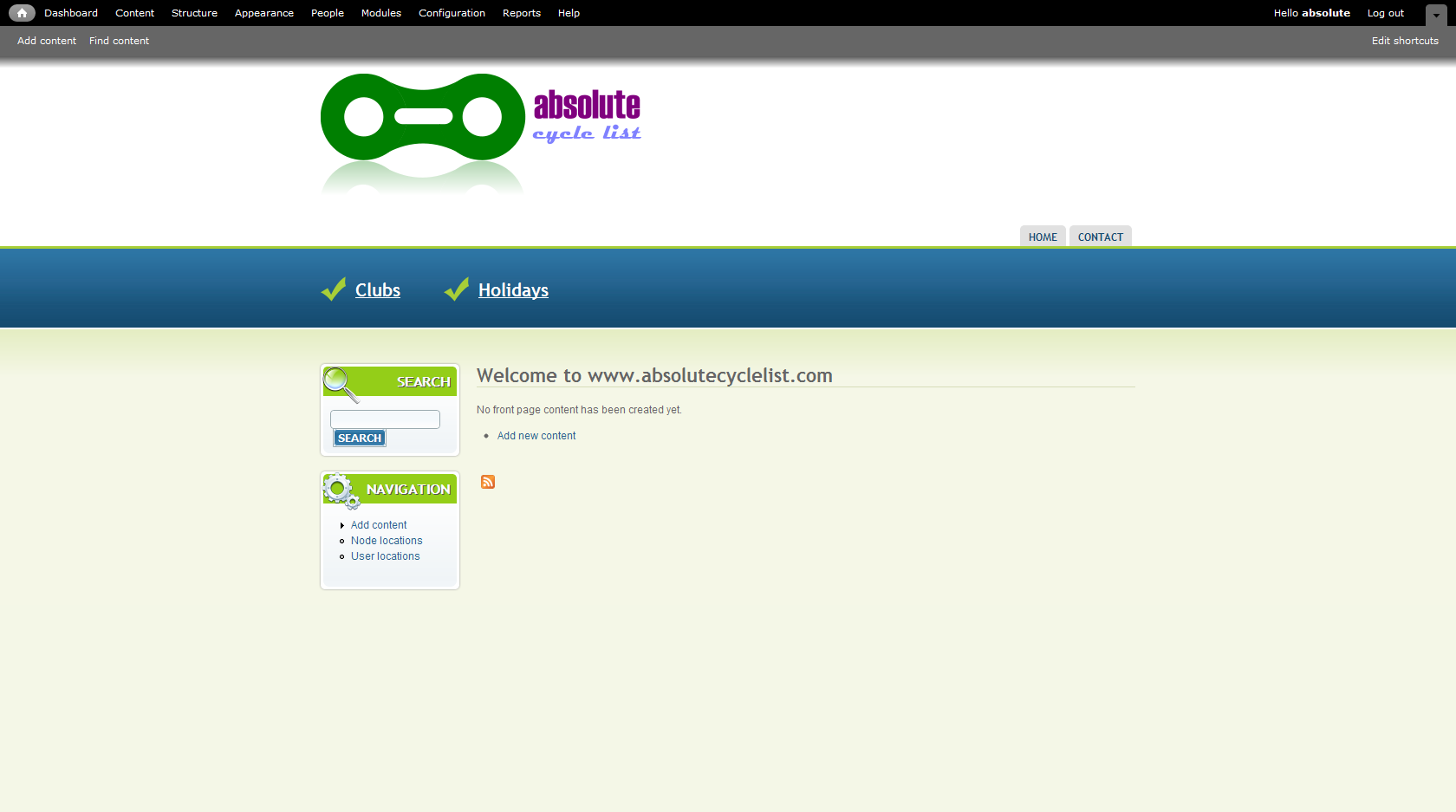
I've then configured the navigation block (click on cog --> edit skin) and set the general styles to "rounded corners" and also block titles to green rounded corners (see screen shot).
But nuffink! I'm going to try to install D6 as well on a sub-domain but this is a little more effort that D7 (which is excellent!)
Anyway, I've created an admin account on www.d7.absolutecyclelist.com called "drupal" with the password "onetime". I can't think what I'm doing wrong but can't believe this is a code problem because so many people must be using this already. But I was surprised that the CSS file and images/ seemed to be missing some files.
Thanks for all your help
Rich
Comment #36
sheila8stamp commentedI've done the same and despite setting rounded corners in the block I can't get them to appear either.
Comment #37
jeffwidman commentedsub
Comment #38
goody815 commentedRichH and seila8stamp,
when you re-installed the latest skinr, did you follow their update instructions. I know you have to uninstall it completely according to the project page before updating.
Comment #39
richH commentedHi,
I nuked the complete site before installing. There were not files and no Db before starting so it was all fresh. The www.d7.absolutecyclelist.com is as pure as it comes. Sorry...
Rich
Comment #40
sheila8stamp commentedHi Chad
I also started from scratch.
However today I installed the latest version of Acquia Marina (rc3) and the latest dev version of Skinr and now can get it to work - mostly.
I can get blue or green text headings but I can't get them with rounded top corners. Everything else I need is now working.
Thanks for looking into this!
Sheila
Comment #41
goody815 commentedhi sheila8stamp,
can you post a live link to your site. the rounded top corners should be there on the rc3 version.
Comment #42
richH commentedHi,
Acquia Marina is now looking really great for D7. I've got a site installed in D6 but would like to have it in D7 so am slowly trying to get the look & feel sorted out.
One small thing is different between D6 and D7 which I don't want to have to fix with CSS because I feel this is part of drupal.
When I put a menu into preface top, and remove the title using I still have space above the menu where the title would be. Because the title can be switched off with I think that this space should disappear.
I've looked at the CSS and tried to compare it to the D6 site, but it's quite different so I'm afraid I got stuck. Maybe this is a fusion issue?
Thanks
Rich
Comment #43
goody815 commentedrichH,
you can add this to your local.css
#preface-top-outer {
padding-top: 0;
}
that should tighten up that extra space above when the title is removed.
Let me know if this works for you.
Chad
Comment #44
richH commentedHi Chad,
this works fine. thanks for that. But in the D6 version setting <none> ensures that this space is removed. In D7 the CSS is required. Is this by design?
thanks for all the work and support
Rich
Comment #45
goody815 commentedrichH,
let me dig into this one a bit more.
Comment #46
goody815 commentedrichH,
How are you removing the title from the block? Are you setting the title to ? This should remove any extra spacing from where the h2 tag was.
Comment #47
richH commentedHi,
I just installed the D7 version the other day, and removed the padding as you said using CSS. I don't think setting just <none>> removed it. To be honest, I've been using D6 because a number of modules (such as Ad) don't work yet in D7 which is a real pain.
But the D7 version of Acquia Marina did everything I wanted it to or has been raised as an issue.
Thanks for all the hard work.
Rich
Comment #48
goody815 commentedglad to help Rich,
I'm going to close this issue...as it was originally a post about when D7 Acquia Marina was coming out.