No code - no problem!
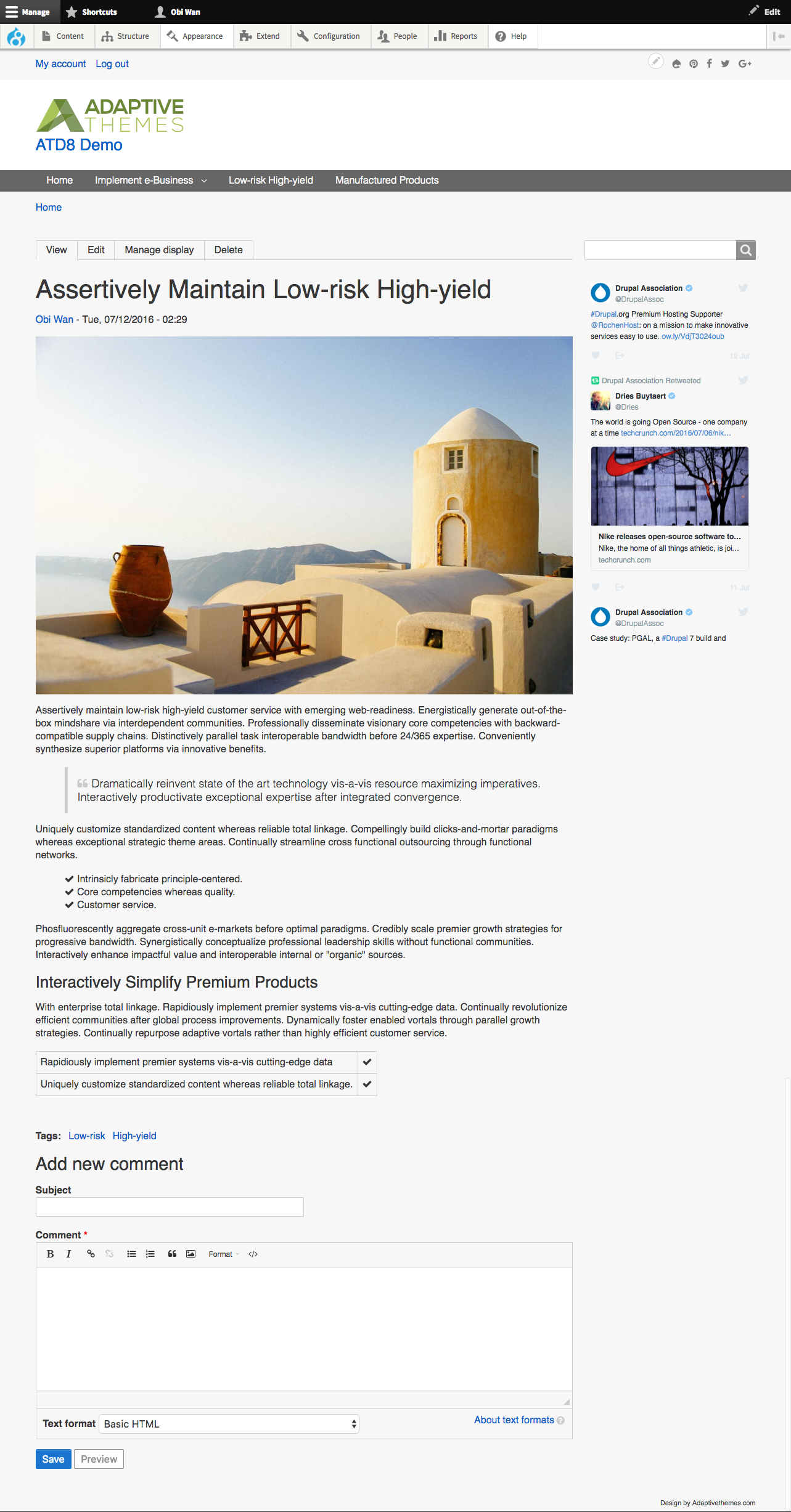
Adaptivetheme for Drupal 8 is a base theme designed for people who don’t code, or for those who only want to write a bit of CSS but still want a sleek and sophisticated theme for todays mobile web - and beyond.
Use the AT Generator module (included in AT Tool) to generate unlimited themes, clones of themes, and even skin themes. You never interact with Adaptivetheme (at_core) directly, it simply provides the advanced features used by your sub-themes.
- Theme generator using AT Tool module.
- Generate page suggestions and modify page layout.
- Set column layout per breakpoint (and per suggestions).
- Re-order row layouts per breakpoint (and per suggestions).
- Uses Flexbox.
- Easily create new regions, rows and layouts.
- Breakpoint module support.
- Responsive layouts for Display Suite, Paragraphs and Panels.
- Web fonts, support for Google, Typekit and local fonts
- Responsive menus - 8 different menu styles built in.
- Responsive local tasks, pagers, tables, book navigation etc.
- CSS shortcodes.
- CSS Animations.
- Slideshows and carousels built in (flexslider) with configurable settings.
- Image field positioning & captions.
- Touch icon support for iOS - default set included.
- Hide or show blocks in mobile
- Color module support (optional).
- FontAwesome.
- Many JS plugins included - all loaded from the super-fast Cloudflare CDN.
- ... and a lot more!
Docs: D8/9 - Documentation for Adaptive Theme by Bart Lambert
Dependencies: AT Tool module
Versions: Important reading for upgrades and versions of D8/9 Adaptivetheme and the AT Tool module
Versions
Match version for version, e.g if your sub-theme was generated on 8.x-2.x stick with the 8.x-2.x branch. Both the 2.x and 3.x branches will be maintained, and over time the 3.x branch is likely to diverge from the 2.x branch as Drupal 8 evolves.
Installation
- Download and place in the /themes/ directory.
- Download the AT Tool module, place in the /modules/ directory and enable both the AT Tool module and AT Theme Generator sub-module.
- Goto
~/admin/appearance/at_generate(click Appearance tab, then AT Theme Generator). - Create your new sub-theme.
- Goto the List page and enable you new sub-theme.
Please view the documentation for more about using and theming with Adaptivetheme.
ATD8/9 For Coders
There is absolutely no requirement to write code or even copy/paste/search/replace to build themes with ATD8, those days are gone (machines do it better), but if you really want to...
ATD8 is built using modern front end dev tools such as SASS and Grunt. It includes an extensive UIKit built with SASS and uses Susy2 for layout, Compass vertical rhythm and Modular Scale. Browser prefixes are applied using PostCSS. A .csslintrc file is included. Useful task-runners are setup and ready to go in the Gruntfile.
Please refer to the README files in the UIKit - please see this issue regarding the recent change from Ruby Sass to Libsass / Bundler to Bower.
Documentation
Here is the updated documentation. Many thanks to Bart Lambert for putting this together.
Here is archived documentation for the Drupal 7 version, if anyone is interested
| Attachment | Size |
|---|---|
| browserstack.png | 18.27 KB |
| Documentation for Adaptive Theme | 410.42 KB |
Project information
 11,216 sites report using this theme
- Created by Jeff Burnz on , updated
 Stable releases for this project are covered by the security advisory policy.
Look for the shield icon below.
Releases
released 24 April 2024
Development version: 8.x-5.x-dev updated 24 Apr 2024 at 10:44 UTC