

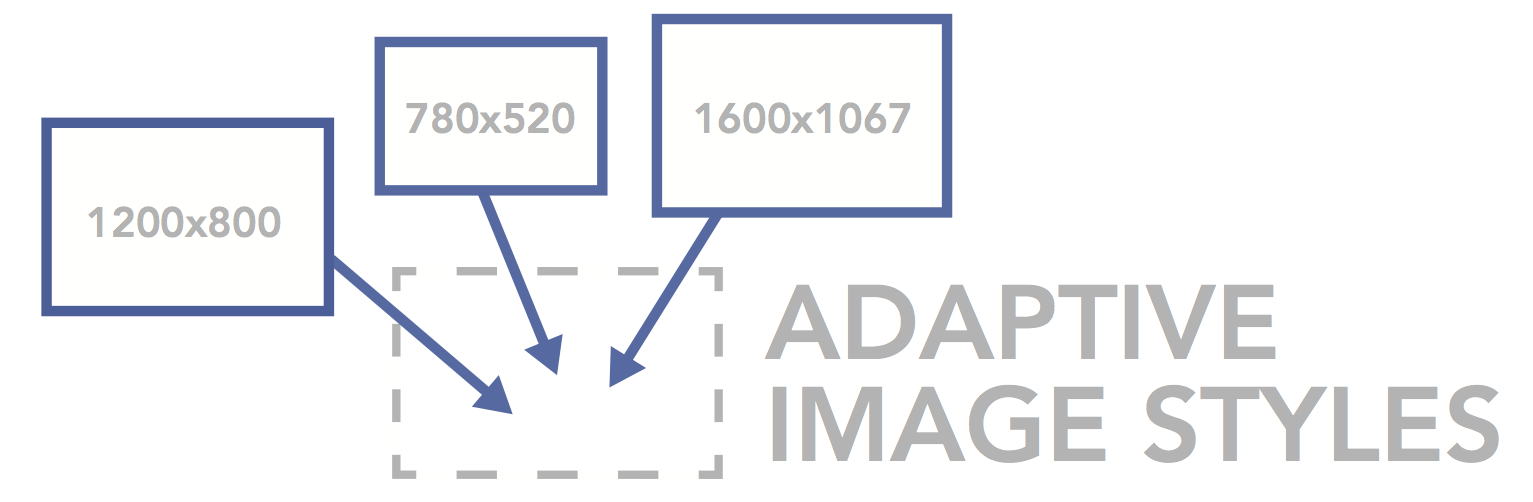
Adaptive Image Styles
Status
As of version 1.5, AIS works with Drupal 7.20 or better.
Description
This module allows any image to be adaptive simply by setting it to be rendered with the 'adaptive' image style. This module also integrates with the Media module, and adds an adaptive option selectable from the media displays.
This module also works with inline images and WYSIWYG making it almost trivial to add adaptive image support to your existing site.
Which image styles are used to generate the adapted images is also configurable.
The adaptive image styles module offers an easy way to make any images adaptive. Since this module intergrates with Image Styles in Drupal core, the images are resized server-side and you can use your existing image styles as target sizes/styles to be adapted to.
Simply choosing to display the image with the "adaptive" image style with make the image adapt to the clients window width. The Adaptive Image Styles administration page provides an interface for choosing which image styles are using to generate the adapted images and set the threshold for when they are chosen. The threshold refers to browser window width.
Example:
If there are three image style selected, with thresholds of 480, 768, and 992. If the window width is from 0 - 480 pixels, the adaptive image will be displayed using the image style with a threshold of 480. From 481 - 768, the 768 image style will be used, and any wider than 769, the image style with the threshold of 992 will be used.
This module is inspired by the methods used by Adaptive Images to make images adaptive without requiring markup changes. The goal of this module is be able to insert adaptive images with the Media module pop-up.
What is an adaptive image and why would you want them?
Deliver small images to small devices
Adaptive Images detects your visitor's screen size and automatically creates, caches, and delivers device appropriate re-scaled versions of your web page's embeded HTML images. No mark-up changes needed. It is intended for use with Responsive Designs and to be combined with Fluid Image techniques.
Why? Because your site is being increasingly viewed on smaller, slower, low bandwidth devices. On those devices your desktop-centric images load slowly, cause UI lag, and cost you and your visitors un-necessary bandwidth and money. Adaptive Images fixes that.
from http://adaptive-images.com/
Articles
- Creating Responsive Image Slider Galleries with Adaptive Images with Drupal 7
- Adaptive Images and Drupal 7
- Adaptively Displaying Images Inline Drupal 7
Similar modules
There are now several modules that provide adaptive images support in Drupal. Each one works in a different way and therefore offers a different set of features. The comparisons with this modules usually go like this:
The advantages of the others are:
- No htaccess modification required, so no dependency on running Apache.
- Multiple set of adaptive profiles
The advantages of the AIS module are:
- Few requirements and no external libraries
- Integration with the Media module
- Integration with the WYSIWYG module
- Integration with inline images.
- Can easily make existing images adaptive simply by changing the image style they're rendered with
- Ability to choose which images are adaptive on an image by image basis.
Compatibility
This module is created for Drupal 7.
Caveats
AIS works using an htaccess rewrite rule when using Apache or web server configuration when using NginX.
If a client has JavaScript disabled, the original image will be displayed.
Installation
- Enable the module
- Patch Drupal's .htaccess file
- Correctly configure the RewriteBase in Drupal's .htaccess file
- Display your images and media with the 'adaptive' image style
- Configure which images styles are used by AIS
To patch Drupal's htaccess file with patch, run the following from your Drupal root:
$ patch < sites/all/modules/ais/ais.htaccess.patch
To patch Drupal's htaccess file manually:
Add following:
# AIS: Adaptive Image Style
  RewriteBase /
  RewriteCond %{REQUEST_URI} ^(.+)/files/styles/adaptive/(.+)$
  RewriteCond %{REQUEST_URI} !/modules/image/sample.png
  RewriteCond %{HTTP_COOKIE} ais=([a-z0-9_-]+)
  RewriteRule ^(.+)/files/styles/adaptive/(.+)$ $1/files/styles/%1/$2 [R=302,L]
Into the .htaccess file before the following lines:
  # Pass all requests not referring directly to files in the filesystem to
  # index.php. Clean URLs are handled in drupal_environment_initialize().
  RewriteCond %{REQUEST_FILENAME} !-f
  RewriteCond %{REQUEST_FILENAME} !-d
  RewriteCond %{REQUEST_URI} !=/favicon.ico
  RewriteRule ^ index.php [L]
NOTE: You must set the RewriteBase correctly. If Drupal is at the root of your domain, it should be set to "RewriteBase /". If Drupal is in a directory (like http://www.example.com/mydirectory), it must be set to "RewriteBase /mydirectory".
Running AIS on NginX
The following NginX configuration should work with AIS.
location ~* /(?:.+)/files/styles/adaptive/(?:.+)$ {
  if ( $http_cookie ~* "ais=(?<ais_cookie>[a-z0-9-_]+)" ) {
    rewrite ^/(.+)/files/styles/adaptive/(.+)$ /$1/files/styles/$ais_cookie/$2 last;
  }
  access_log off;
  add_header X-Header "AIS Generator 1.0";
  set $nocache_details "Skip";
  try_files  $uri @drupal;
}
Troubleshooting AIS
If editing the .htaccess on a windows machine, set the file format to UNIX.
Contributing to AIS
If you want to contribute to AIS, here are the todos Multi-style set AIS (The 7.x-1.x-multistyle branch):
- Add admin form validation
- Add Javascript multi-styleset support
- Change style selection as discussed
- Add the htaccess script checker (in hook_requiments)
- Add debounce support to the javascript the resize callback
- Update module page documentation
- Update readme documentation
- Remove and update examples
- Write updated nginx rules
Professional Support
If you're stuck in the issue queue or need one-on-one help with this module you can book a time slot to discuss the issue with a developer. The help is free if it's resolved issue in the half hour time slot. For extended support you can request a quote at http://coldfrontlabs.ca/contact. Be sure to select "Support" as the subject.
Created and maintained by David Pascoe-Deslauriers (spotzero)
Sponsored by Coldfront Labs Inc.
Project information
 Minimally maintained
Maintainers monitor issues, but fast responses are not guaranteed.- Maintenance fixes only
Considered feature-complete by its maintainers.  523 sites report using this module
- Created by spotzero on , updated
 Stable releases for this project are covered by the security advisory policy.
There are currently no supported stable releases.


